Master Photoshop For Photography In Just 21 Days
Following a proven system to unlock more creative potential in your images 8.6x faster than most photographers
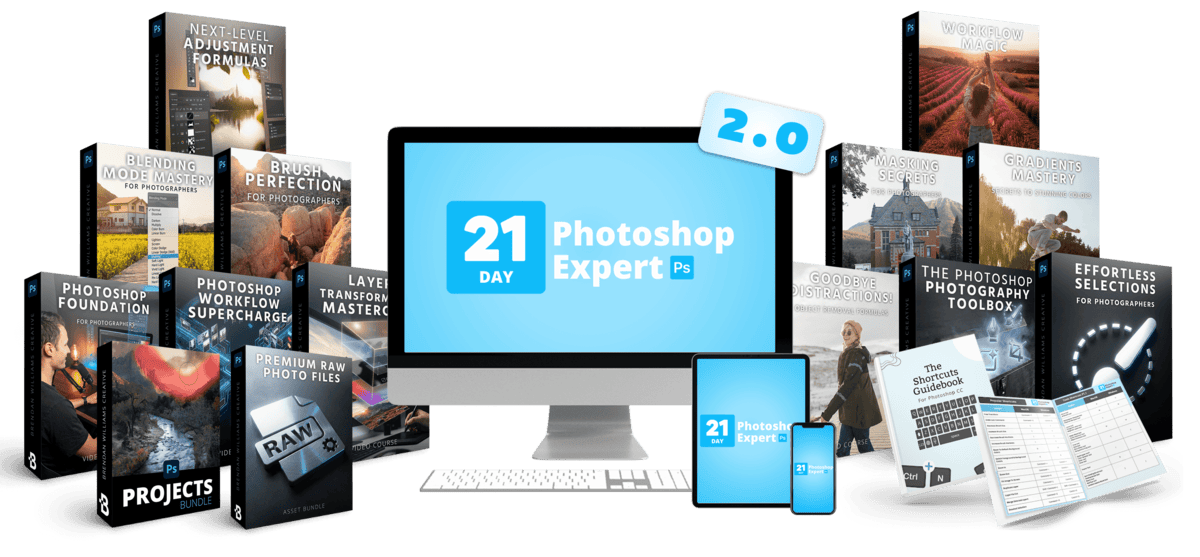
 52,000+ Students Use My Tools and Trainings!
 - Master Photoshop For Photography In Just 21 Days (Not 6+ Months)
- Upgrade Your Workflow From Lightroom or Camera Raw
- Bring Your Images To New Heights With Industry Leading Tools
- Say Goodbye To The "Youtube Tutorial Vortex"
- Go-Your-Own Pace + Lifetime Access






Do You Feel Like There's More Potential For Your Favorite Images?
You see inspiring images constantly, yet when you try to recreate a certain style for yourself, the edits just fall flat.
It's at this point most photographers realize there's more to the story than just Lightroom or Camera Raw.
They realize that the most compelling and memorable images aren't just relying on the basic sliders and masks.
They're relying on Photoshop.
You Taught Yourself Lightroom, but Photoshop Is A Different Beast
All that time spent tinkering with sliders and masks just doesn't translate. Suddenly there are layers, brushes, dozens of tools and hidden panels.
You spend hours on YouTube trying to learn different Photoshop techniques, but it just doesn't seem to stick.
You have a busy life… and spending months trying to unlock the potential of Photoshop is a tall task.
But you're determined to make your images stand out, have a greater impact on those you share them with, and maybe even generate extra cash by selling prints.
So you keep up the grind of DIY Photoshop learning and just hope it all comes together.
But What If You Could Get Those Results 8.6x Faster Than Most Photographers?
In a survey from my audience more than 50% of photographers said it took them 6–12 months to master Photoshop.
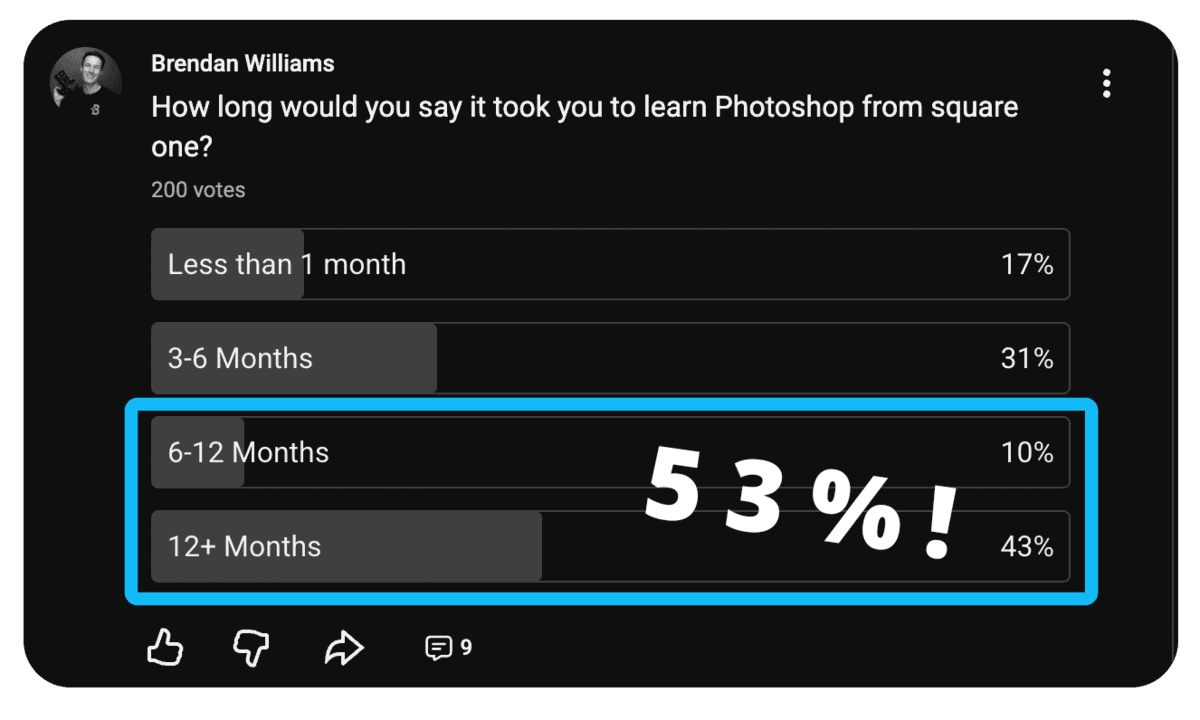
Yet people in my 21 Day Photoshop Expert were able to do the same in a matter of weeks.
Skipping past the months of exhausting guess work and trial and error.
Instead being able to share more meaningful, captivating, and unique images that they just couldn't replicate with other tools.
How?
By following a system I've distilled and refined over 10+ years of shooting professionally that anyone can follow to master Photoshop.
And now that system has been overhauled and refined for the latest era of Photoshop. Showing you the most up-to-date workflows, techniques, and tools to bring your photography to new levels.
21 Day Photoshop Expert 2.0
Master Photo Editing In Photoshop
12 Masterclasses | 89 Guided Tutorials | 54 Follow-Along Projects | 60+ Cheat Sheets | 5 Quizzes | 59 RAW Files
"Learning" Photoshop usually means piecing together tips from hundreds of different YouTube videos. You end up with a bunch of disconnected techniques, but no idea how they work together.
This is why I created this masterclass bundle with a ground up approach.
Giving you layered information that takes you from basics → expert knowledge without any unnecessary steps. With each lesson building on the skills of the previous.
This Masterclass Bundle Helps You:
- Learn reliable processes to speed up your photo editing.
- Go from basic → expert Photoshop knowledge without any unnecessary steps.
- See how to use the skills you already have more professionally.
- Turn disconnected tools and techniques into seamless workflows.
- Escape the "Youtube tutorial vortex" that leaves you with more questions than answers.
- Unlock new potential in your images using Photoshop's industry-leading tools.
90-Day Money Back Guarantee | Lifetime Access
12 Masterclasses, built to compound
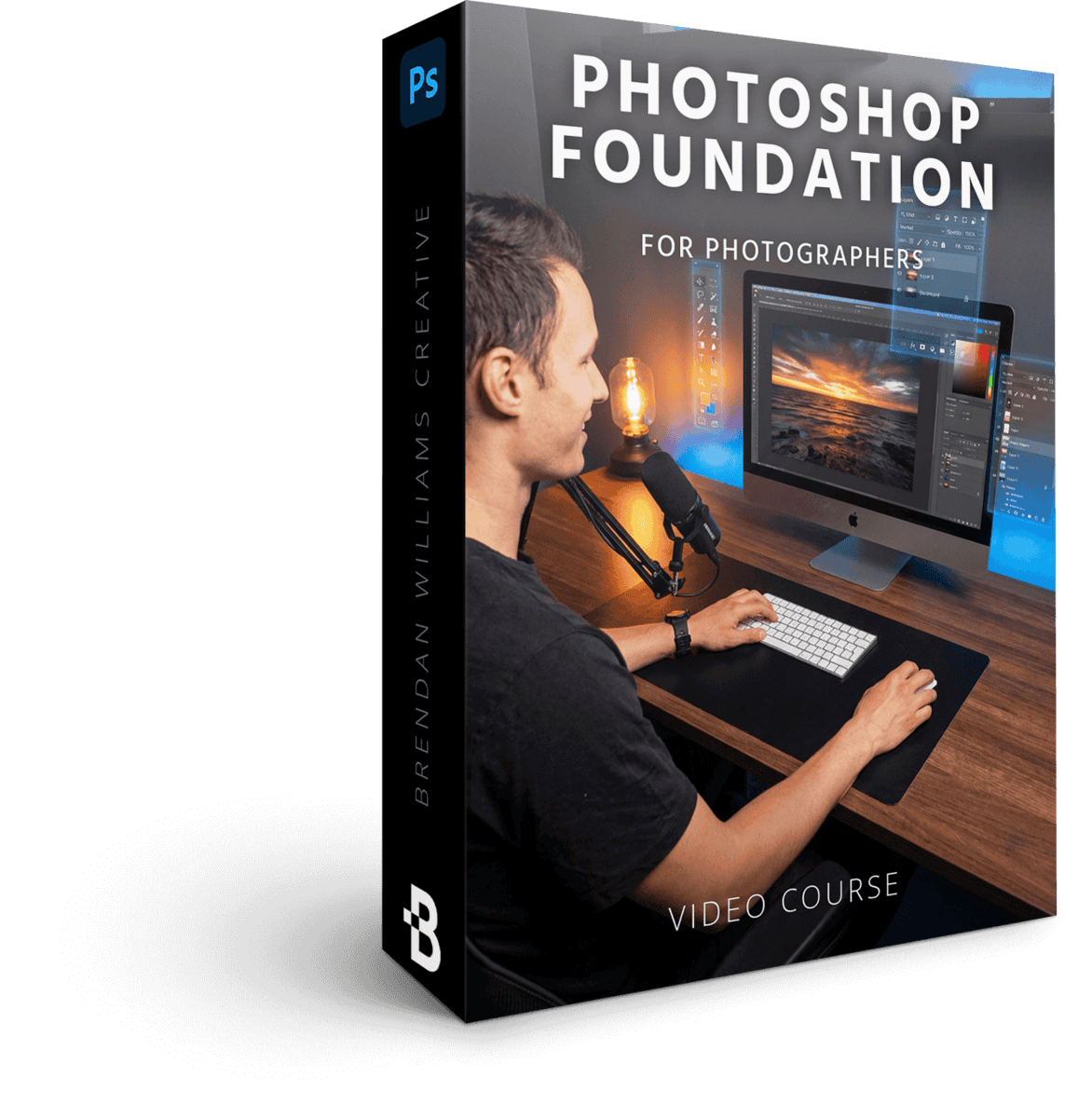
Photoshop Foundations For Photographers
8 Lessons | 69 Minutes
$97 Value · Included
Get up and running in Photoshop as fast as possible, regardless of prior experience. This masterclass focuses on the core workspaces, panels, document settings, and more that are crucial for a photographer's success.
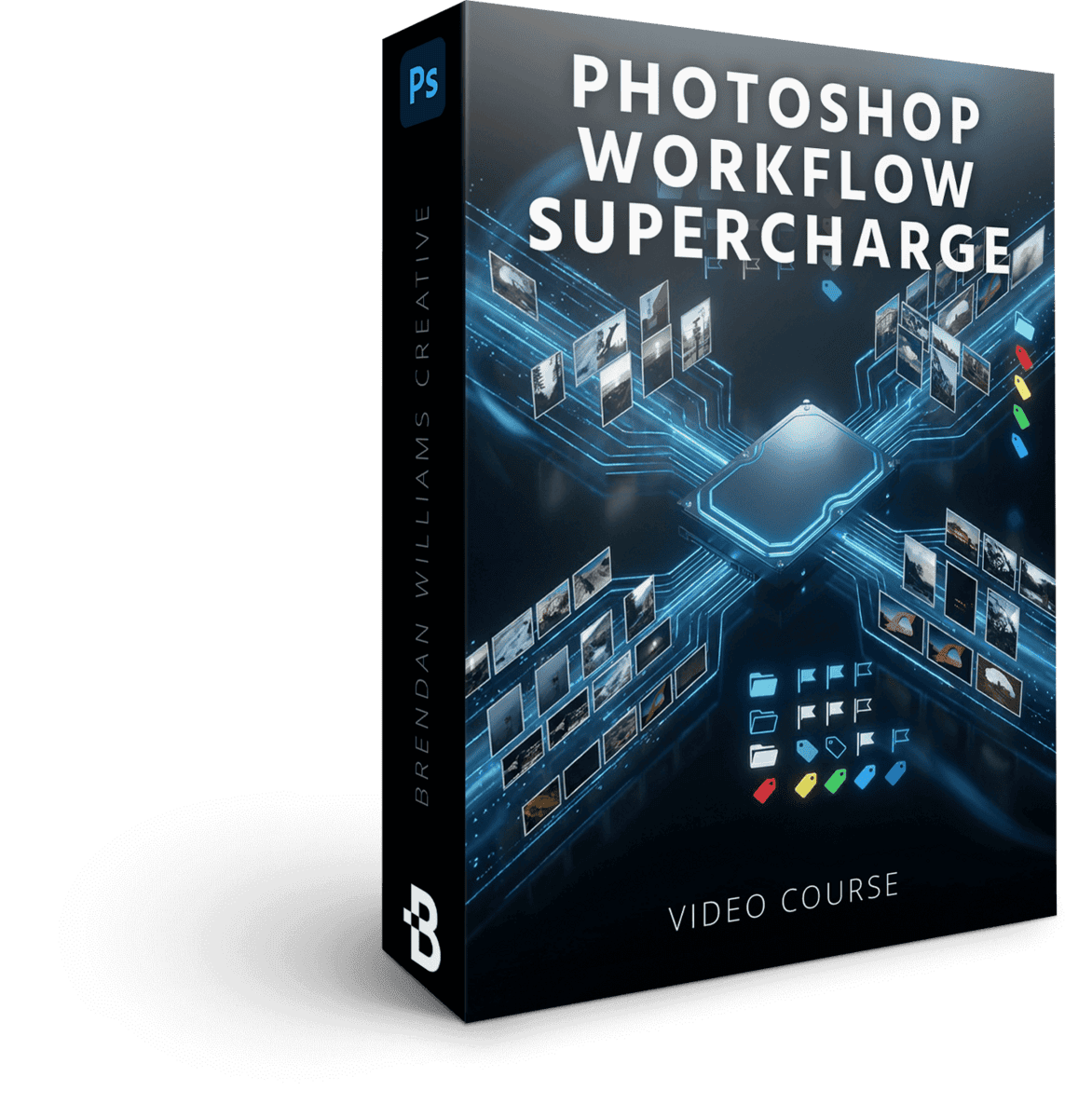
Photo Workflow Supercharge
9 Lessons | 88 Minutes
$147 Value · Included
Learn the secrets to saving HOURS of time organizing images before editing, quickly finding the best photos from a batch and working seamlessly between Lightroom or Bridge + Photoshop.
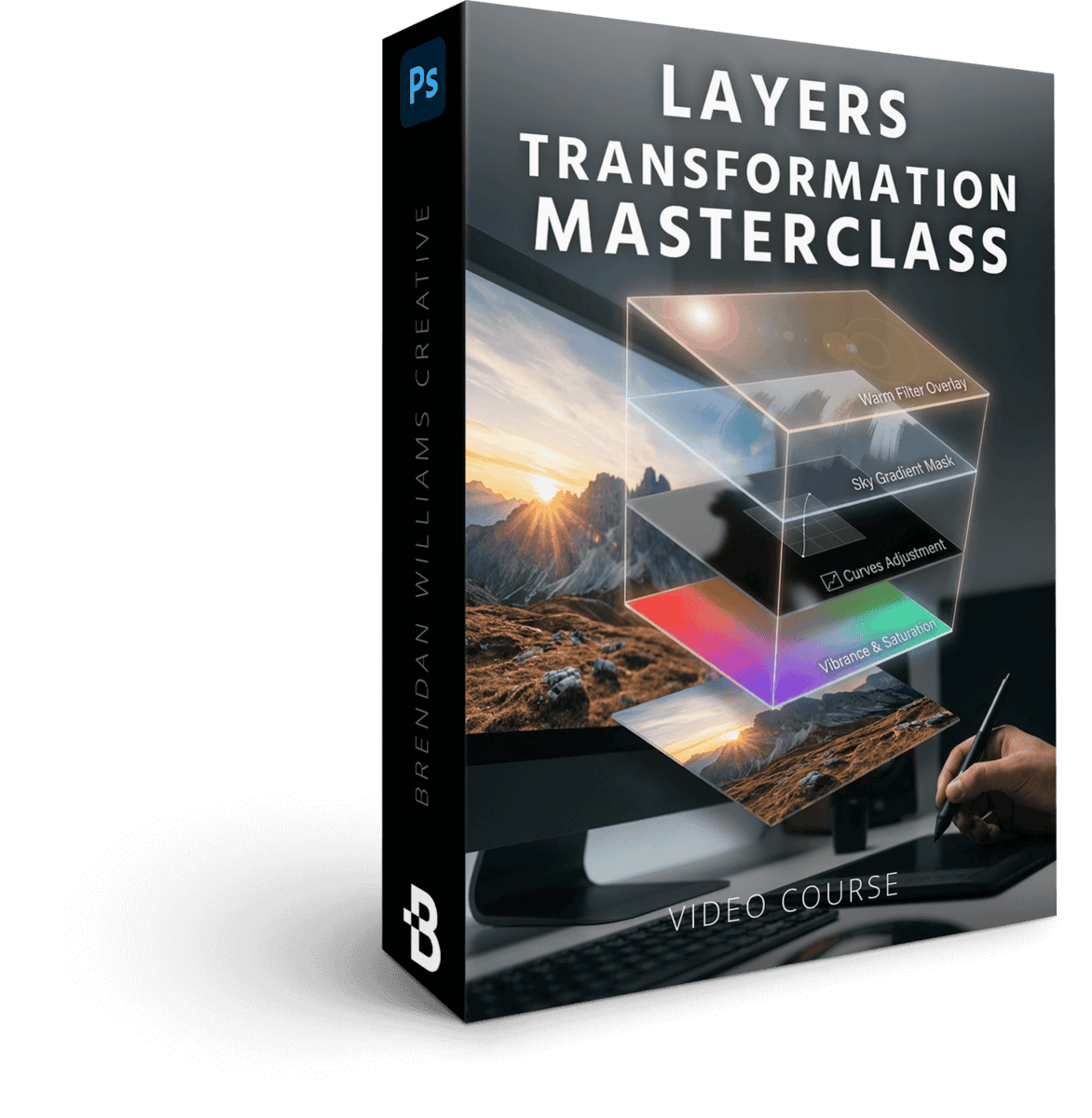
The Layers Transformation Masterclass
6 Lessons | 63 Minutes
$147 Value · Included
Master the art of layer-based editing for unmatched control over every tweak and refinement in your project. This is the secret sauce to unlocking limitless creative freedom in your editing.
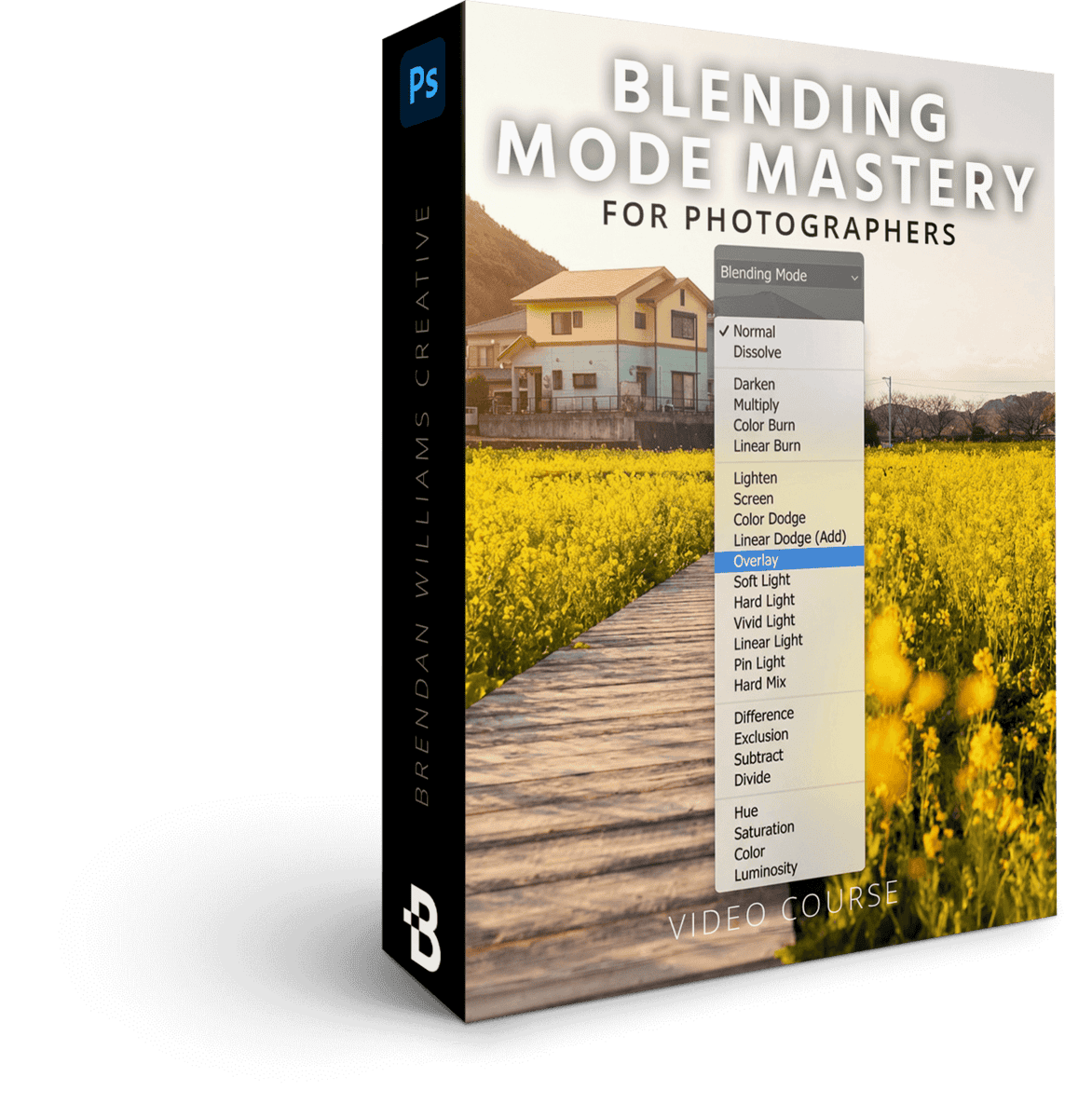
Blending Mode Mastery For Photographers
4 Lessons | 36 Minutes
$79 Value · Included
Unlock a simple framework to master blending modes and take your adjustments from amateur to professionally refined. These lessons will transform how you think about color and exposure edits forever.
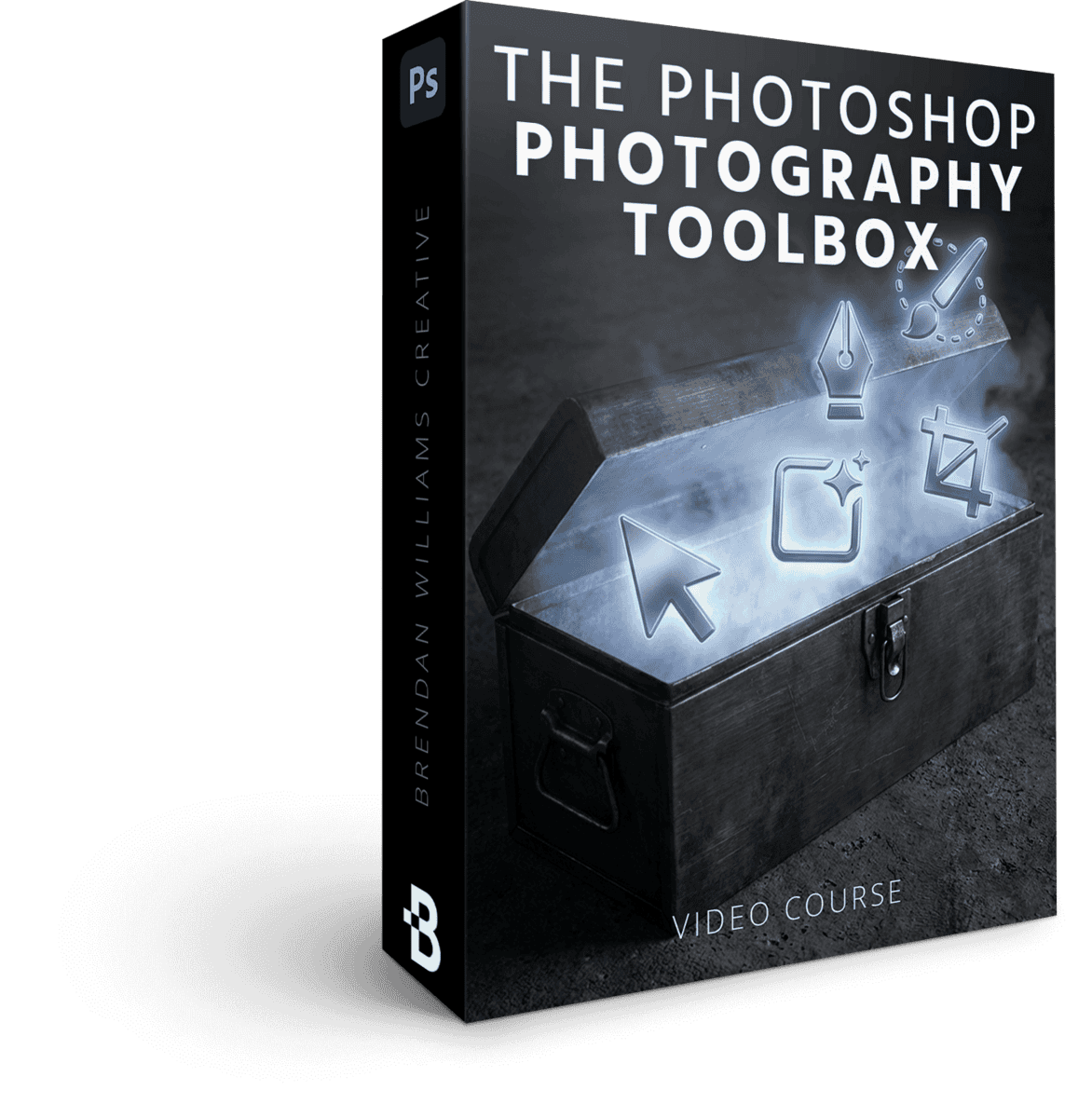
The Photographer's Photoshop Toolbox
5 Lessons | 64 Minutes
$147 Value · Included
Learn exactly which tools matter in Photoshop to distinguish signal from noise. Once you master each tool in this toolbox, you'll work faster and more creatively in every project going forward.
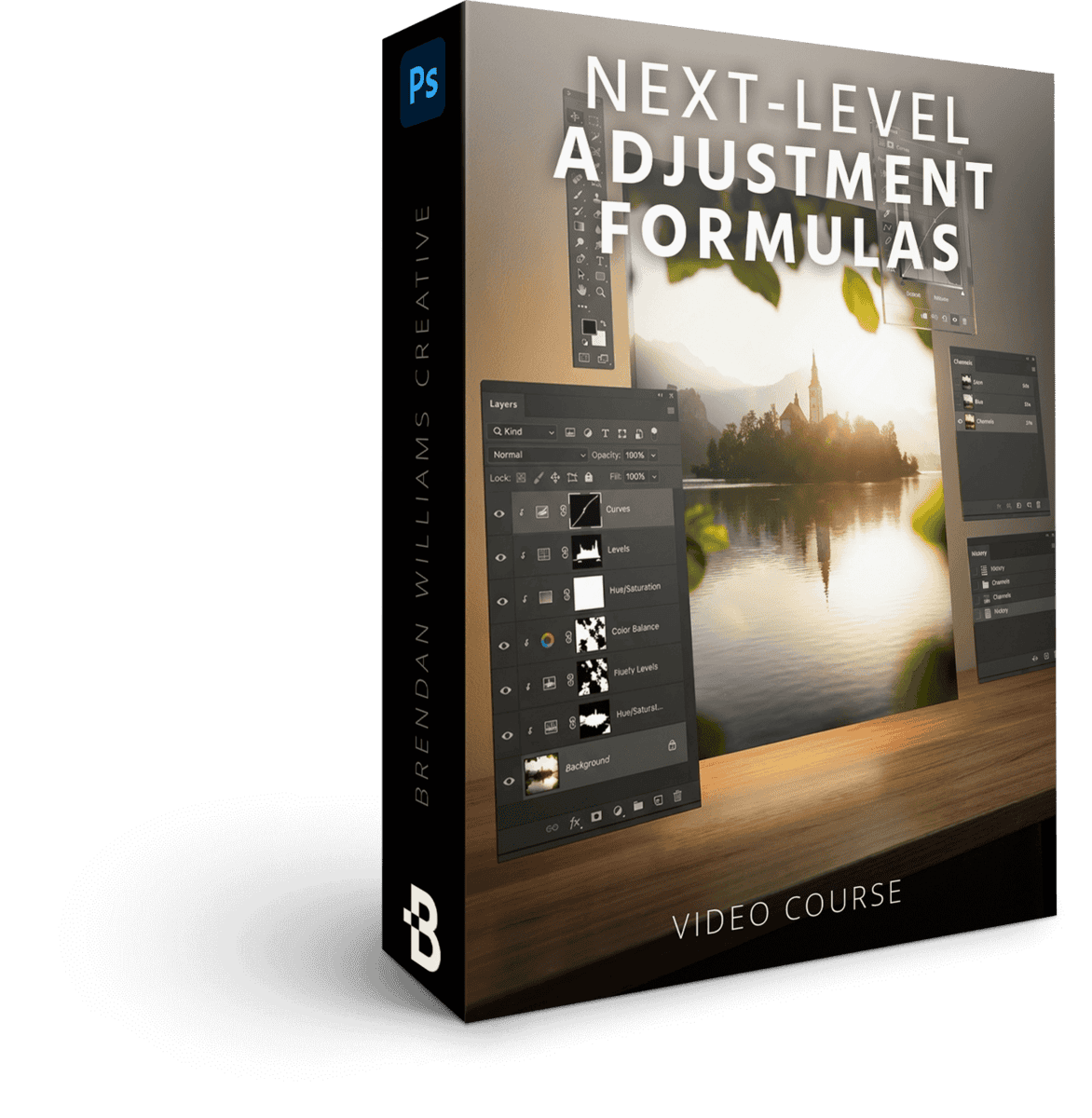
Next-Level Adjustment Formulas
11 Lessons | 88 Minutes
$179 Value · Included
Say goodbye to editing limitations and unlock a new world of color and contrast potential. A nuanced look at each crucial adjustment layer for photographers and how to use them for wow-factor editing.
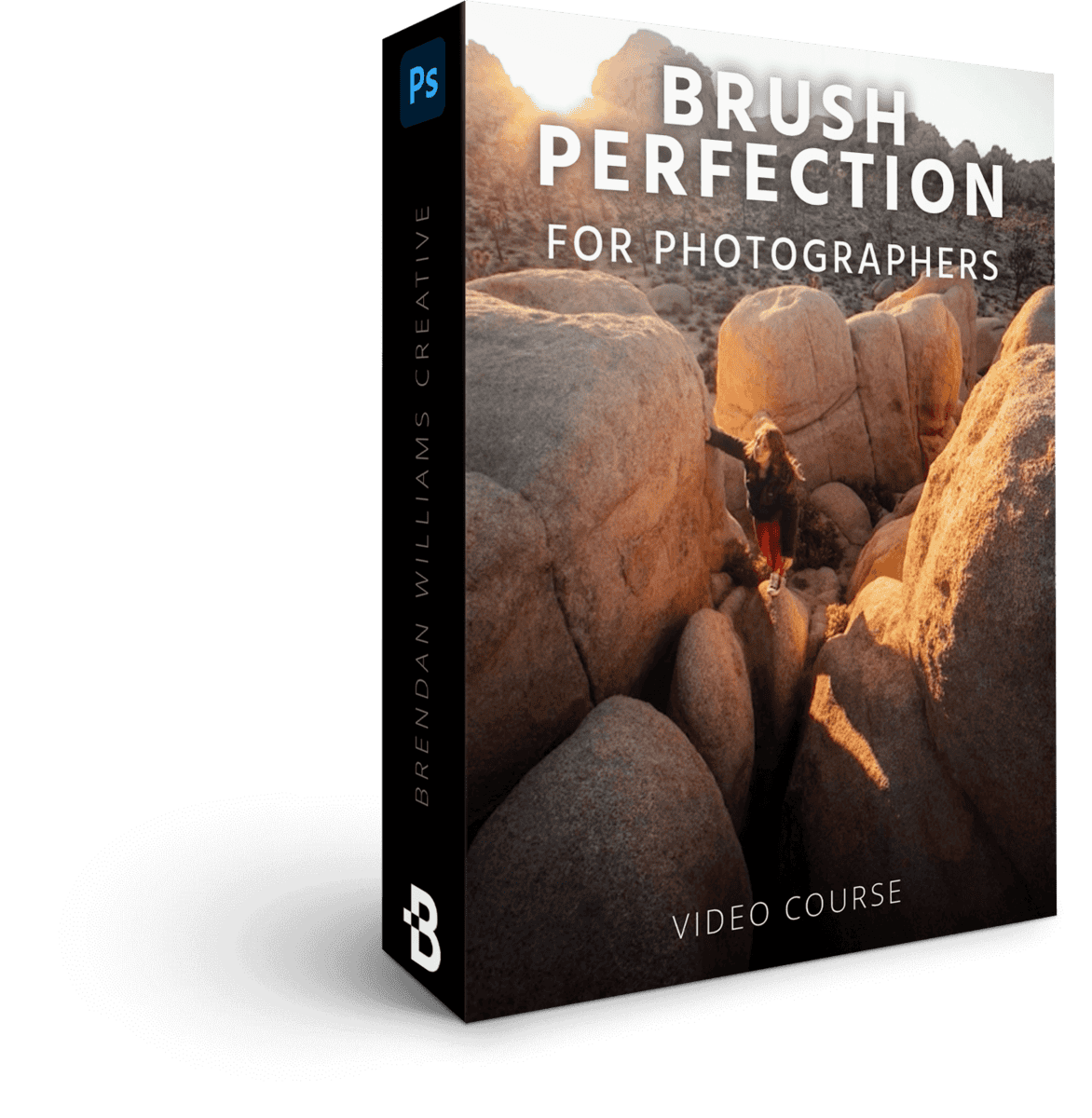
Brush Perfection For Photographers
6 Lessons | 52 Minutes
$79 Value · Included
Discover the advanced secrets to brushes in Photoshop for more creative masking, edits, and refinements. None of this is possible anywhere else. These techniques work wonders to draw attention to subjects or enhance light and color.
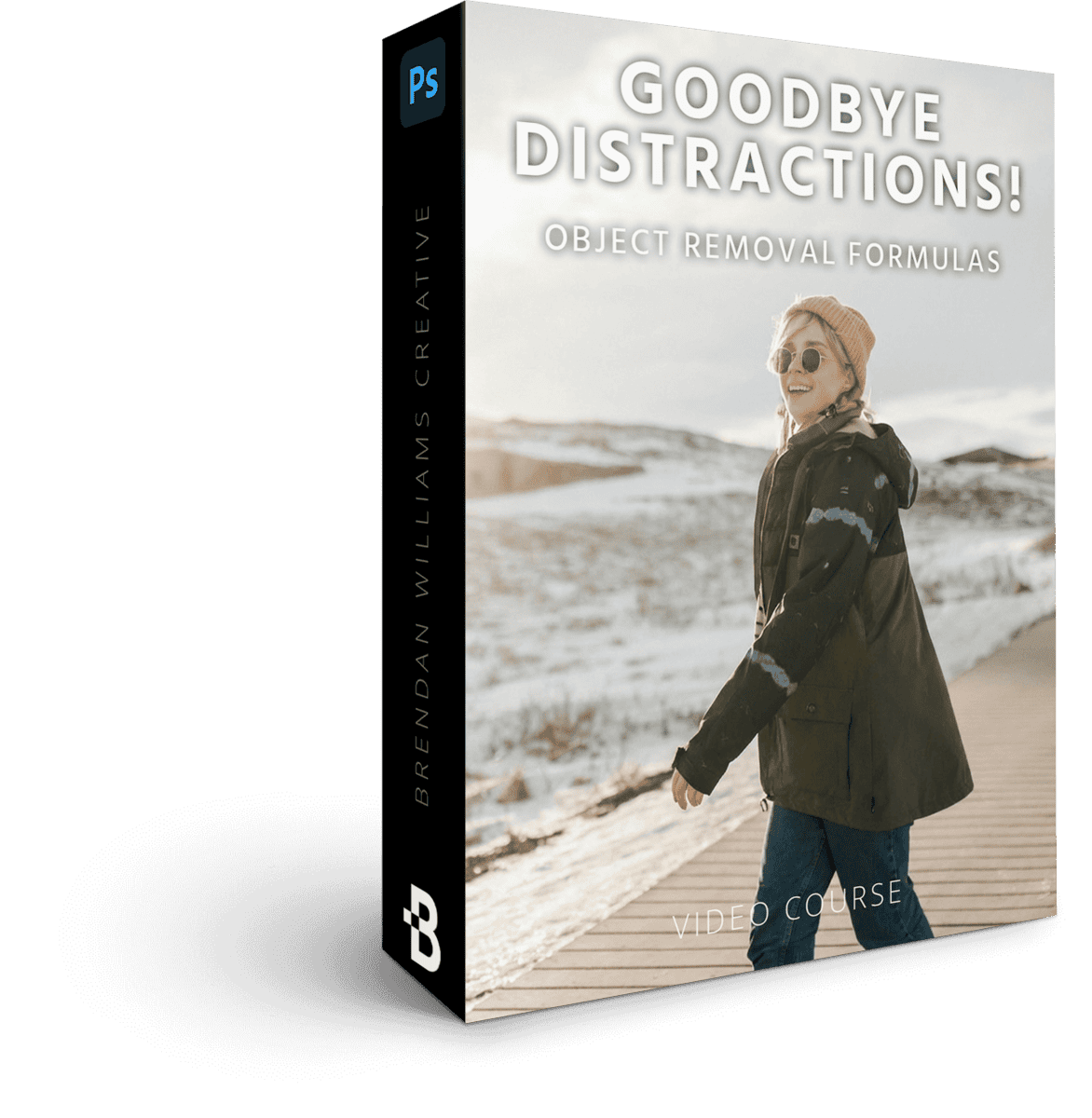
Goodbye Distractions! Object Removal Formulas
6 Lessons | 76 Minutes
$147 Value · Included
Learn how to remove any distraction from your photos with a variety of industry-leading tools, including AI techniques. Each method serves a unique purpose so you'll discover all of them to walk away with a diverse toolkit.
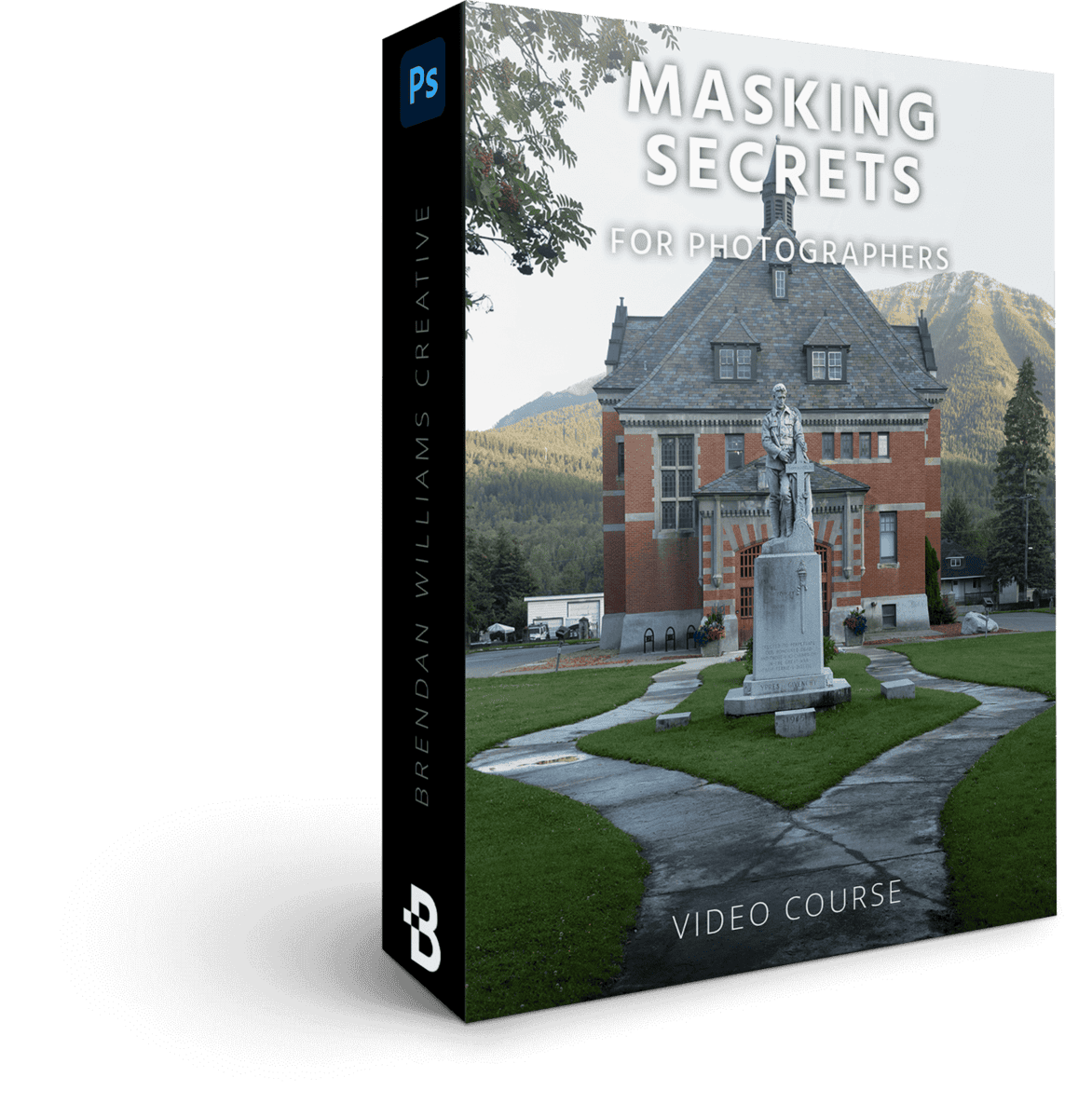
Masking Secrets For Photographers
6 Lessons | 75 Minutes
$129 Value · Included
See how forgotten masking techniques can take your images from average to incredible. Learn the secrets to masking adjustments that most photographers overlook (and pay the price).
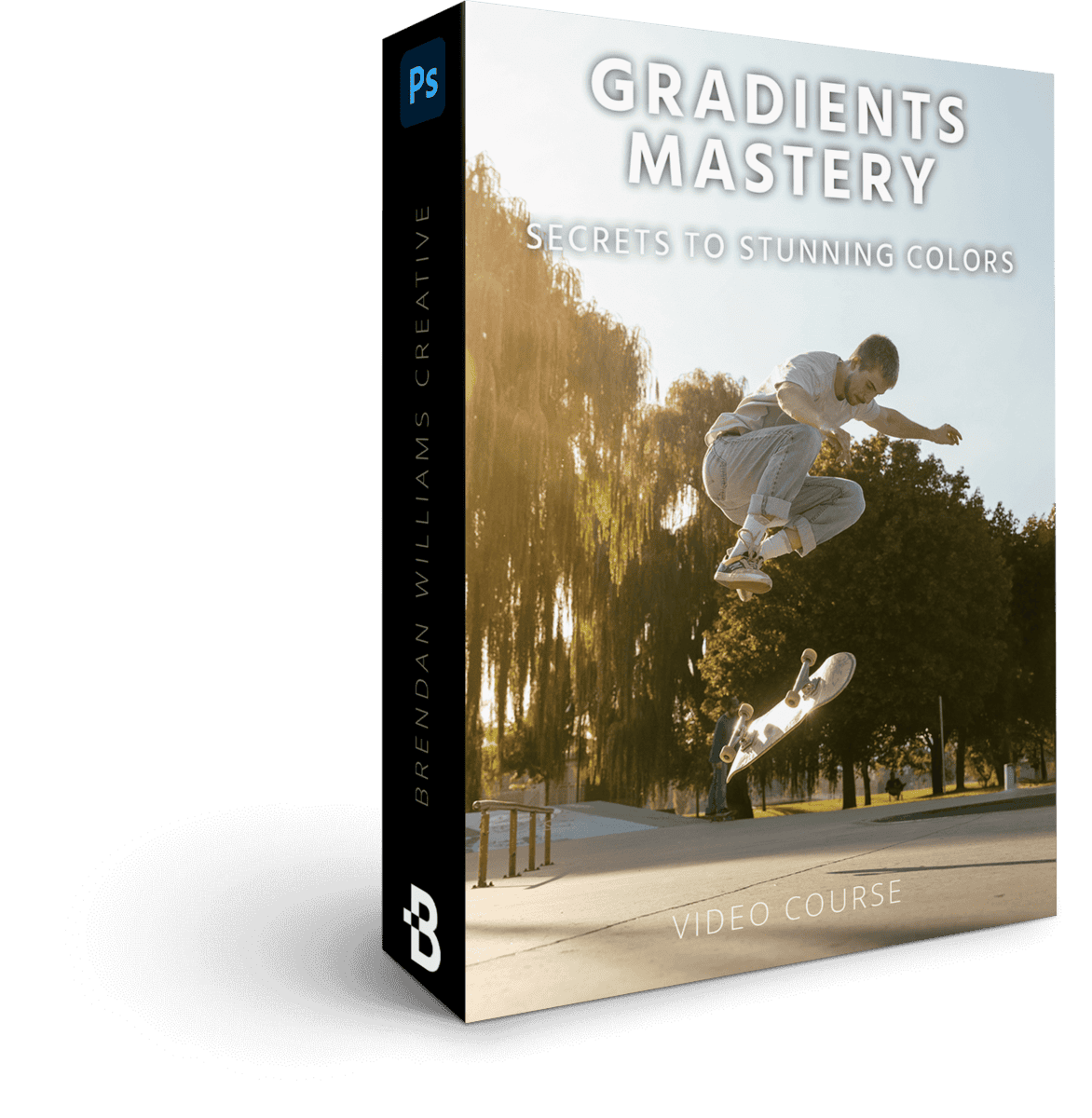
Gradients Mastery — The Secrets To Stunning Colors
6 Lessons | 57 Minutes
$129 Value · Included
Discover a new world of potential in the atmosphere and color of your best images. Utilize the power of gradients to unlock professional, one-of-a-kind color grading effects.
Effortless Selections For Photographers
4 Lessons | 61 Minutes
$129 Value · Included
Get unparalleled control over selective adjustments and background removal to add one-of-a-kind selective edits only possible in Photoshop.
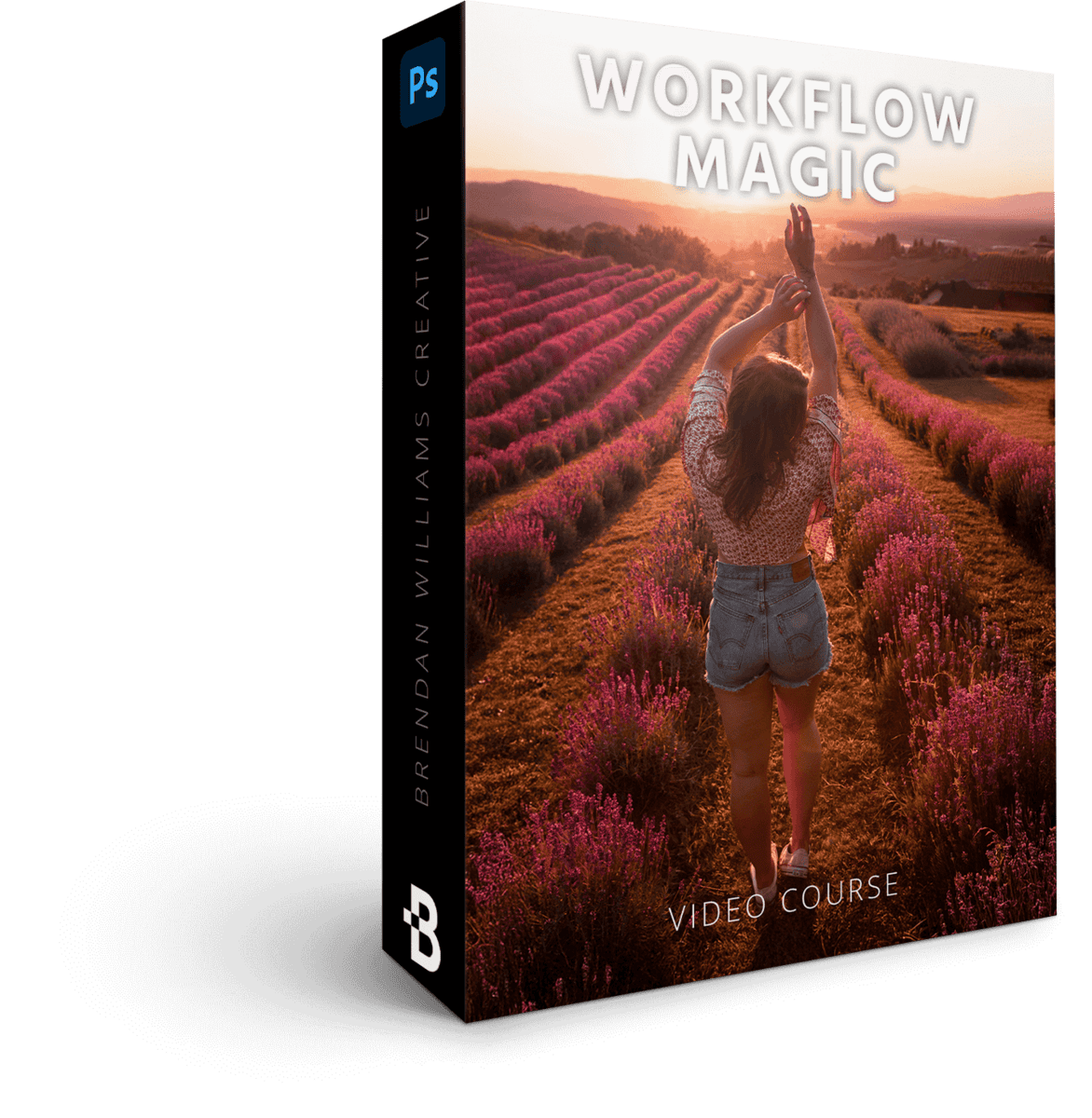
Workflow Magic
6 Lessons | 44 Minutes
$129 Value · Included
Combine every technique, tool, and process you've learned about in previous masterclasses into a cohesive workflow. This serves as your process to repeat on every photo to guarantee amazing edits you can't wait to share.
+ Get These Limited Time Bonuses!
-
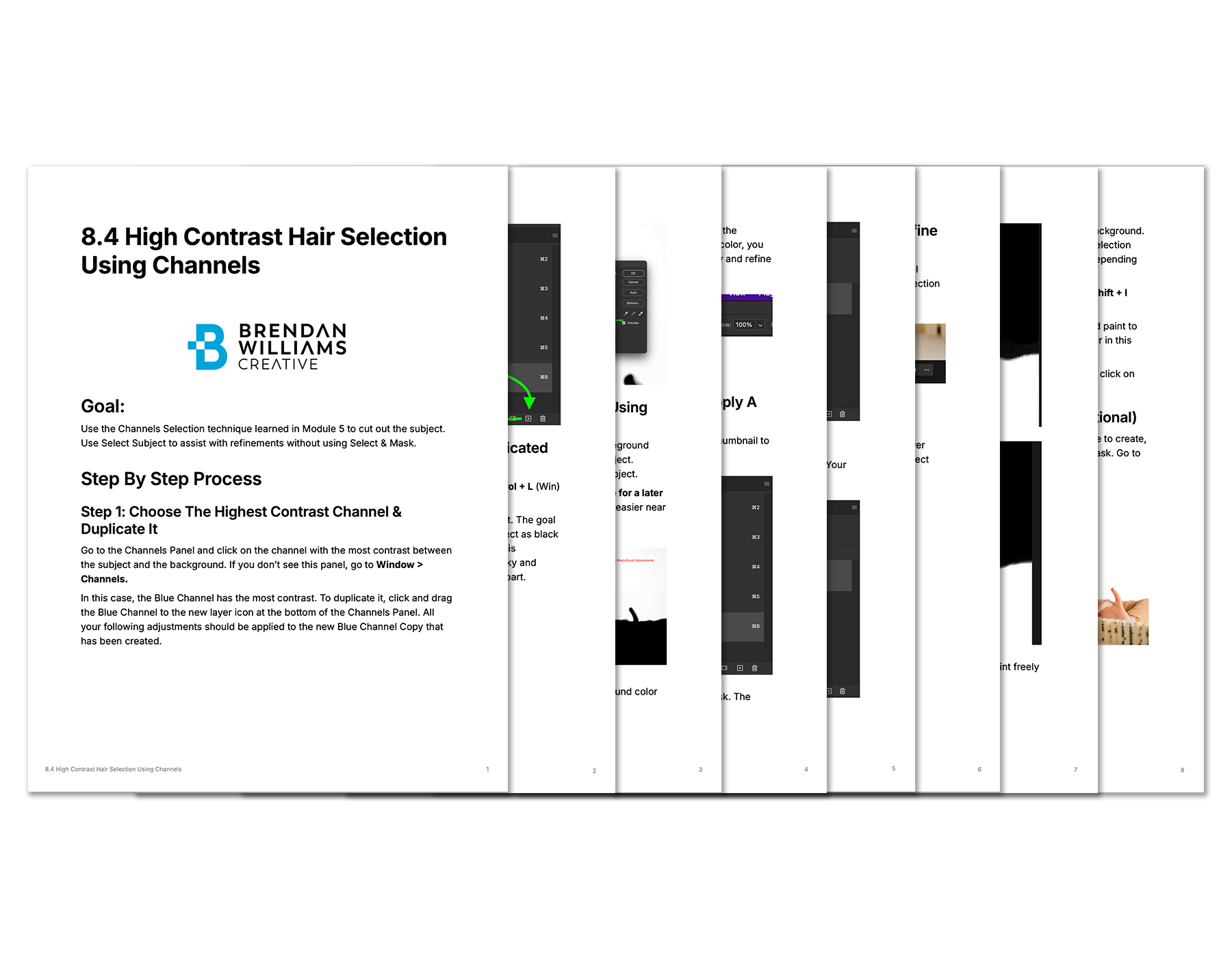 Included With 60+ Lessons
Lesson Cheat Sheets
Find over 11,000 words of supporting course materials, downloadable as PDFs. From written guides that solidify key skills to challenge lessons to test your abilities on.
$219 Value · Included Free -
 PDF Resource
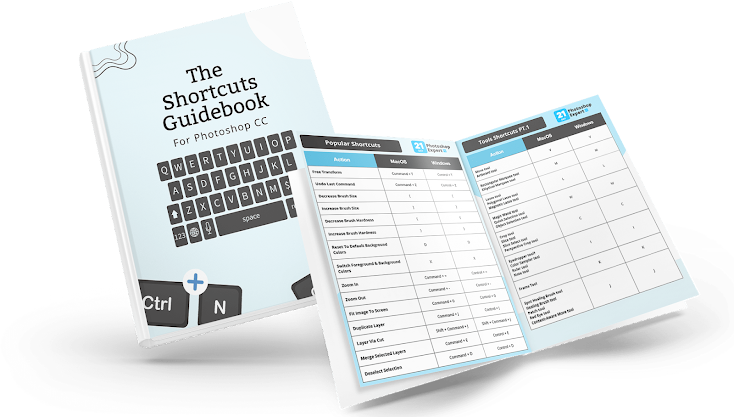
Photoshop Shortcuts Guide
Remember all the key shortcuts of Photoshop at a glance with this included reference guide.
$47 Value · Included Free -
Lifetime Access + FREE Updates
Pay once, learn forever. Enjoy lifetime access to go at your own pace even when life gets busy. You'll also get free program updates whenever they come along at no extra cost.
$247 Value · Included Free -
 54 Projects
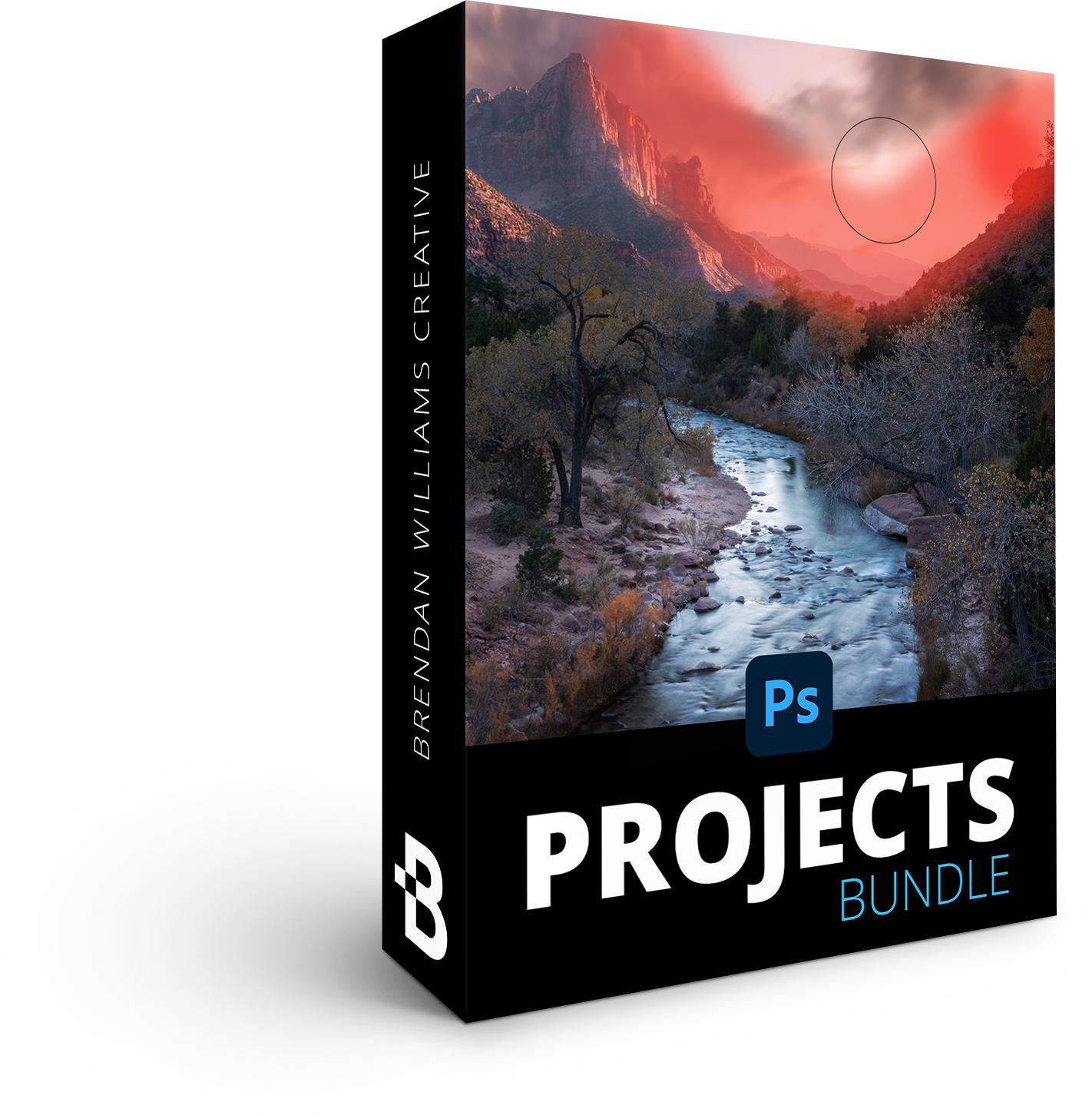
21 Day Photoshop Expert Projects Bundle
Apply what you learn through 54 follow-along projects, giving you specific practice for the majority of lessons in the course. Rather than teaching through endless theory or boring examples, this course focuses on learning through creation.
$247 Value · Included Free -
 59 Image Files
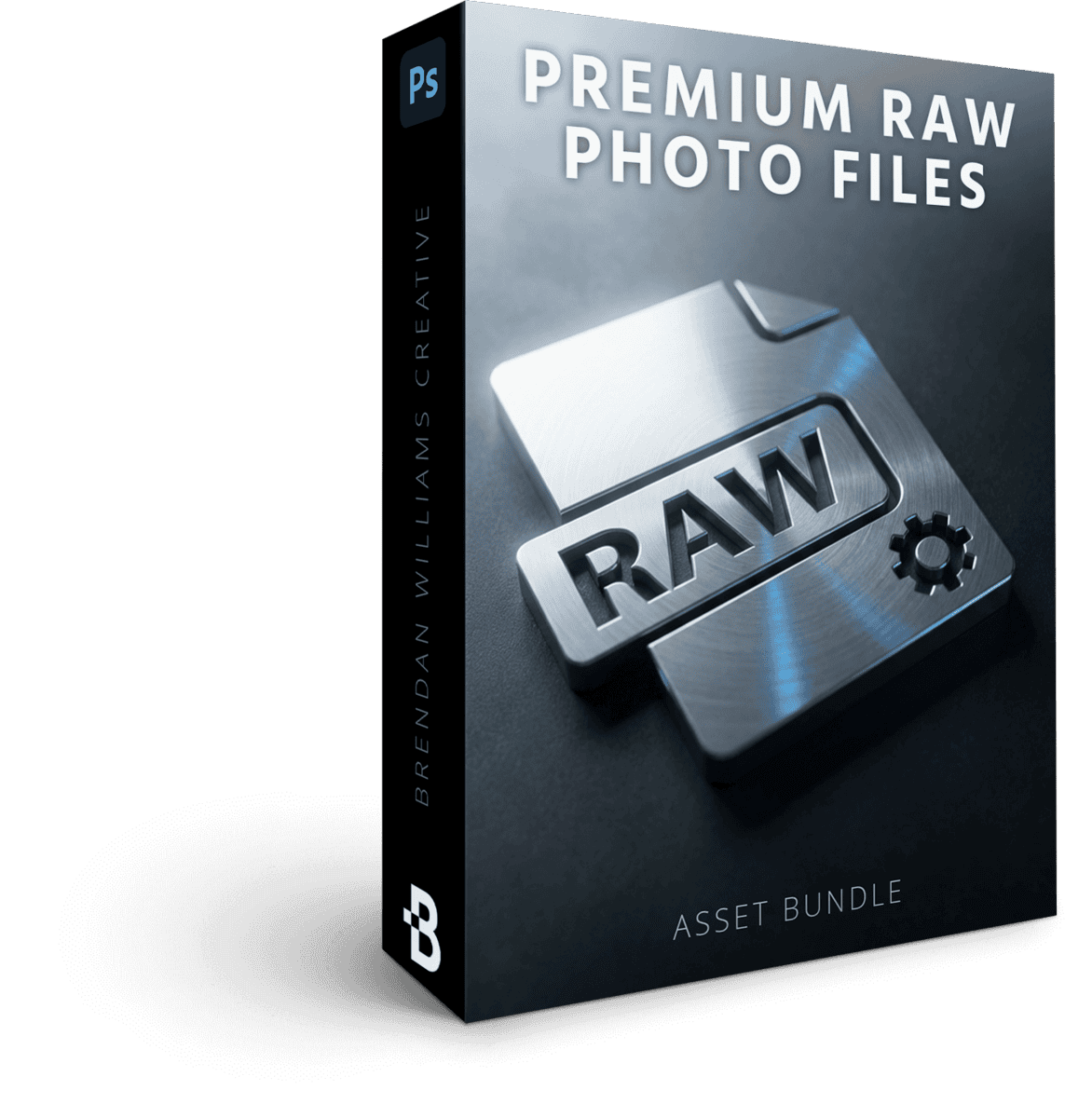
Premium RAW Photo Files
Get plenty of sample images to practice every skill from the course with, even if you don't have the ideal image of your own.
$177 Value · Included Free
Everything Included:
- 12 Complete Masterclasses $1,538 Value
- 81 Guided Video Tutorials $729 Value
- 54 Follow Along Projects $247 Value
- 59 Raw Photo Practice Files $247 Value
- 60+ Lesson Cheat Sheets $219 Value
That's 266+ Photoshop Tools, Guides and Masterclasses!
All prices are in USD. Tax not included.
- Visa
- Mastercard
- American Express
- PayPal
Try The Course 100% Risk-Free With My 90-Day Money Back Guarantee
I do this because I am so confident that this will be one of the most valuable Photoshop courses you've ever taken.
If, for any reason, you aren't 110% happy with this course after 90 days, email support@bwillcreative.com and I'll personally refund all your money, no questions asked.
Lifetime Access
Enjoy unlimited lifetime access to this course and its materials. Watch, rewatch, and continue to hone your skills with everything you gain from this program — on any device, any time.
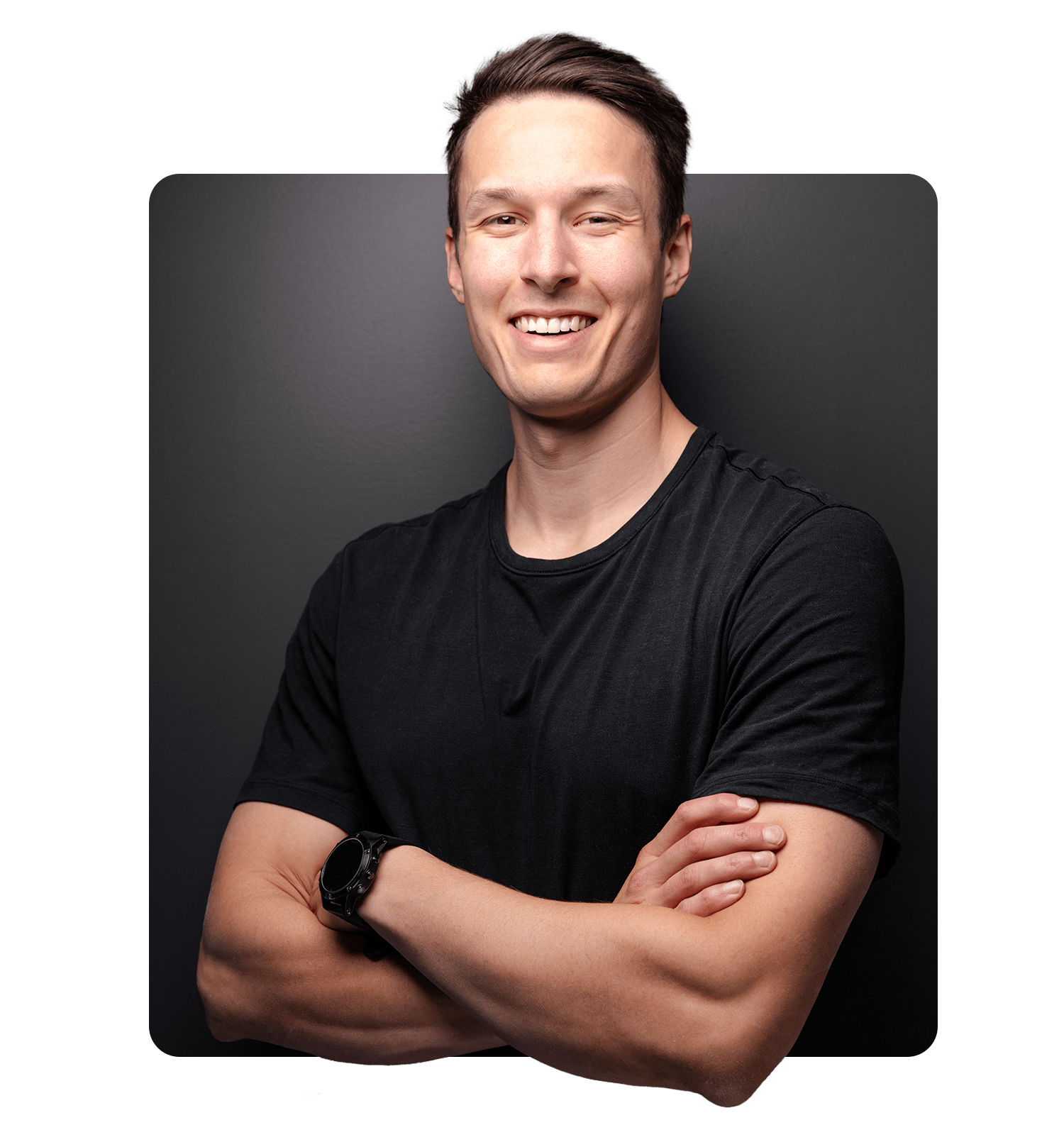
Brendan Williams
Brendan is a professional photographer and photo retoucher turned founder of one of the leading online photo education resources, bwillcreative.com — with over 1 million annual website readers, 22 million workshop views, and 52,000+ photographers using his resources and premium courses.
Starting his career in the film industry before transitioning into photography, Brendan has worked with brands including Warner Brothers, Netflix, Amazon, Corona, Patagonia, P&G, and Chevy, and shot campaigns for Tourism California, I Feel Slovenia, G-Adventures, Destination British Columbia, and Florida Keys & Key West.
In creative education, he has partnered with Adobe, Luminar, Topaz Labs, and Nisi Filters. His goal is to help photographers have more creative control in their work by making complex creative tools, theory, and skills approachable.
What Students Say About My Courses
Our review wall didn’t load.
It’s usually a browser privacy extension or ad blocker stopping the reviews widget. You can retry, or read every review on the full wall.
One week after joining 21 Day Photoshop Expert…
- You'll be able to open Photoshop and actually feel excited to use it — all because you have learned an effective system to progress your skills.
- You finally can piece together those editing techniques you've dreamed of to level up your photo editing skills.
- You'll spend more time taking photos and doing what you love rather than spending endless hours watching Photoshop tutorials on YouTube.
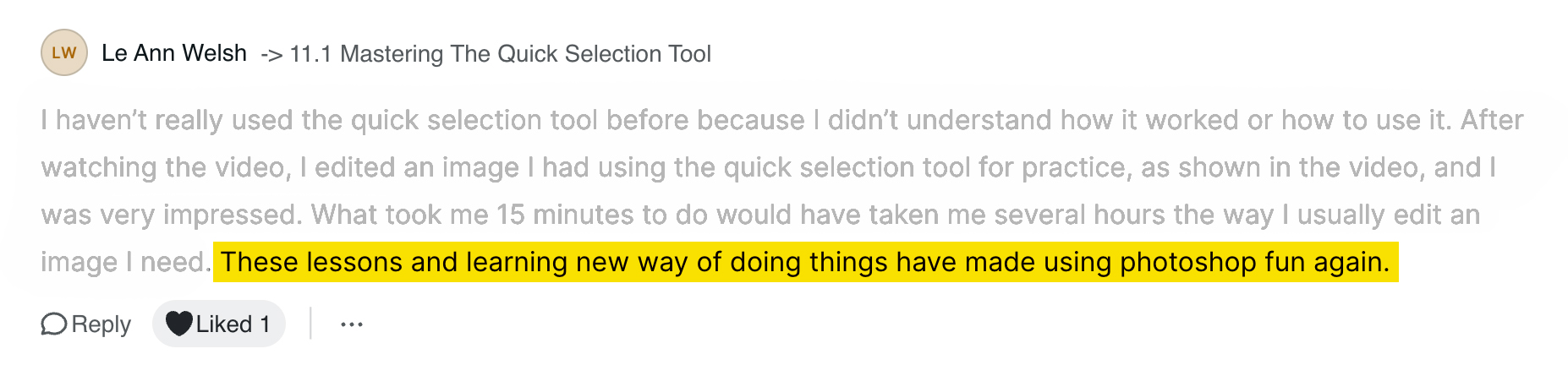
- All because of one Photoshop course that makes photo editing fun, exciting, and simple again.
FAQ
-
What Version Of Photoshop Is Taught?
The course is taught in the latest version of Photoshop CC at the time of recording. Currently this ranges from Photoshop CC 2023 – CC 2026. The techniques outlined in this course may not apply to all aspects of older versions of Photoshop, such as CS6. I do not recommend purchasing this course if you use Photoshop Elements or Photoshop Express.
-
How Long Is This Course?
This entire video course is 20.5 hours long across 83 individual lessons.
-
Does This Course Have Subtitles?
Yes, the course has English subtitles in every lesson. The video players also have speed controls if you prefer a slower pace for your videos.
-
Can't I Learn Photoshop For Free On YouTube?
YouTube is a fantastic resource with more free tutorials than any individual is capable of watching on improving your Photoshop skills. I even produce in-depth Photoshop trainings every week for YouTube. But a side effect of only learning on YouTube is that you'll waste dozens of hours learning the same thing, searching for tutorials only to find partial answers and not having precise exercises designed to help you truly learn the skills you're after. If you want to develop your skills FAST, then 21-Day Photoshop Expert is for you.
-
Do I Need To Finish This Course In 21 Days?
Not at all. You can work through this course at whatever pace suits you. Although this course is designed for you to be able to finish it in 21 days if you complete one module per day, this is by no means a requirement. This course consists of pre-recorded videos and you have lifetime access to all the course contents.
-
Are Each Of The Modules Live Trainings?
No, this course consists of pre-recorded videos for each module so you do not need to worry about scheduling times to watch course materials. Whenever you're ready to watch, the course materials will be there waiting for you.
-
How Is The Course Delivered?
The course consists of video modules that you can find in your Student Dashboard, available at members.bwillcreative.com once you have enrolled. The student dashboard is online and can be accessed from any device at any time.
-
What Skill Level Is This Program For?
21 Day Photoshop Expert is meant to take you from limited knowledge of Photoshop to confidently using Photoshop to transform your images and get the recognition you deserve. Even though this course starts you from square one, there are countless techniques more experienced users can gain from too — advanced color grading, masking, image blending, selection techniques and more. This course is not for you if you find editing in Photoshop a breeze and already feel like you have all the answers you need.
-
Do You Offer A Guarantee?
Yes — a 90-day money-back guarantee. You are eligible for a 100% refund within 90 days. That way you have plenty of time to work through the course to see if it's a good fit. If not, email support@bwillcreative.com and I'll personally refund every penny.
Unlock Lifetime Access Today:
- 12 Complete Masterclasses $1,538 Value
- 81 Guided Video Tutorials $729 Value
- 54 Follow Along Projects $247 Value
- 59 Raw Photo Practice Files $247 Value
- 60+ Lesson Cheat Sheets $219 Value
That's 266+ Photoshop Tools, Guides and Masterclasses!
All prices are in USD. Tax not included.
- Visa
- Mastercard
- American Express
- PayPal