




If you answered YES to any of these… you’re in the right place.
Because, the truth is…
The reality of learning Photoshop is a lot hard than Adobe puts on the “brochure.”
You know you have images you could turn from “good” to “exceptional”… if only you had the right tools.
Yet your best ideas are put on the back burner while you struggle with layers, masks, selections, and the hundreds of settings in Photoshop.
Your Photoshop “workflow” is more like a marathon of troubleshooting rather than of creative expression.
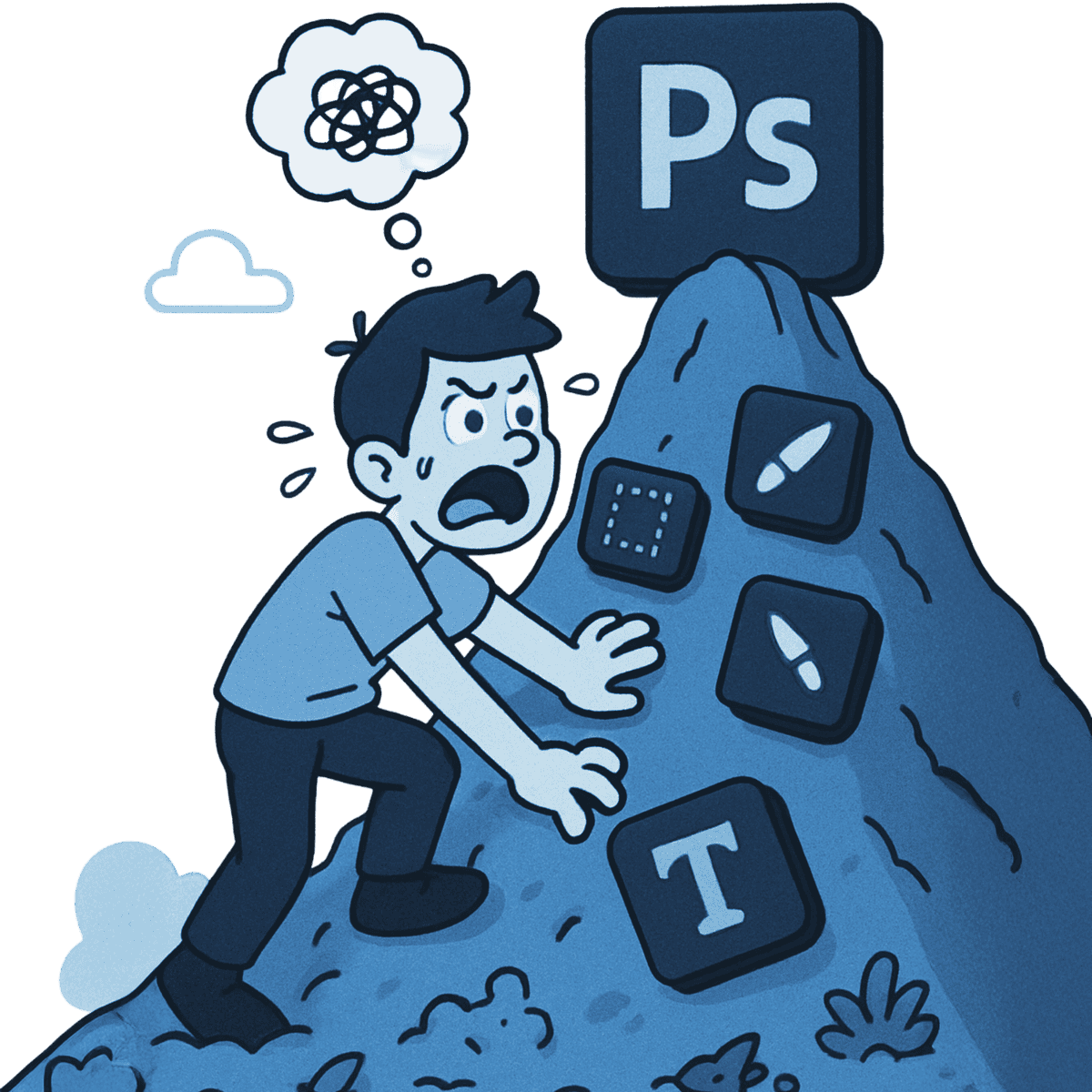
There’s a lot more juice to squeeze beyond your current abilities. If you could only figure out what you’re missing… you can already envision the possibilities for your images.
But Photoshop is like a 5000 piece puzzle that most are piecing together without a reference. Watching random tutorials and aimless trial and error in hopes it all comes together.
So what if you went from “hoping” to a concrete system to make sense of this giant puzzle?
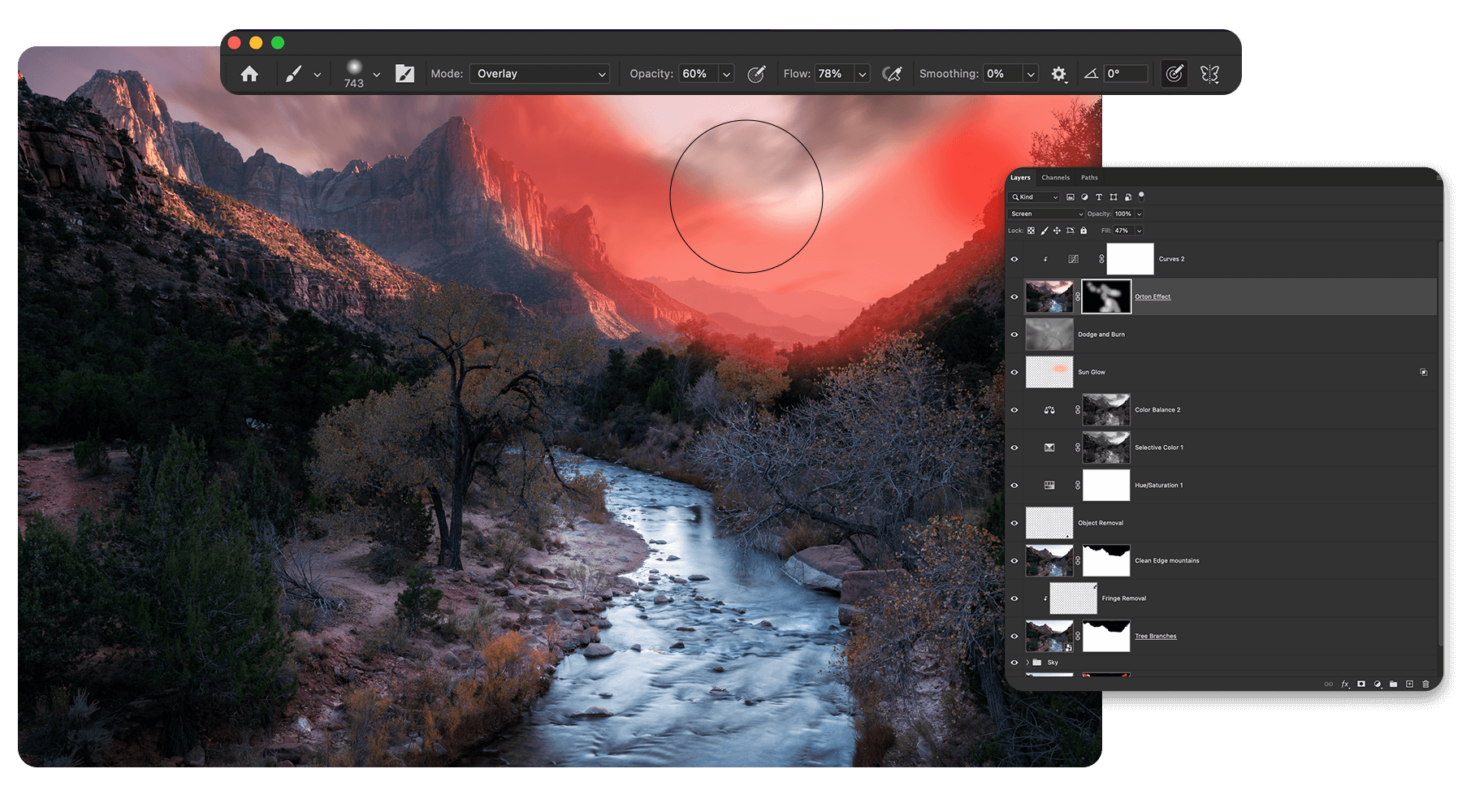
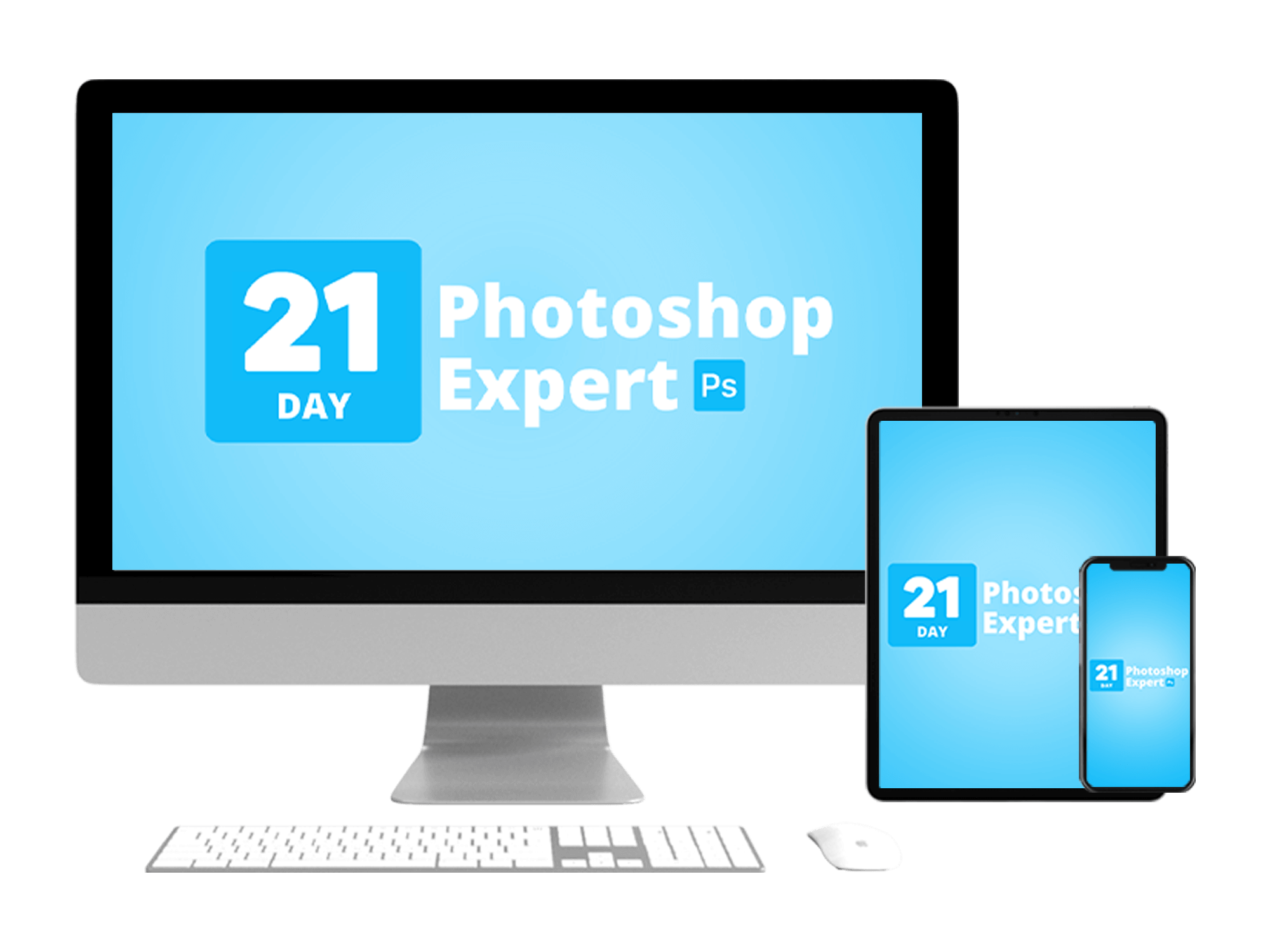
79 Lessons | 54 Follow-Along Projects | 21 Modules
You see, Photoshop gives you all the tools and supplies to construct your creative vision. Yet it’s like having the supplies to build a house without a blueprint. You’ll be able to construct something, but it’s going to turn out a lot different than intended.
Through the 21 Day Photoshop Expert program, you get the beginner-friendly… no BS… step-by-step blueprint to Photoshop confidence.
Allowing you to transform your photos in ways you only dreamed of before.
This system is the culmination of everything I wish I focused on after taking the long-road to Photoshop over the last 10+ years.
Your System To Professional Photo Editing In Photoshop, Guaranteed.


Have confidence using Photoshop for photo editing
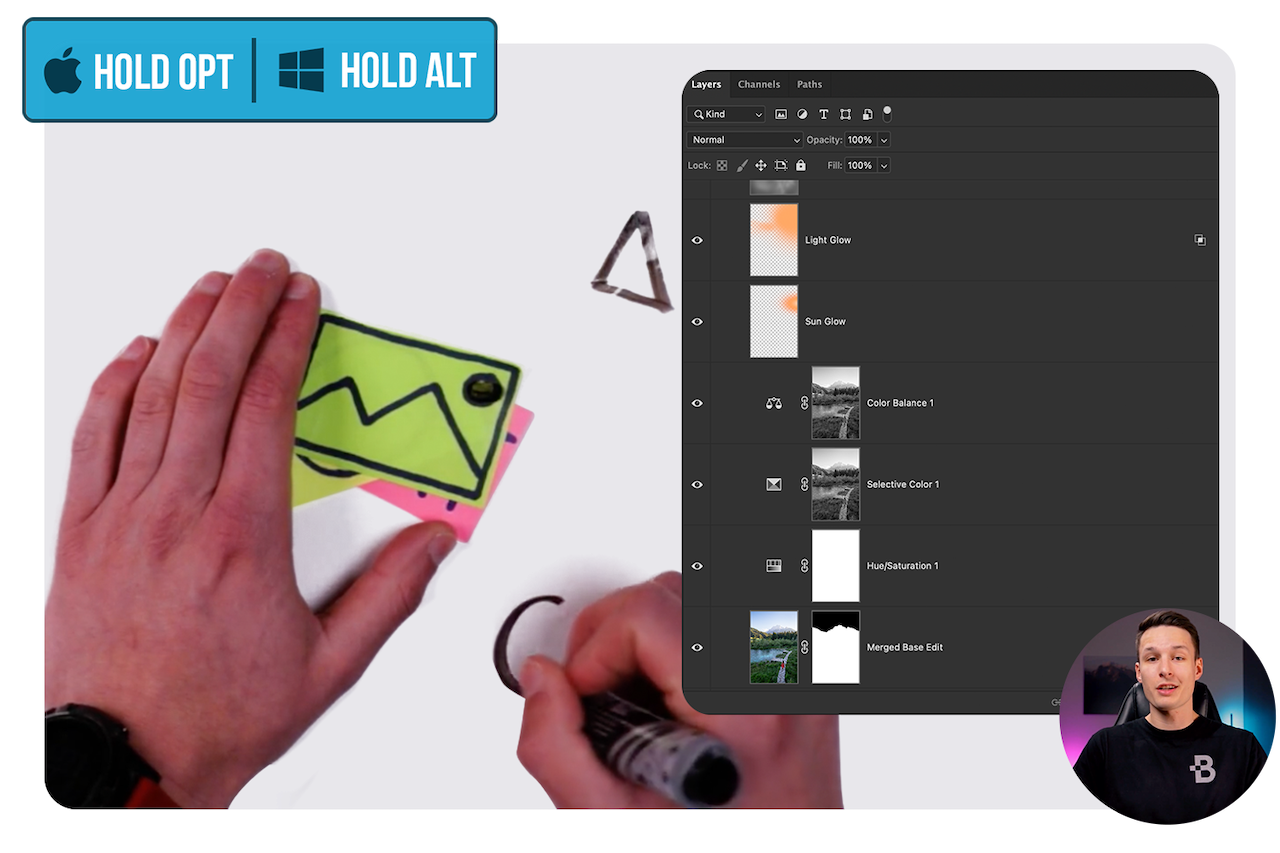
From beginner > advanced editing adjustments, learn the best tools to use and simple systems to edit efficiently.
Create more,
troubleshoot less
Gain the skills to fix common problems on your own to get your creative vision back on track quickly.
Effortlessly bring your best ideas to life
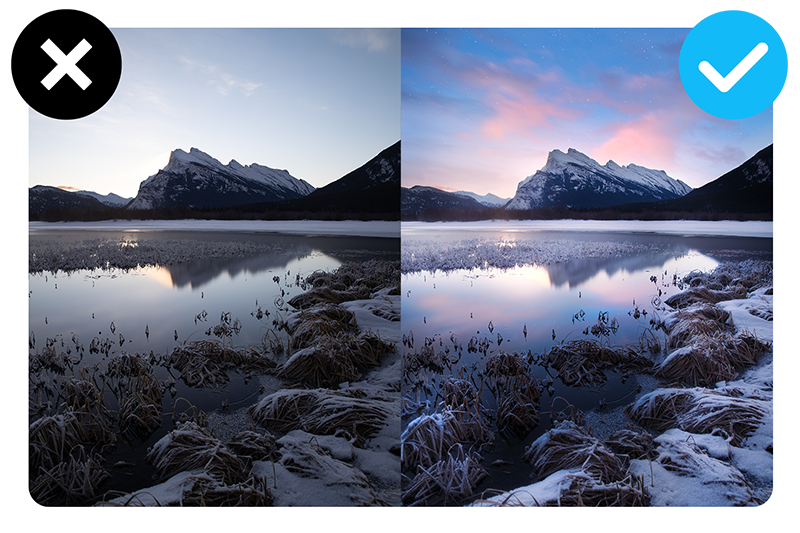
By unlocking hundreds of new tools and techniques to transform your projects, that are only available in Photoshop.
Have an efficient
workflow for any image
You will have a system of steps to follow for landscapes, portraits, HDR, and design projects.
Get more from the
tutorials you already watch
With a deeper foundation of skills to make learning new techniques effortless in the future.
Stop wasting time with
trial-and-error
You’ll know exactly what to focus on in which order to build your skills quickly with confidence.

It was 2012 and I was just starting to take my photography seriously. The pros were using Photoshop and I wanted in the club.
I saw Photoshop as the missing link to transform my photos.
All it would take is few days of practice, a few lessons on Youtube and I’ll be good to go (or so I thought).
But after about 20 minutes, I shut down my computer out of frustration and vowed to never touch Photoshop again.
I went from eager to learn to wondering how such a miserable program could exist.
Looking back, learning Photoshop was a grind of trial and error. It took years to get the hang of things.
But I don’t believe it needs to be that way for you.
Now as professional photographer turned Photoshop educator, my #1 goal is simple: cut the fluff and give you tutorials that actually work.
Here’s What Students Say About This Program:


Leaving no stone unturned, you’ll progress into more advanced topics to ultimately form an efficient workflow that combines every skill from the program.
Modules 1 – 2
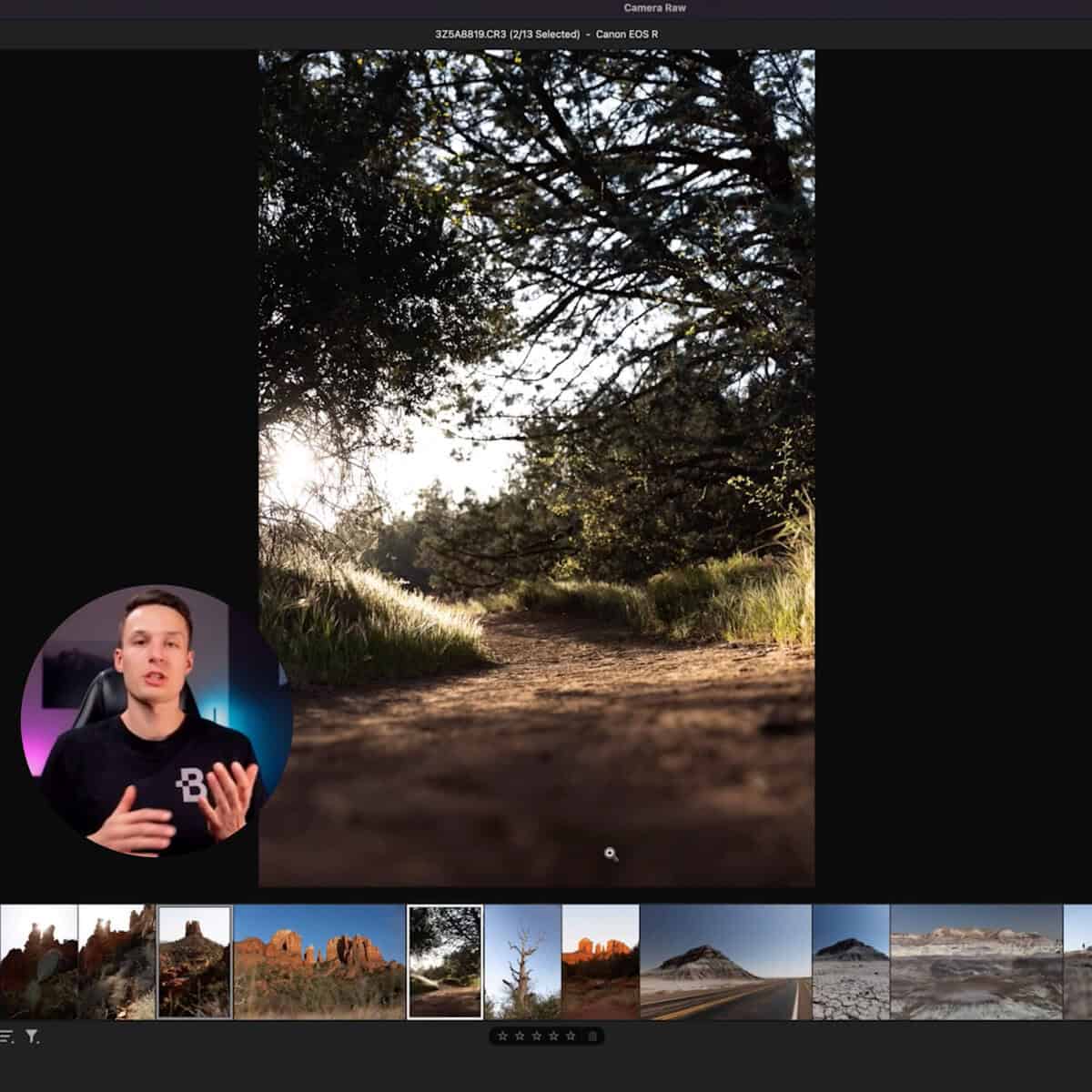
Getting Started In Photoshop & Working Alongside Lightroom
Gain confidence with Photoshop alongside your current editing skillsets while learning the “roadmap” to the program.
Modules 3 – 5
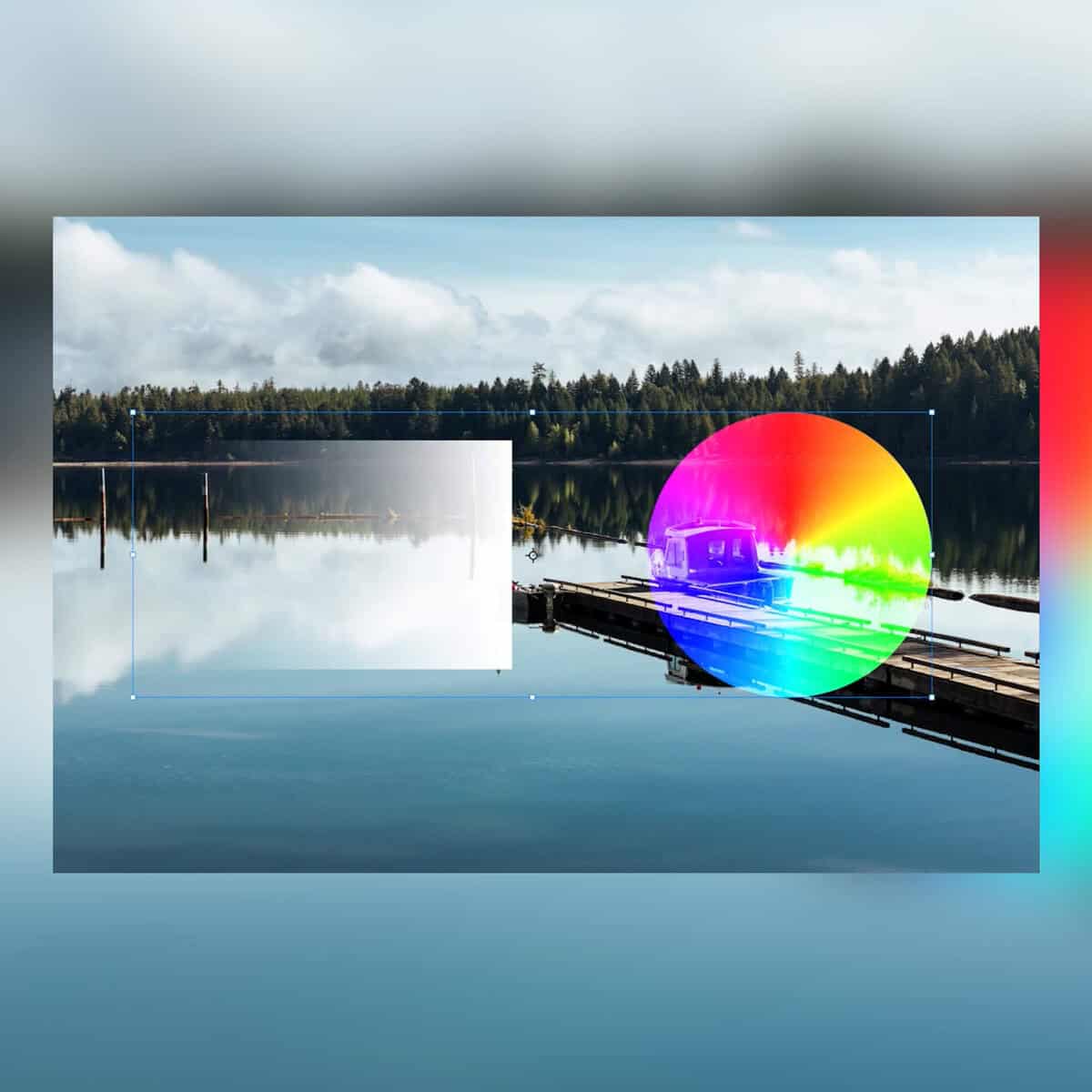
Master Layers & Blending Modes For Editing
Discover the important use of layers (and their many types) for more freedom and control over every image you edit.
Modules 6 – 9
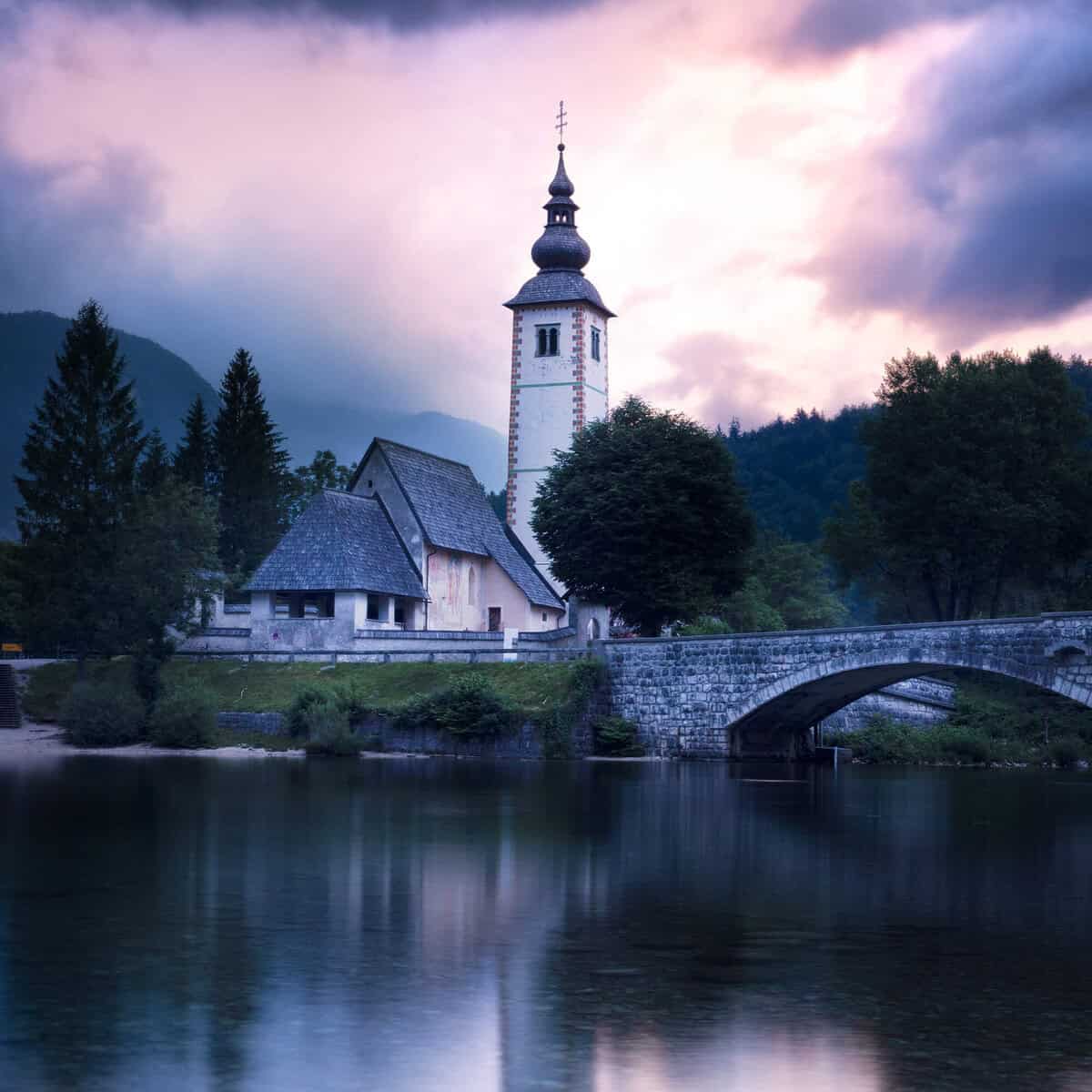
Uncover The Most Important Tools Of Photoshop
Master the tools you’ll use in every project like the Brush, Gradient, Move, and Crop Tools + Layer Masks and more!
Modules 10 – 12
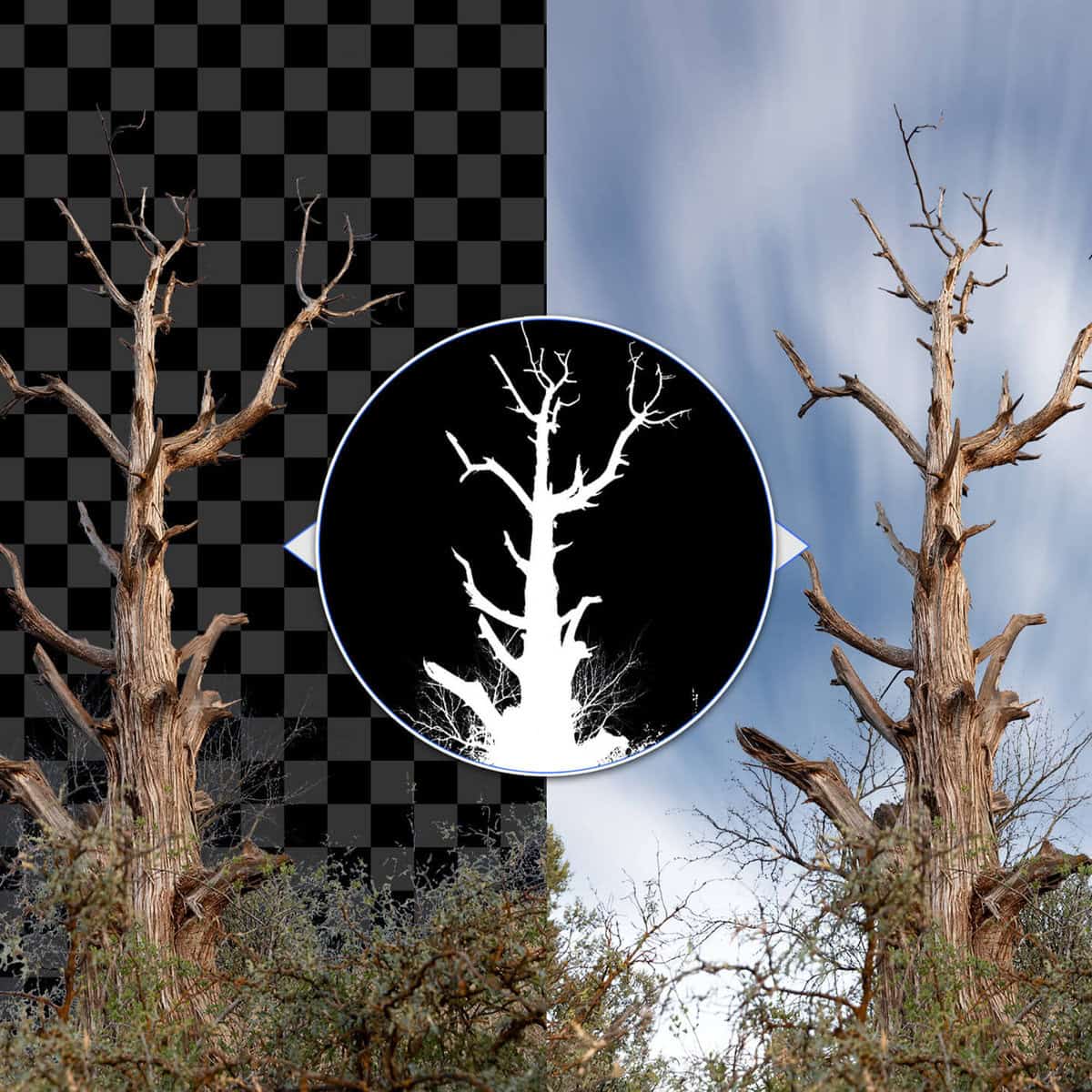
Beginner > Advanced Selections, Masking & Object Removal
Cut out simple or complex images (including hair or tree branches) with a wide array of powerful selection techniques for any project.
Modules 13 – 14
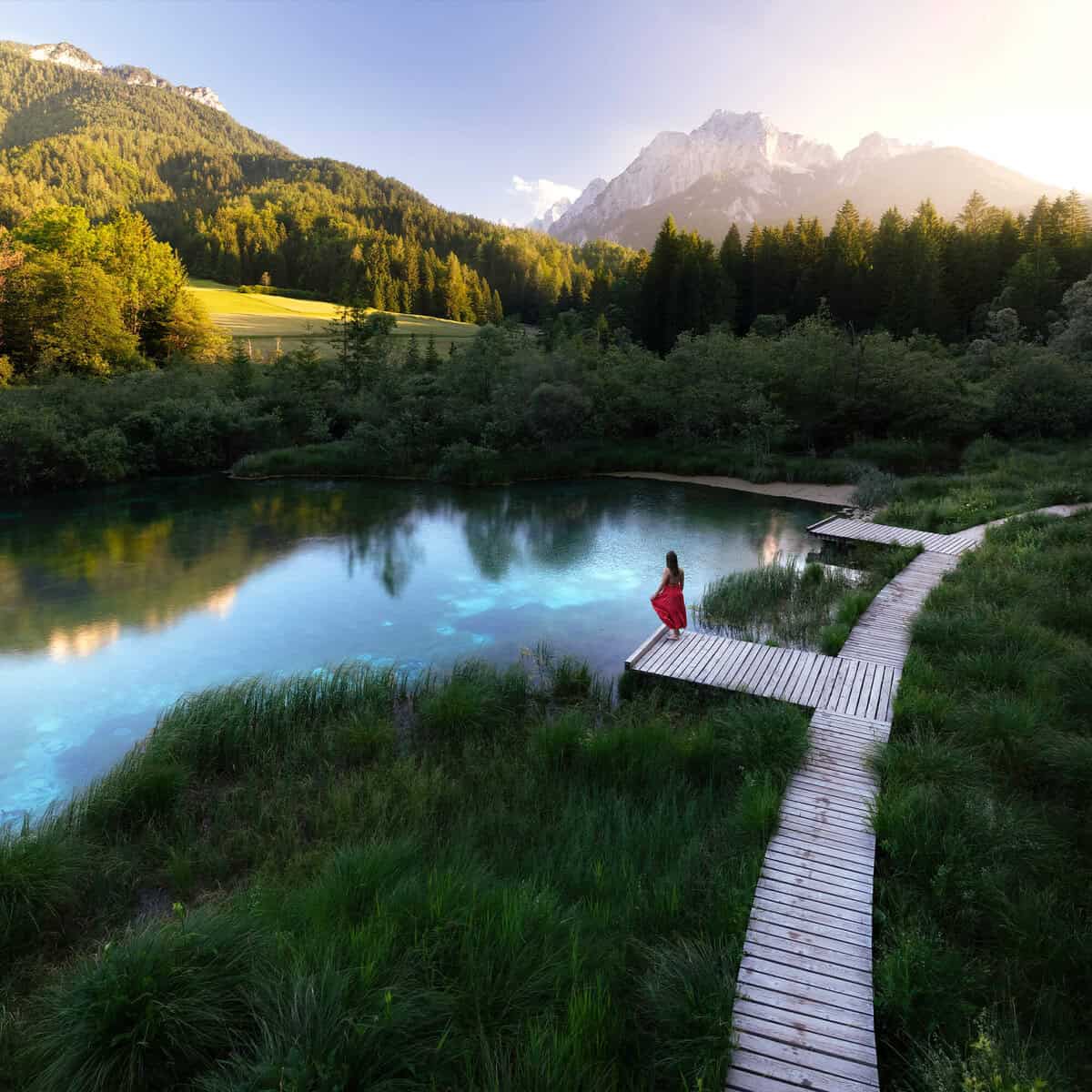
The 6 Stage Editing Workflow To Transform Any Image
Follow a repeatable step-by-step system to efficient photo editing in Photoshop that you can reuse and adapt to every project.
Modules 15 – 18
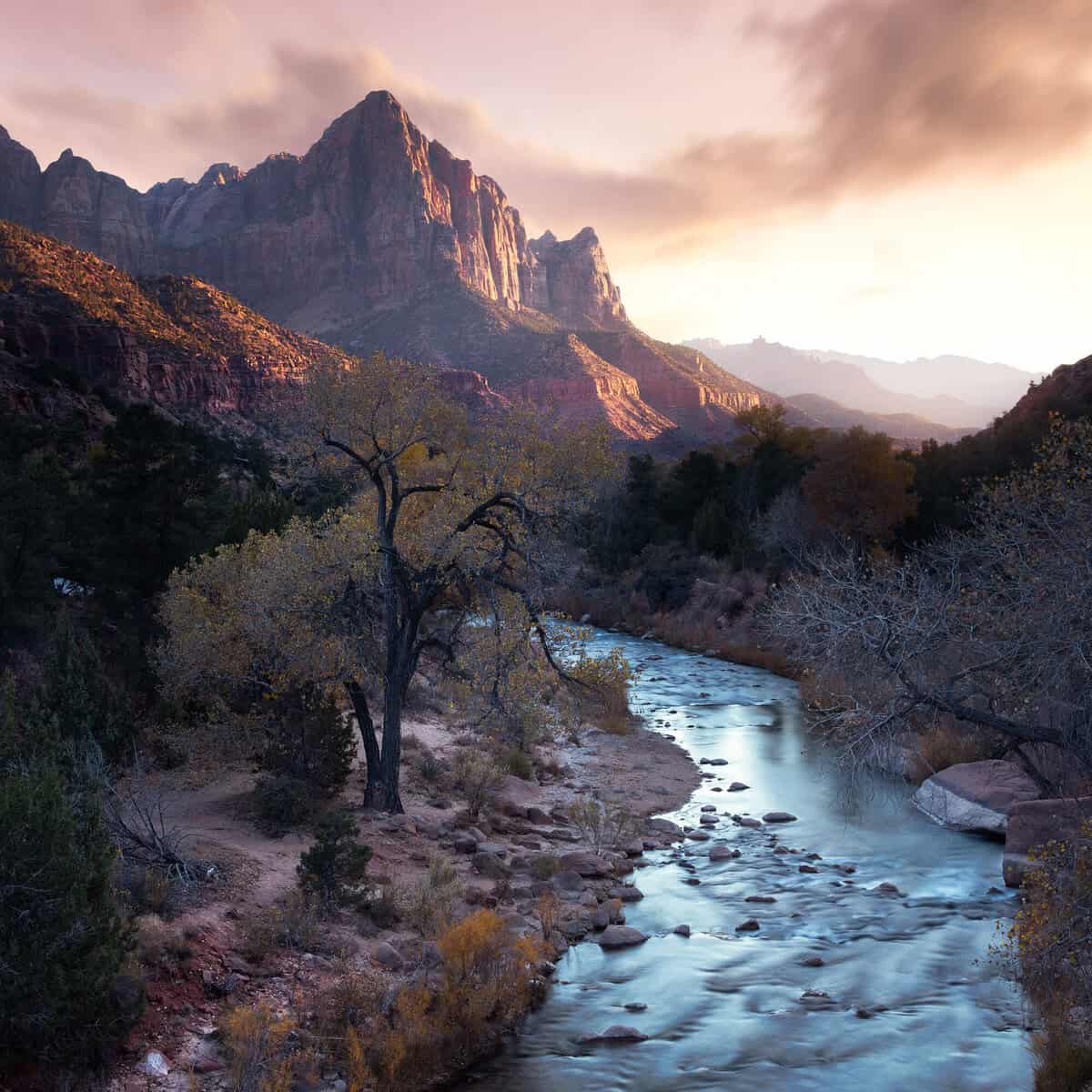
Master Landscape, Portrait and HDR Workflows
See how this 6-Stage workflow from previous modules is applied and adapted for specific styles of photo editing with a variety of in-depth start-to-finish projects.
Modules 19 – 20
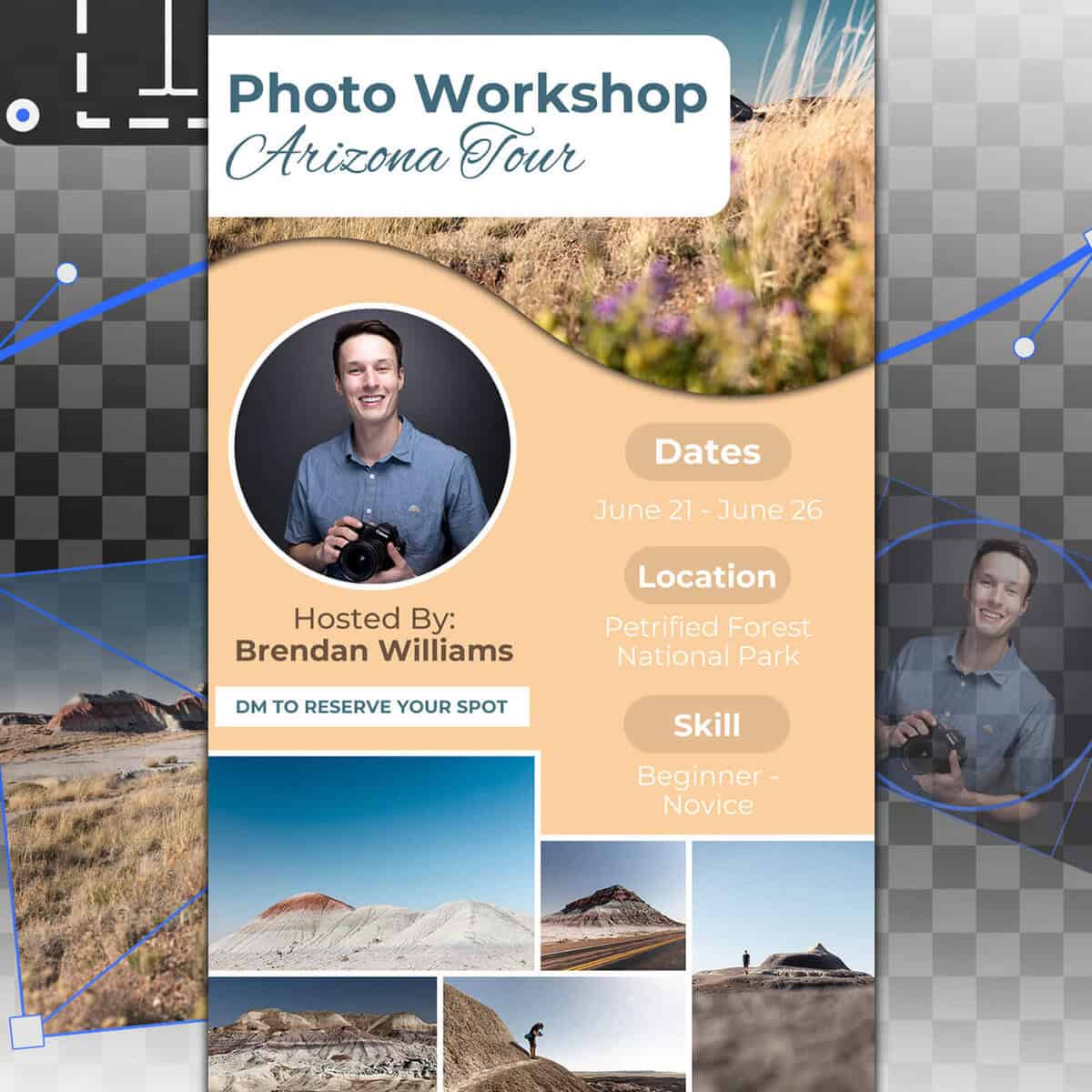
Graphic Design Skills For Photographers
Create graphics, banners, logos and more so you can create high-quality assets for your social media or portfolio. You’ll create logo assets, story templates and Youtube banners!
Module 21
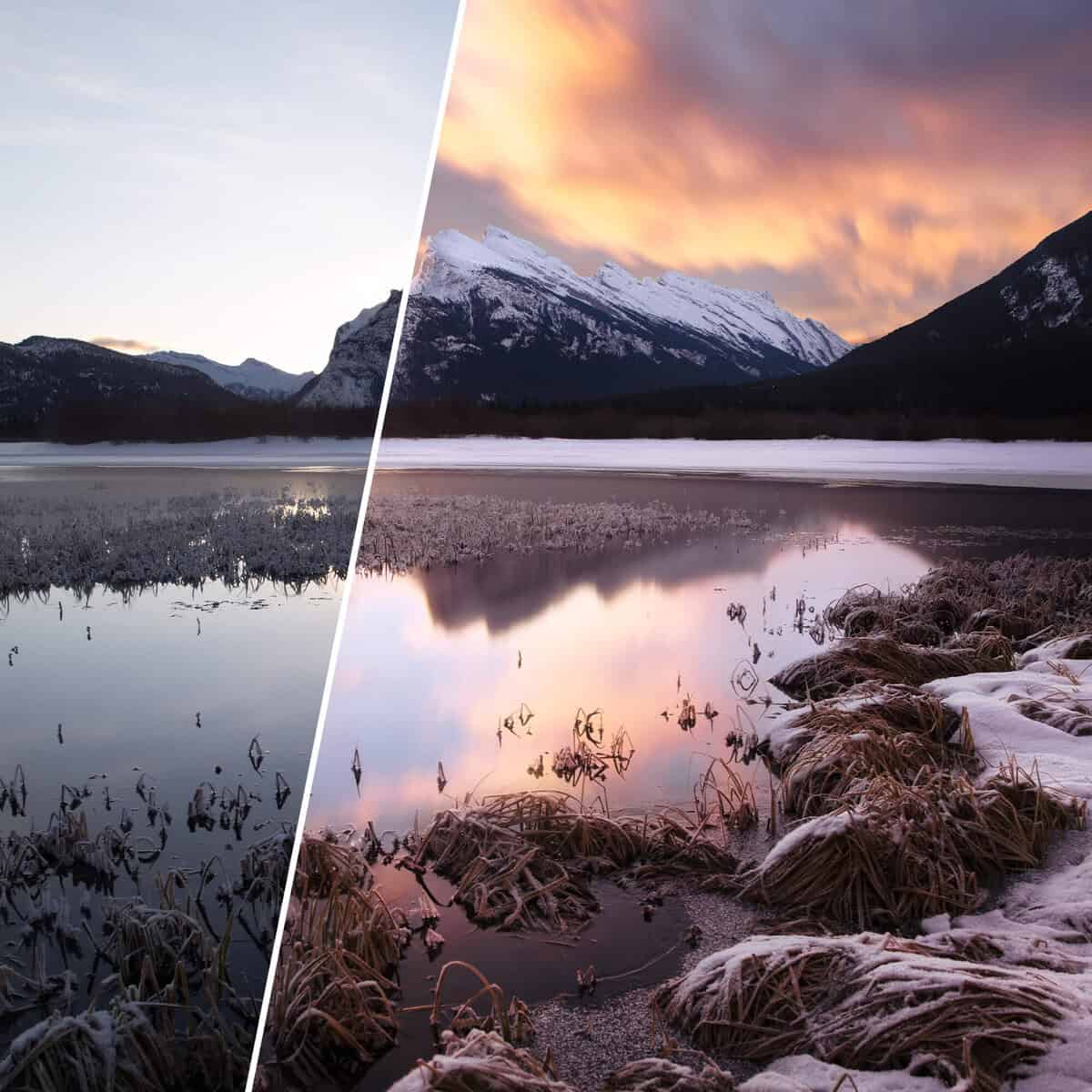
Creative Editing & Compositing in Photoshop
Combine all your skills and challenge yourself with a compositing workflow, blending multiple images for a stunning landscape creation.
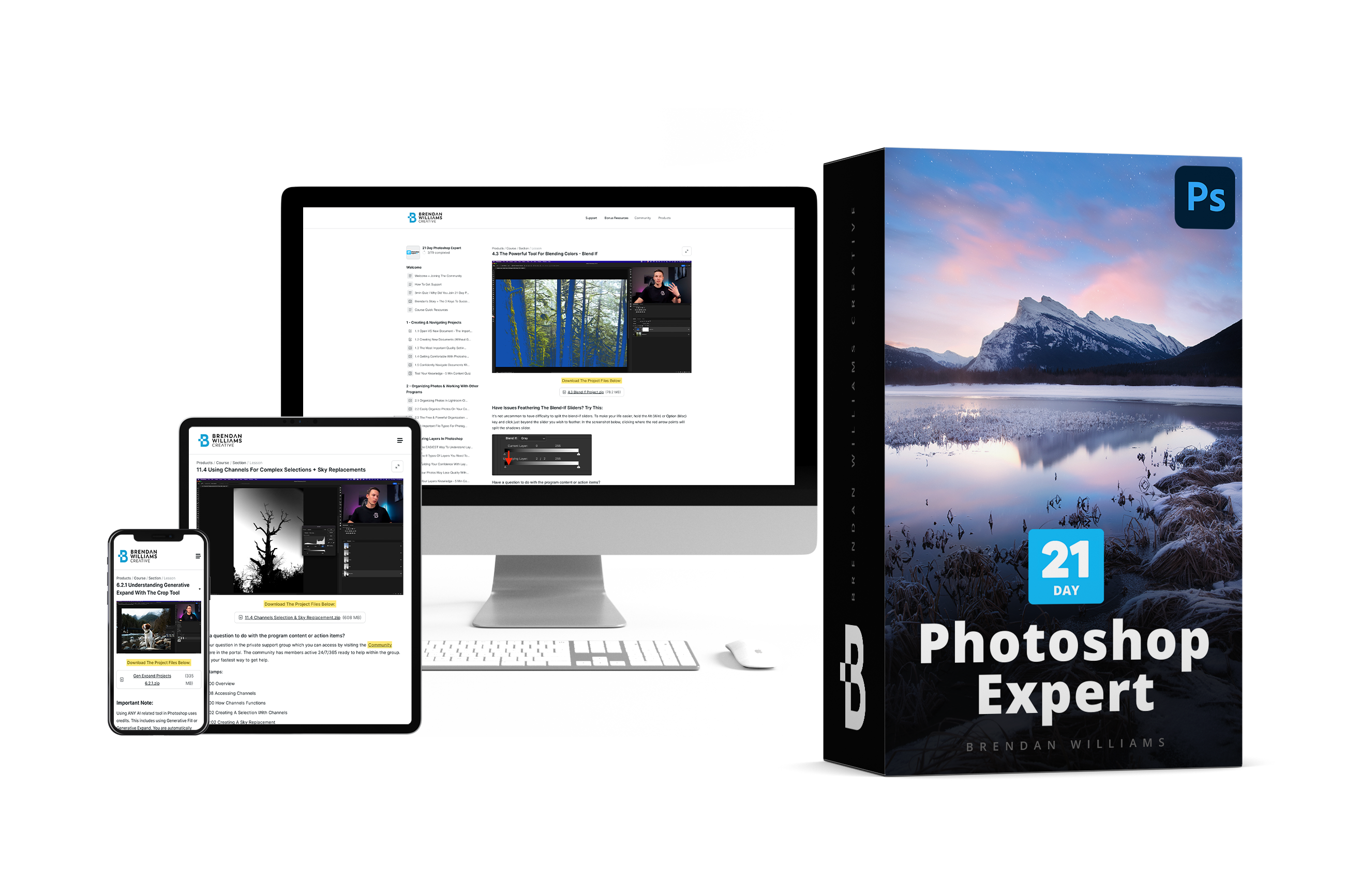
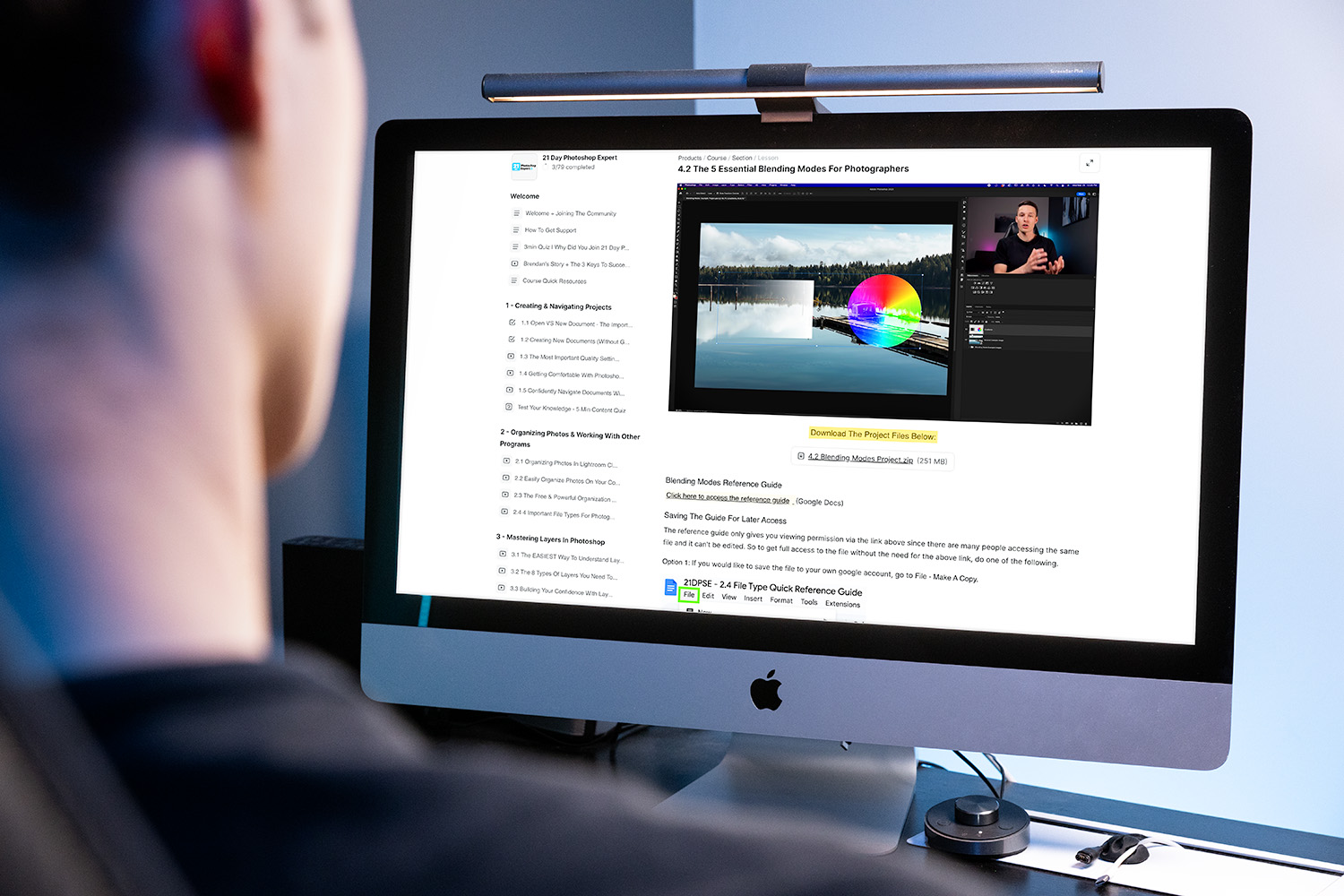
This go at your own pace complete video course includes all 70+ lessons in an easy to use student dashboard you can use to watch lessons and track your progress from any device.
All lessons are pre-recorded and organized making it as easy as possible for you to learn at your pace.
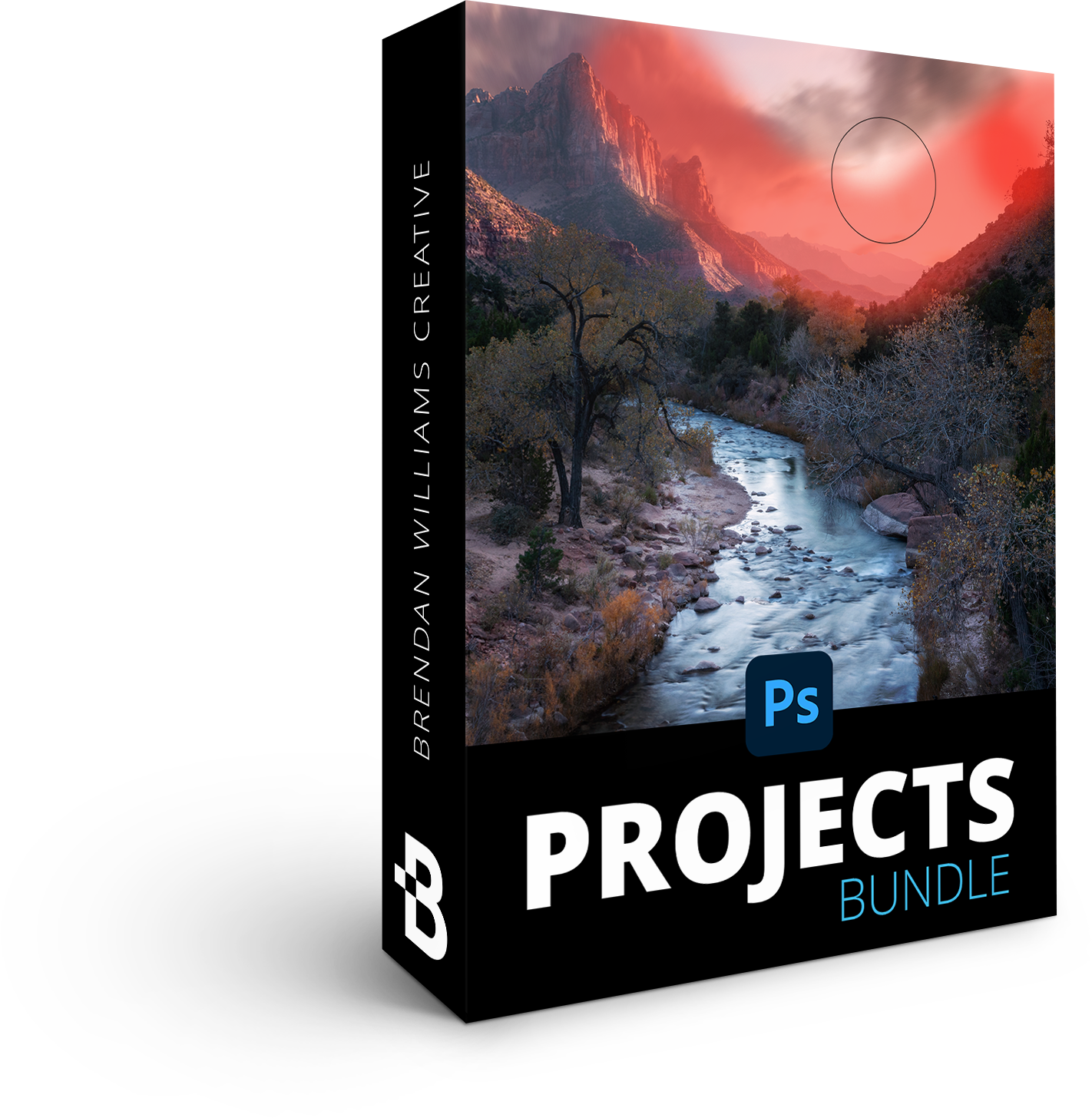
Practice what you learn and follow along with the projects bundle. Each project is attached below their related lessons so you can always keep track!
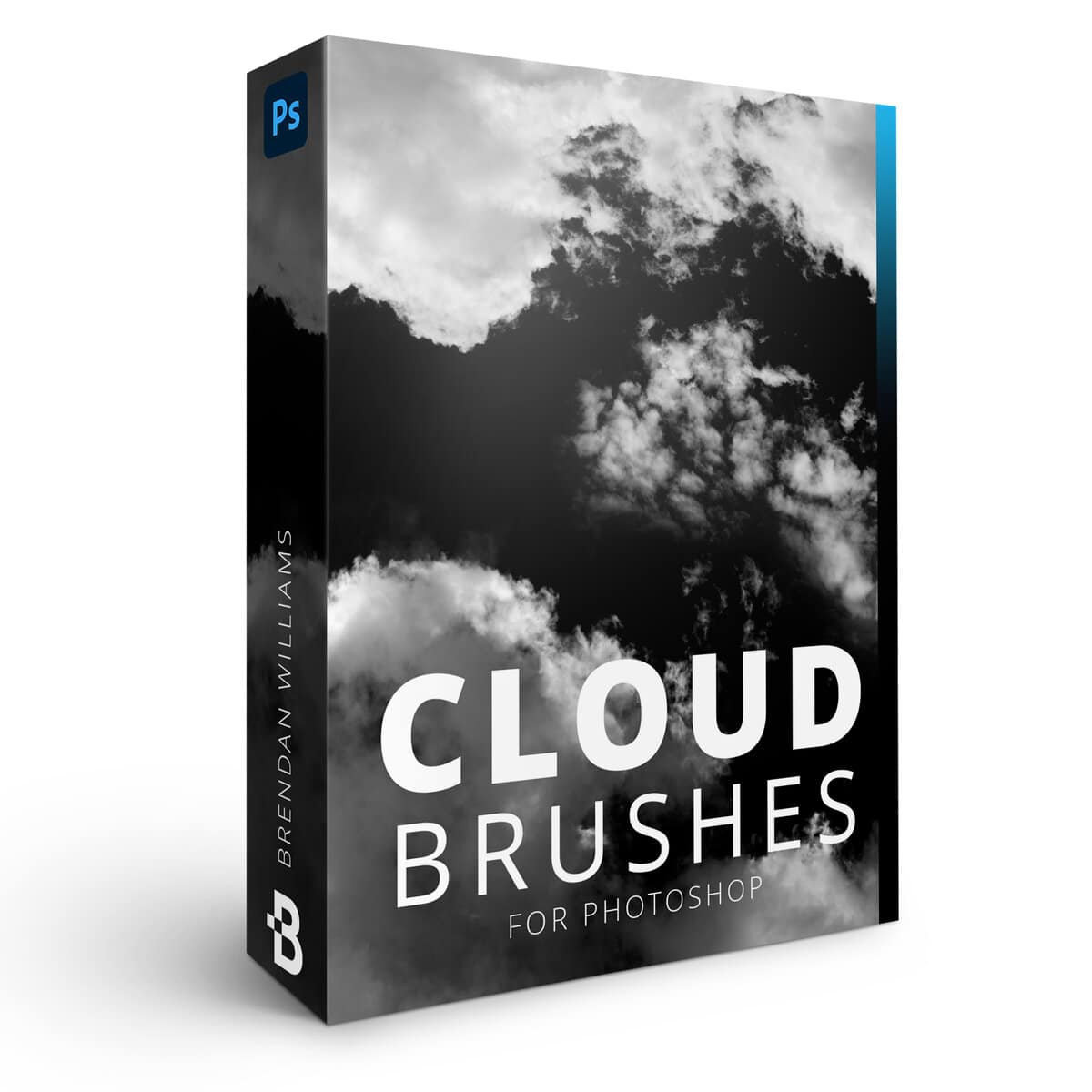
For easy “sky replacements” or creative effects, these optically captured photo-realistic cloud brushes will serve as a handy tool in your brush library!
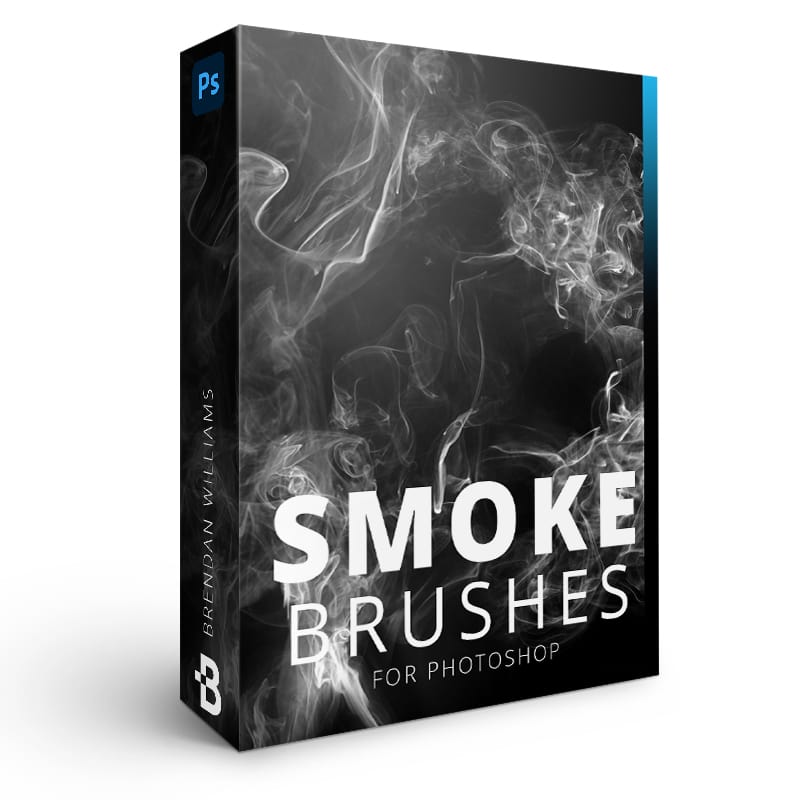
For creative editing effects or to add drama into any photo, these optically captured high-res smoke brushes are a personal favorite of Brendan’s!

For adding gritty and rough textures to your designs, text, or images, these optically captured brushes make it easy and fun.
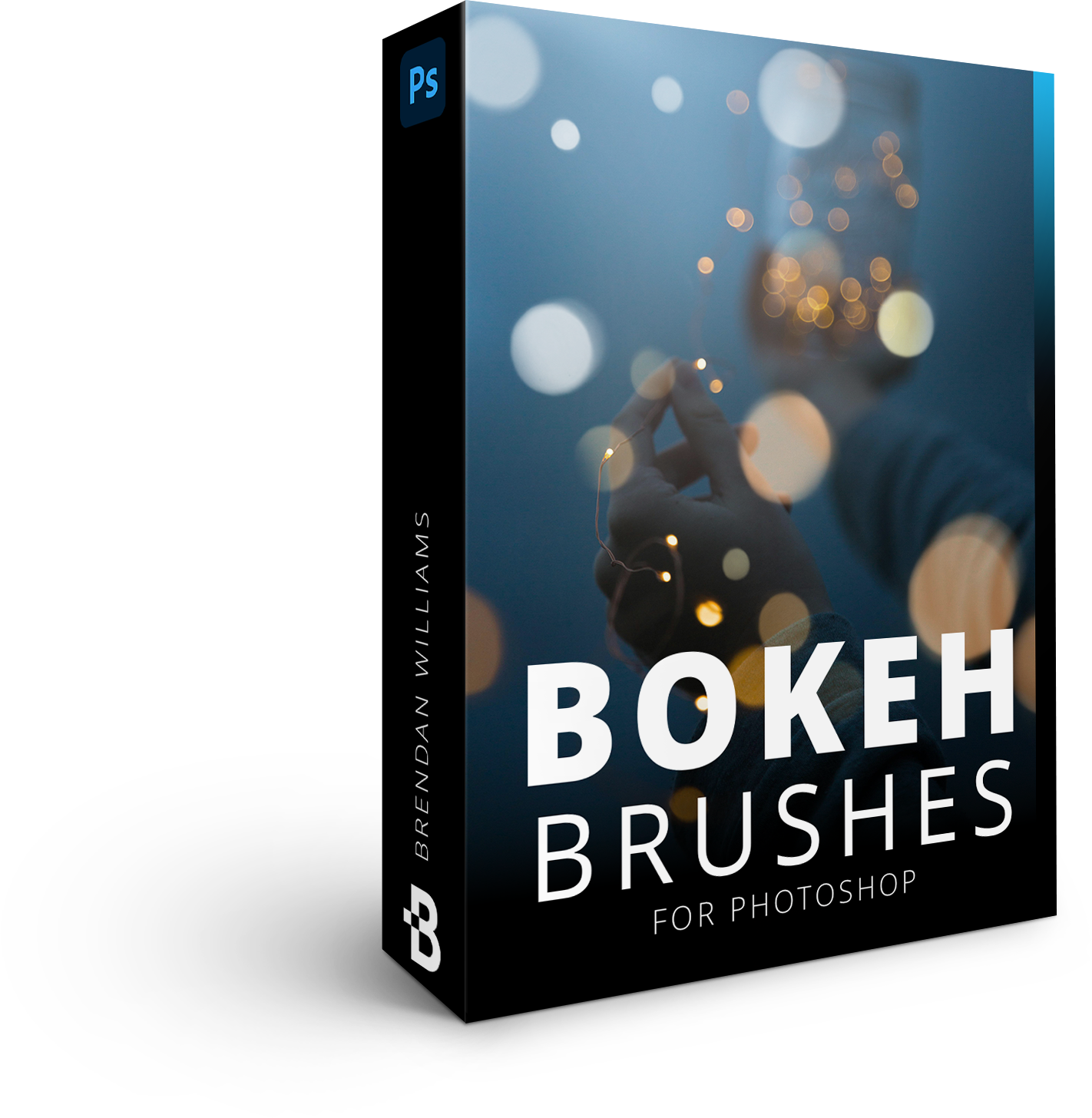
Enhance existing bokeh or add a dreamy look to your low-light images. This bundle offers a variety of one-click bokeh styles that are easily customized.

Add sun flares to your sunset portraits, stylize automotive photography, add sparkles to jewelry photos and more with these brushes.

Add misty steam effects with a click. Use these to enhance your food and drink photography, or add atmosphere to your creative edits.

Add one-click light leaks, light flares, and film burn styles with the Screen blending mode. You’ll learn how to use overlays in the course!
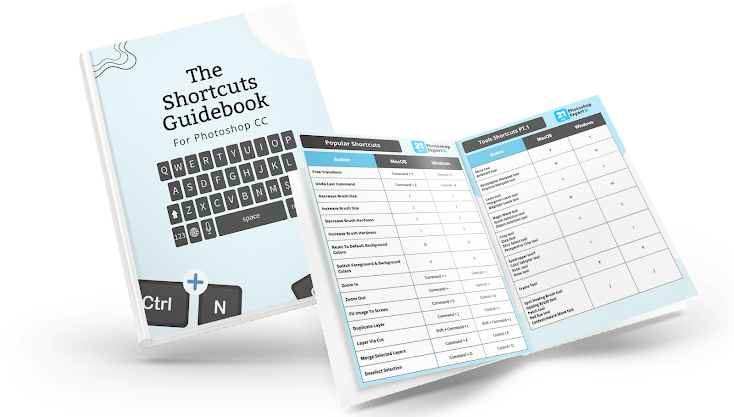
Find digital PDF downloads explaining the most important tools and techniques learned in the course.

Access a collection of high-res blue sky images for effortless sky replacements that match the quality of your RAW images.

Access a collection of high-res sunset and sunrise sky images for effortless sky replacements.

Get direct help with your Photoshop questions as you work through the course. Whether you’re stuck with a lesson or have questions about a project you’re working on, we’re here to help.
This go at your own pace complete video course includes all 70+ lessons in an easy to use student dashboard you can use to watch lessons and track your progress from any device.
All lessons are pre-recorded and organized making it as easy as possible for you to learn at your pace.
Practice what you learn and follow along with the projects bundle. Each project is attached below their related lessons so you can always keep track!
For easy “sky replacements” or creative effects, these optically captured photo-realistic cloud brushes will serve as a handy tool in your brush library!
For creative editing effects or to add drama into any photo, these optically captured high-res smoke brushes are a personal favorite of Brendan’s!
For adding gritty and rough textures to your designs, text, or images, these optically captured brushes make it easy and fun.
Enhance existing bokeh or add a dreamy look to your low-light images. This bundle offers a variety of one-click bokeh styles that are easily customized.
Add sun flares to your sunset portraits, stylize automotive photography, add sparkles to jewelry photos and more with these brushes.
Add misty steam effects with a click. Use these to enhance your food and drink photography, or add atmosphere to your creative edits.
Add one-click light leaks, light flares, and film burn styles with the Screen blending mode. You’ll learn how to use overlays in the course!
Find digital PDF downloads explaining the most important tools and techniques learned in the course.
Access a collection of high-res blue sky images for effortless sky replacements that match the quality of your RAW images.
Access a collection of high-res sunset and sunrise sky images for effortless sky replacements.
Get direct help with your Photoshop questions as you work through the course. Whether you’re stuck with a lesson or have questions about a project you’re working on, we’re here to help.
Enjoy lifetime access to the course contents + free course updates as Photoshop changes. These occasional updates will be made to ensure all the techniques you learn in the course apply for your work today and onwards.
Enjoy lifetime access to the course contents + free course updates. These occasional updates will be made to ensure all the techniques taught in the course remain relevant through future updates.
21 Day Photoshop Expert Video Course ($347 Regular)
Follow Along Projects ($197 Value)
Flare Overlays For Photoshop ($97 Value)
Cloud Brushes For Photoshop ($37 Value)
Smoke Brushes For Photoshop ($47 Value)
Grunge Brushes For Photoshop ($47 Value)
Bokeh Brushes For Photoshop ($37 Value)
Flare Brushes For Photoshop ($37 Value)
Blue Sky Templates ($37 Value)
Golden Hour Sky Templates ($37 Value)
Lifetime Course Access ($347 Value)
Community Lesson Support ($347 Value)
Free Course Updates ($347 Value)
$1,961 Value
Optional Payment Plan Available At Checkout
90-Day Money Back Guarantee

Try The Course 100% Risk-Free With My 90-Day Money Back Guarantee
I do this because I am so confident that this will be one of the most valuable Photoshop courses you’ve ever taken.
If, for any reason, you aren’t 110% happy with this course after 90 days, email me at [email protected], and I’ll personally refund all your money, no questions asked.
Lifetime Access
Enjoy unlimited lifetime access to this course and its materials. Watch, rewatch, and continue to hone your skills with everything you gain from this program!
It’s in-depth, expansive, and serves as an ongoing resource long into the future. If you’re ready to make the workflow transformation, this course will be your guide.



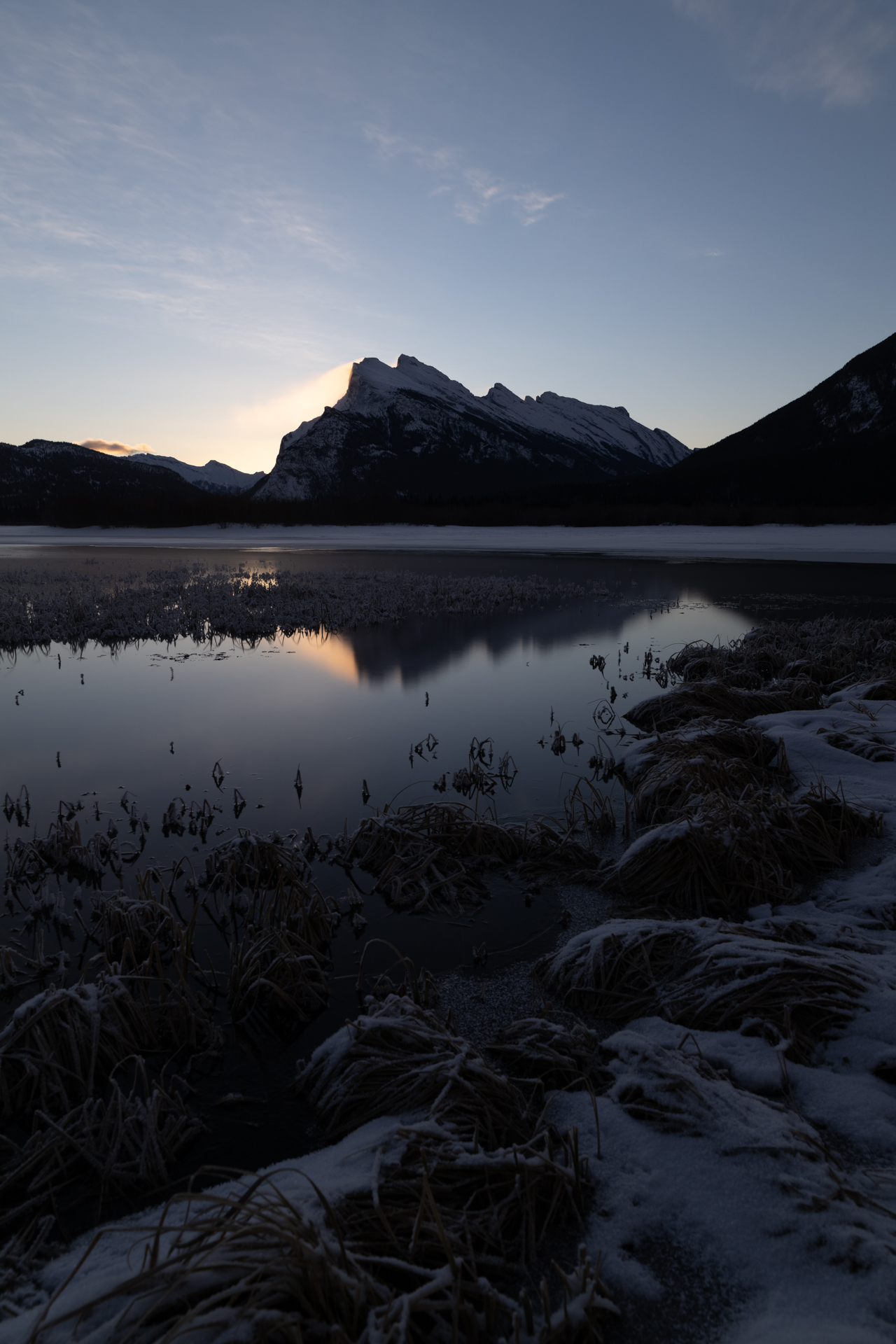

You’ll be able to open Photoshop and actually feel excited to use Photoshop.
All because you have learned an effective system to progress your skills.
You finally can piece together those editing techniques you’ve dreamed of to level up your photo editing skills.
You’ll be able to spend more time taking photos and doing what you love rather than spending endless hours watching Photoshop tutorials on YouTube.
All because of one Photoshop course that makes photo editing fun, exciting, and simple again.
FAQ
The course is taught in the latest version of Photoshop CC at the time of recording. Currently this ranges from Photoshop CC 2023 – CC 2025.
The techniques outlined in this course may not apply to all aspects of older versions of Photoshop, such as CS6.
I do not recommend purchasing this course if you use Photoshop Elements or Photoshop Express.
This entire video course is 20.5 hours long across 79 individual lessons.
Yes, the course has English subtitles in every lesson. The video players also have speed controls if you prefer a slower pace for your videos.
Youtube is a fantastic resource with more free tutorials than any individual is capable of watching on improving your Photoshop skills.
I even produce in-depth Photoshop trainings every week for Youtube!
But a side effect of only learning on Youtube is that you’ll waste dozens of hours learning the same thing, searching for tutorials only to find partial answers and not having precise exercises designed to help you truly learn the skills you’re after.
If you want to develop your skills FAST, then 21-Day Photoshop Expert is for you.
Plus, what is your time worth?
This program will save you weeks of frustrated time searching for answers and rapidly increase your photo editing skills.
For some – thats money well spent!
If your time isn’t worth that yet…
Stick to Youtube until it is!
Not at all! You can work through this course at whatever pace suits you. Although this course is designed for you to be able to finish it in 21 days if you complete one module per day, this is by no means a requirement.
And if you feel overwhelmed thinking of dedicating 21 days strictly to learning Photoshop, I totally get it.
That’s why this course consists of pre-recorded videos and you have lifetime access to all the course contents. That way you can work your way through the course at whatever pace fits your schedule!
All the course materials can be accessed at any time in your course dashboard.
No, this course consists of pre-recorded videos for each module so you do not need to worry about scheduling times to watch course materials. Whenever you’re ready to watch, the course materials will be there waiting for you!
The course consists of video modules that you can find in your Student Dashboard, available at members.bwillcreative.com once you have enrolled.
The student dashboard is online and can be accessed from any device at any time.
21-Day Photoshop Expert is meant to take you from limited knowledge of Photoshop ——> To confidently using Photoshop to transform your images and get the recognition you deserve.
All without feeling confused, overwhelmed, or feeling like it will take you years to learn Photoshop.
But even though this course starts you from square one, there are countless techniques and lessons more experienced users can gain from this too. From advanced color grading, masking, image blending, selection techniques and more, this course will help add on to the valuable skills you already have.
This course IS NOT for you if you find editing in Photoshop a breeze and already feel like you have all the answers you need.
Yes! I have a 90 Day money back guarantee on this course.
You are eligible for 100% refund within 90 days as long as less than 50% of the course is completed.
That way you have plenty of time to find time to work through the course to see if it’s a good fit for you.
If not, you can shoot me an email at [email protected] and I’ll personally refund every penny.
21 Day Photoshop Expert Video Course ($347 Regular)
Follow Along Projects ($197 Value)
Flare Overlays For Photoshop ($97 Value)
Cloud Brushes For Photoshop ($37 Value)
Smoke Brushes For Photoshop ($47 Value)
Grunge Brushes For Photoshop ($47 Value)
Bokeh Brushes For Photoshop ($37 Value)
Flare Brushes For Photoshop ($37 Value)
Blue Sky Templates ($37 Value)
Golden Hour Sky Templates ($37 Value)
Lifetime Course Access ($347 Value)
Community Lesson Support ($347 Value)
Free Course Updates ($347 Value)
$1,961 Value
Optional Payment Plan Available At Checkout
90-Day Money Back Guarantee
