How To Undo And Redo In Photoshop
No mistake is permanent because you can use the undo feature to step backwards through your adjustments. In this tutorial you’ll learn how to undo in Photoshop, as well as redo if you go too far!

No mistake is permanent because you can use the undo feature to step backwards through your adjustments. In this tutorial you’ll learn how to undo in Photoshop, as well as redo if you go too far!
Learn two easy methods you can turn off smart objects in photoshop to reclaim your layers or finally edit your layer directly once again.
In this tutorial, you’ll learn what a smart object is and why they’re useful to you. They offer far more versatility than first meets the eye, and here you’ll discover all the best ways to use them.
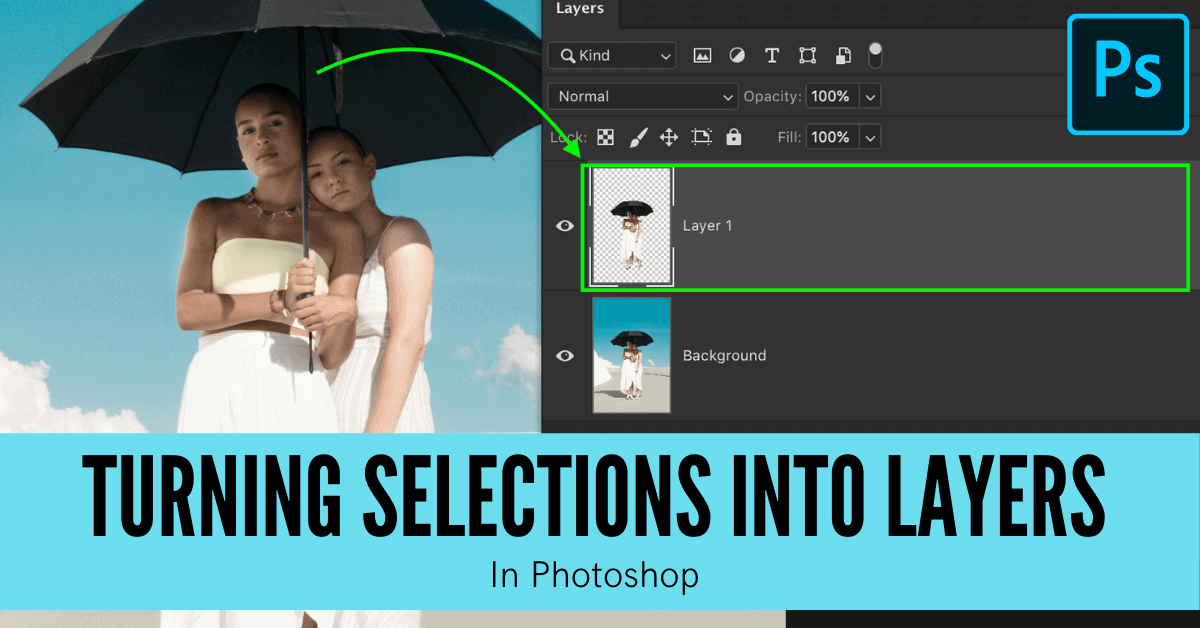
Learn three easy ways to make a new layer from a selection in Photoshop with the help of a few easy shortcuts and selection options!
Learn the best ways to deselect in Photoshop using a variety of effective shortcuts to speed up the process.
329 Howe Street #1413
Vancouver, BC V6C 3N2
Canada
Mon to Friday
9:00 am to 5:00 pm PST