How To Use The Marquee Tool In Photoshop
Learn how to use the Marquee Tool in Photoshop to crop layers, create basic selections, add selective adjustments, and more with ease.

Learn how to use the Marquee Tool in Photoshop to crop layers, create basic selections, add selective adjustments, and more with ease.
If you’re struggling to figure out how to crop a layer in Photoshop, you’re not alone. Fortunately, there are a few easy (not so obvious) methods to help you crop a single layer in Photoshop.
Discover 3 surprisingly easy ways to create an arrow in Photoshop, including how to create a custom arrow shape for later use!
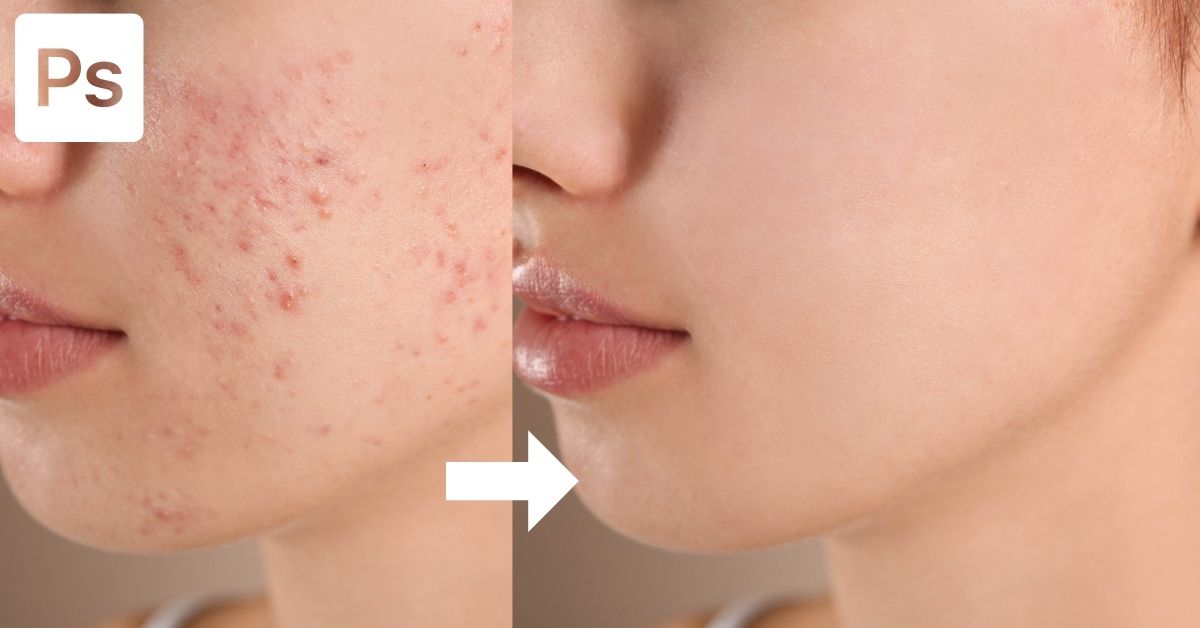
Learn how to remove acne and blemishes in Photoshop to give your portraits a smooth, magazine quality look with ease!
Learn how to fill anything in Photoshop from selections, shapes, and text with solid color, gradients, and even images!
329 Howe Street #1413
Vancouver, BC V6C 3N2
Canada
Mon to Friday
9:00 am to 5:00 pm PST