How To Create A Cinematic Look In Photoshop – Step By Step
Learn how to create a cinematic look in Photoshop to match the rich colors and contrast seen in your favorite movies.

Learn how to create a cinematic look in Photoshop to match the rich colors and contrast seen in your favorite movies.
Learn the different ways to create a new document in Photoshop along with helpful keyboard shortcuts to help save you time.
Learn how to create a new layer in Photoshop whether you want to create transparent, adjustment, color, gradient, or pattern fill layers!
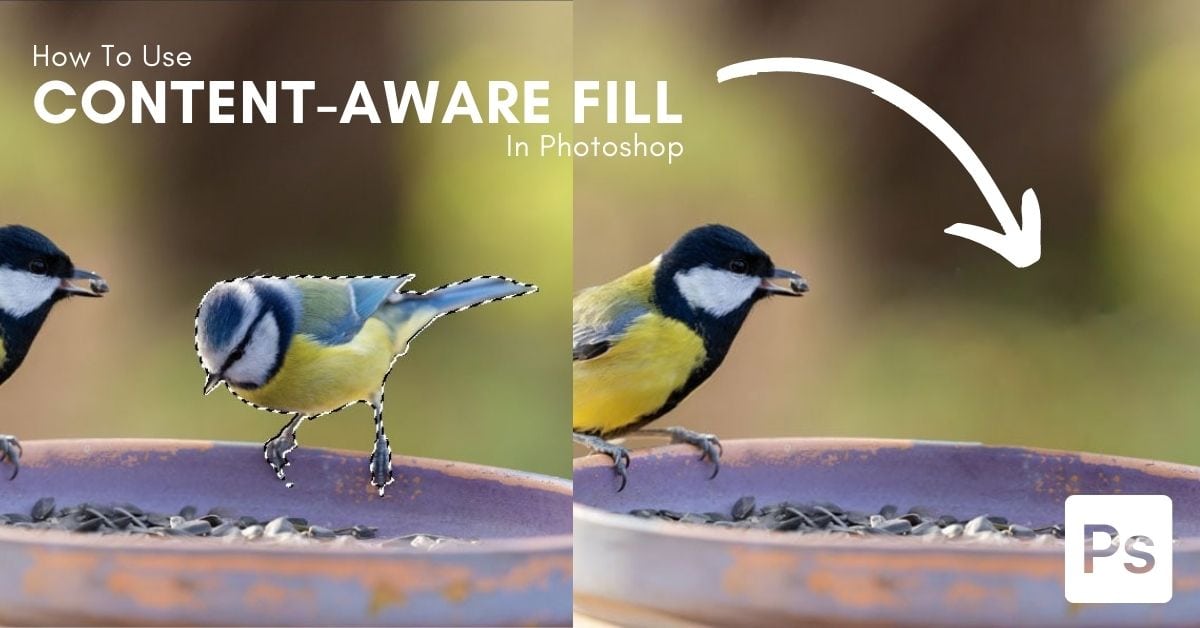
Learn how to use Content-Aware fill in Photoshop to quickly remove unwanted objects without giving up manual control over your images.
Learn how to use the Pen Tool in Photoshop to create complex paths, selections, shapes, custom lines, or remove backgrounds with ease.
329 Howe Street #1413
Vancouver, BC V6C 3N2
Canada
Mon to Friday
9:00 am to 5:00 pm PST