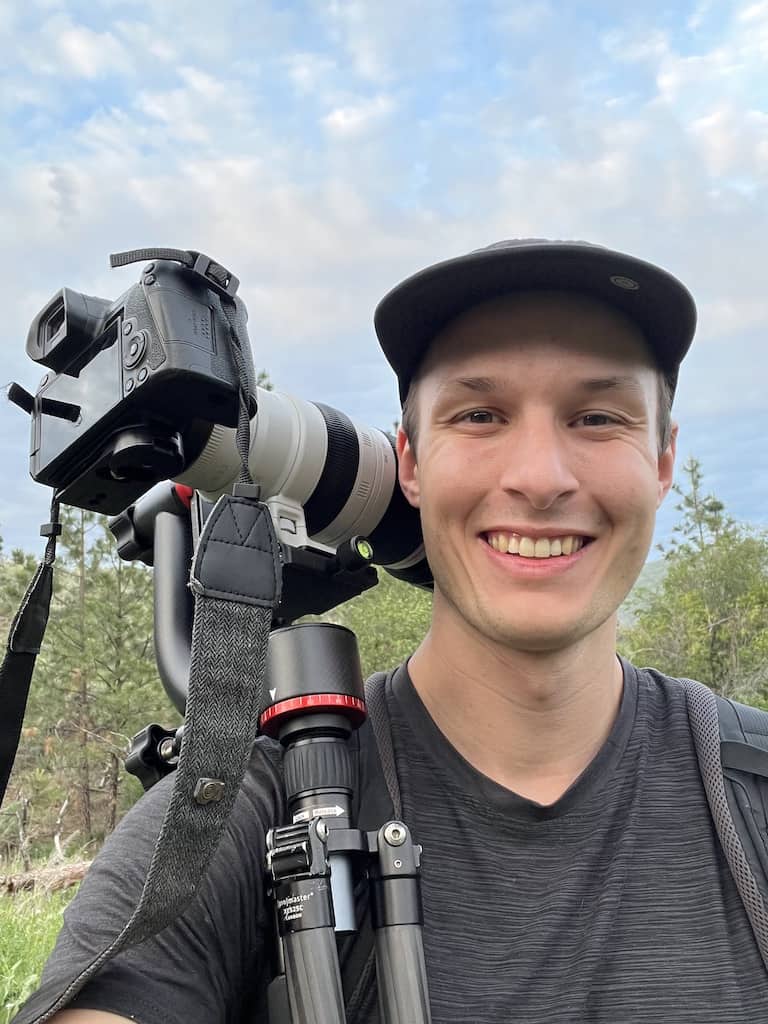
How To Blur The Edges Of A Photo In Photoshop

Learn 3 easy ways to blur the edges of a photo in Photoshop with beginner friendly methods that you can create in just a few minutes.

Learn 3 easy ways to blur the edges of a photo in Photoshop with beginner friendly methods that you can create in just a few minutes.
Here you’ll learn how to unlock the background layer in Photoshop with just one click, with other alternatives to unlocking layers as well!
Learn the best ways to duplicate layers in Photoshop using a few easy shortcuts and other workarounds that can be done in seconds.
Whether you merged or flattened your layers, the result is going to be the same. Multiple layers now have become one, and there’s no way to edit them individually. Fortunately, there are a few simple ways you can unmerge layers in Photoshop using some easy commands to get all your layers back.
The two most effective ways to keep your Layer panel organized is by using linked layers or groups. On the surface, each of these options appears to do nearly the same thing. When you look a little deeper, there are very notable differences between each.
329 Howe Street #1413
Vancouver, BC V6C 3N2
Canada
Mon to Friday
9:00 am to 5:00 pm PST