
Thanks For Letting Me Know!
Here Are Some Articles To Get Started With
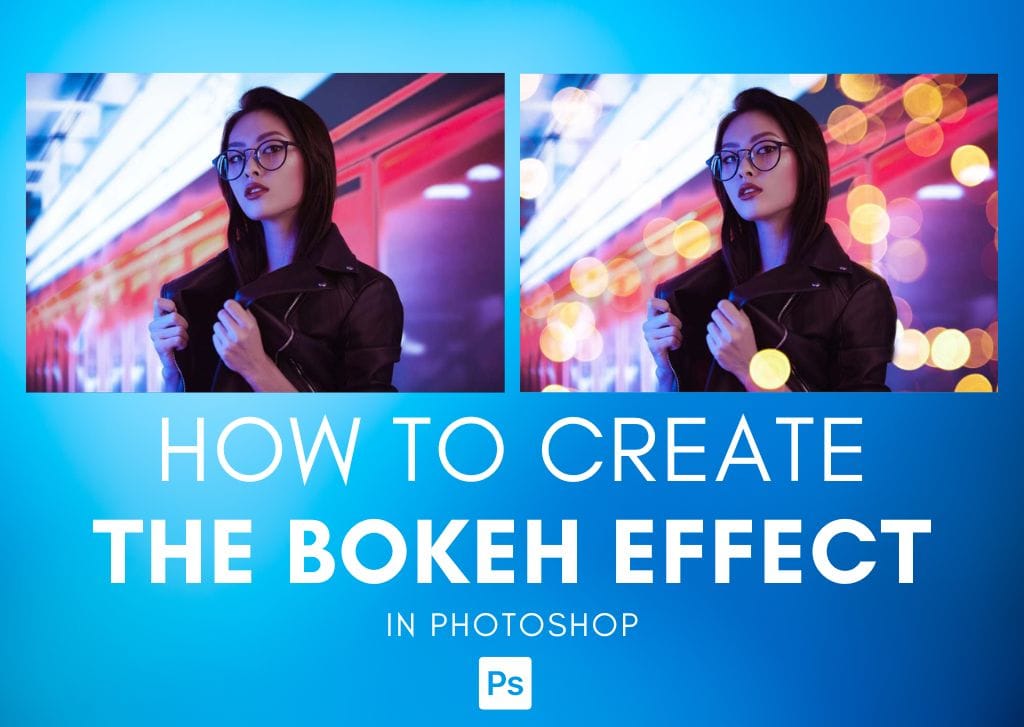
How To Create A Bokeh Effect In Photoshop (Fast & Simple)
Learn the easiest and fastest way to add a bokeh effect into any photo in Photoshop using simple overlays and layer blending modes.
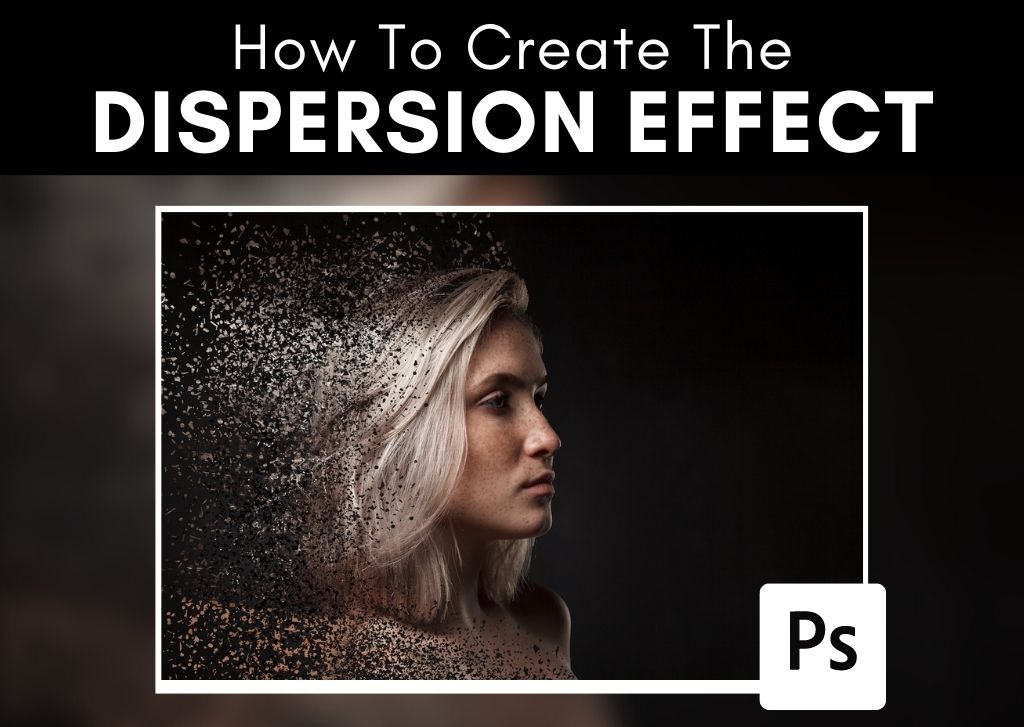
How To Create The Dispersion Effect In Photoshop (Step By Step)
Learn the simple step by step process to create the dispersion effect in Photoshop to make any subject look like they are vanishing to dust.

How To Increase Image Resolution in Photoshop (Step By Step)
Learn how to easily increase the image resolution of your project in Photoshop along with tips to ensure you get the best results possible.
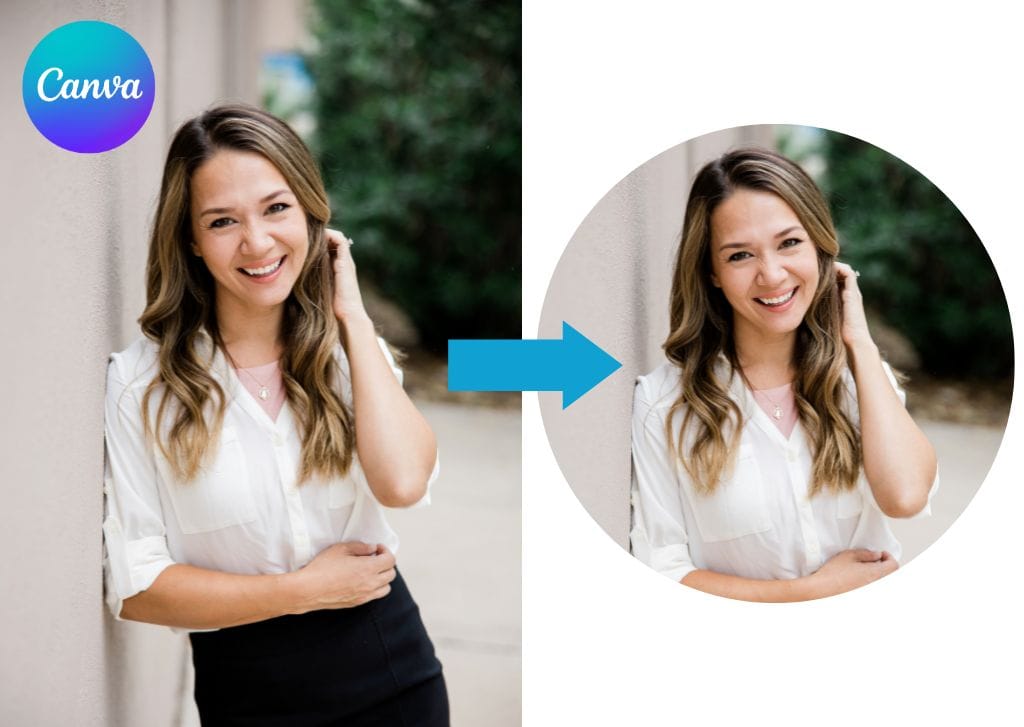
How To Crop A Photo Into A Circle In Canva
Here’s how to crop a photo into a circle in Canva, along with tips to create a circular crop with an outline for extra style!
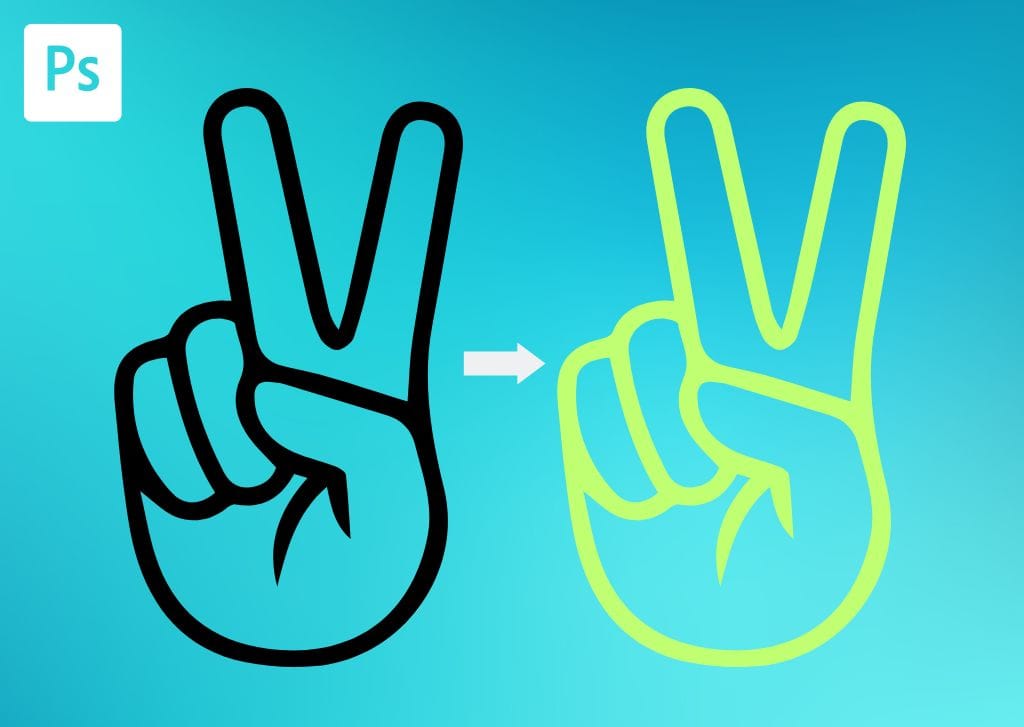
How To Change The Color Of A PNG In Photoshop (3 Easy Ways)
Here are two ways to change the color of a PNG in Photoshop, whether it’s a logo or other graphic that already has a transparent background.
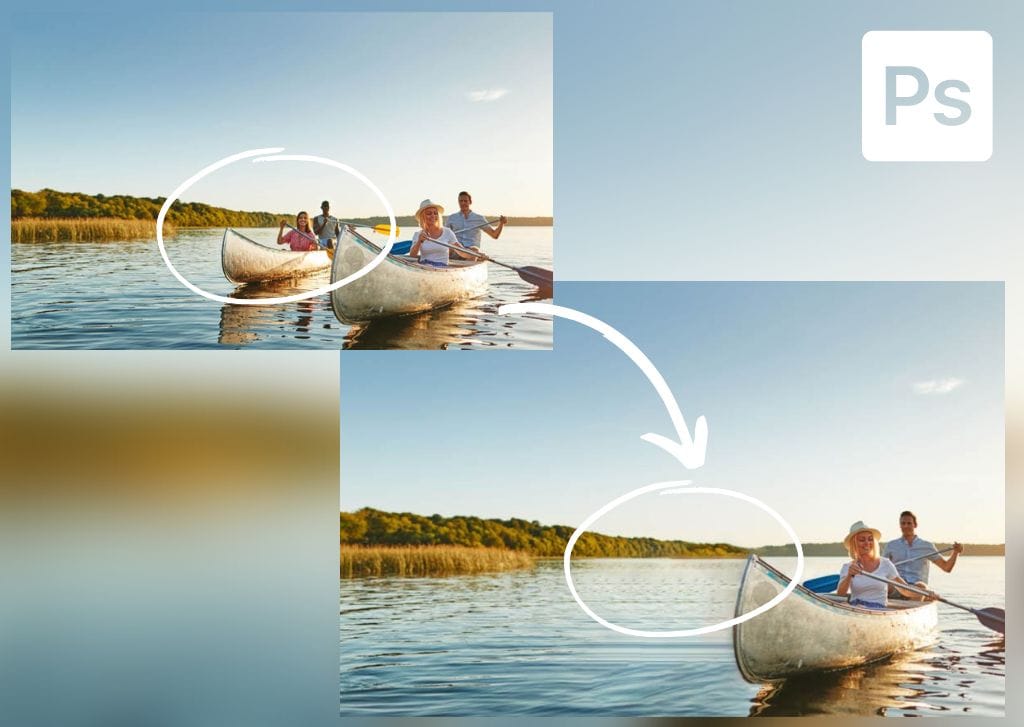
How To Use The Remove Tool In Photoshop
Learn how to use the Remove Tool in Photoshop to quickly remove distractions with less effort than most other common object removal tools.
GIMP Vs Photoshop – Which Should You Choose?
Here’s an in-depth look at the differences between GIMP vs Photoshop to help you figure out which option is best for you.
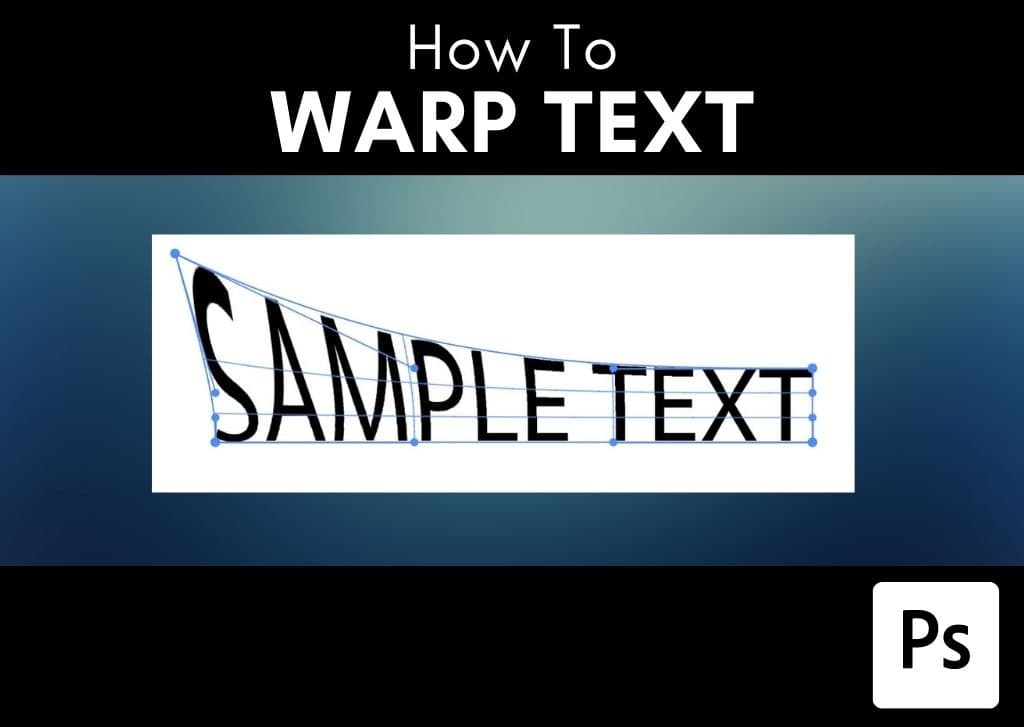
How To Warp Text In Photoshop (2 Easy Ways)
Here are two simple ways to warp text in Photoshop without having to rasterize your layers and sacrifice your editing options!
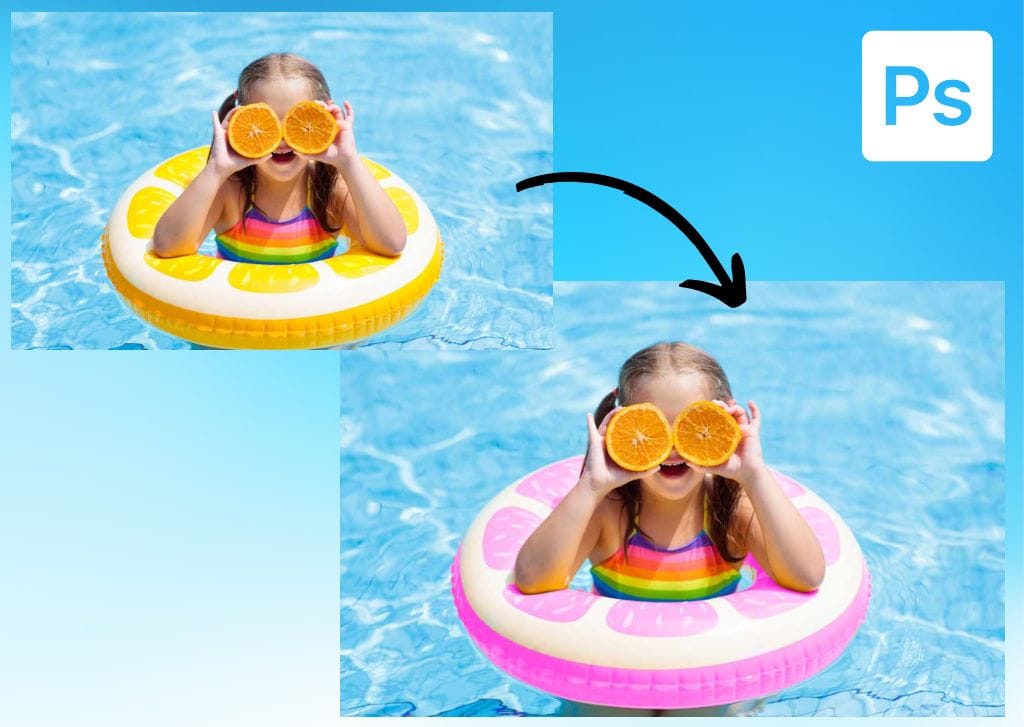
How To Use The Color Replacement Tool In Photoshop (Step By Step)
Learn how to use the color replacement tool in Photoshop to easily change colors in your photos without any complex masks or layers.
How To Create A Watermark In Canva (Step By Step)
Learn two different ways to create a watermark in Canva by turning your existing logo into a watermark, or creating a text-based watermark.
