How To Use & Create LUTs In Photoshop (Step By Step)
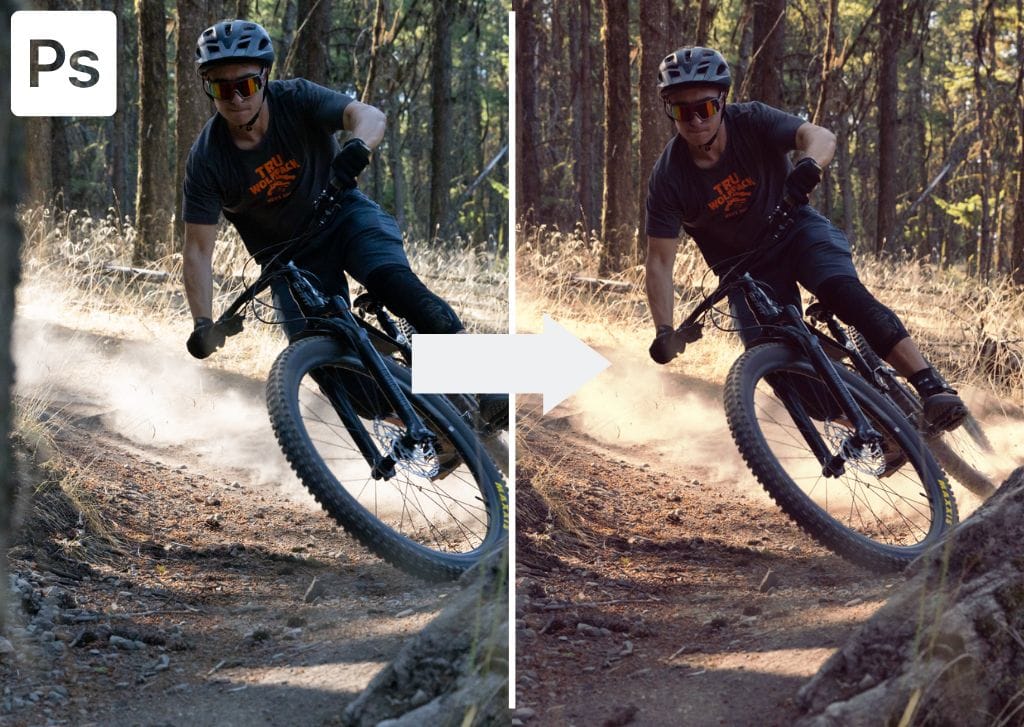
Learn how to use LUTs in Photoshop to color grade your images, along with tips to create your own LUTs for future uses!

Learn how to use LUTs in Photoshop to color grade your images, along with tips to create your own LUTs for future uses!
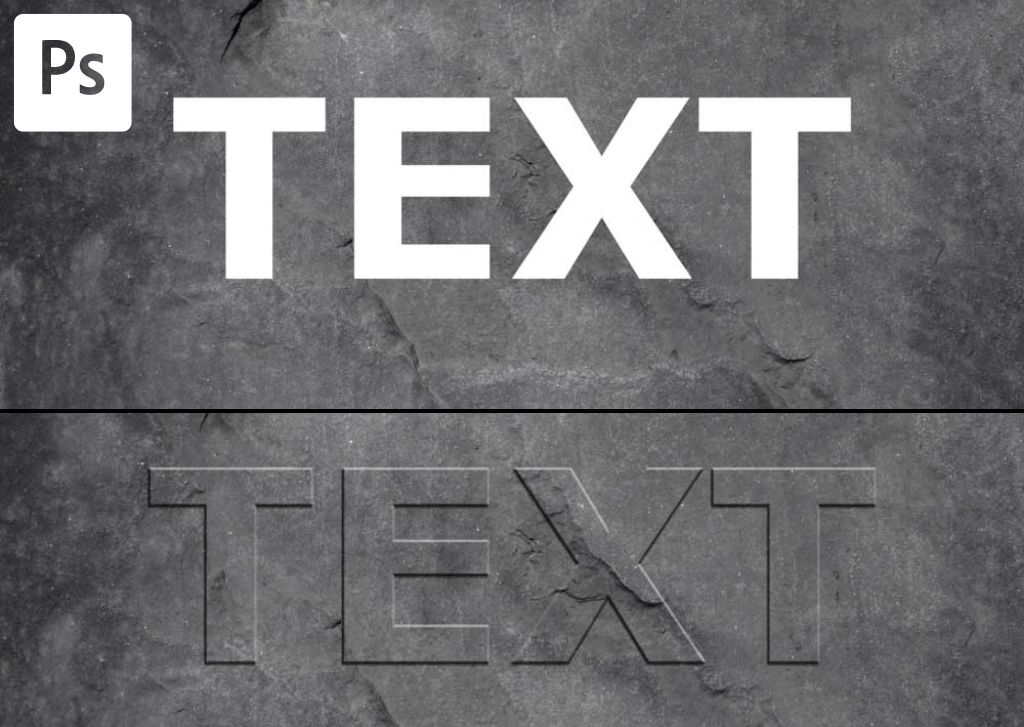
Here you’ll learn how to bevel and emboss text in Photoshop to make it pop off your screen and make it look as if your text has 3D contours.
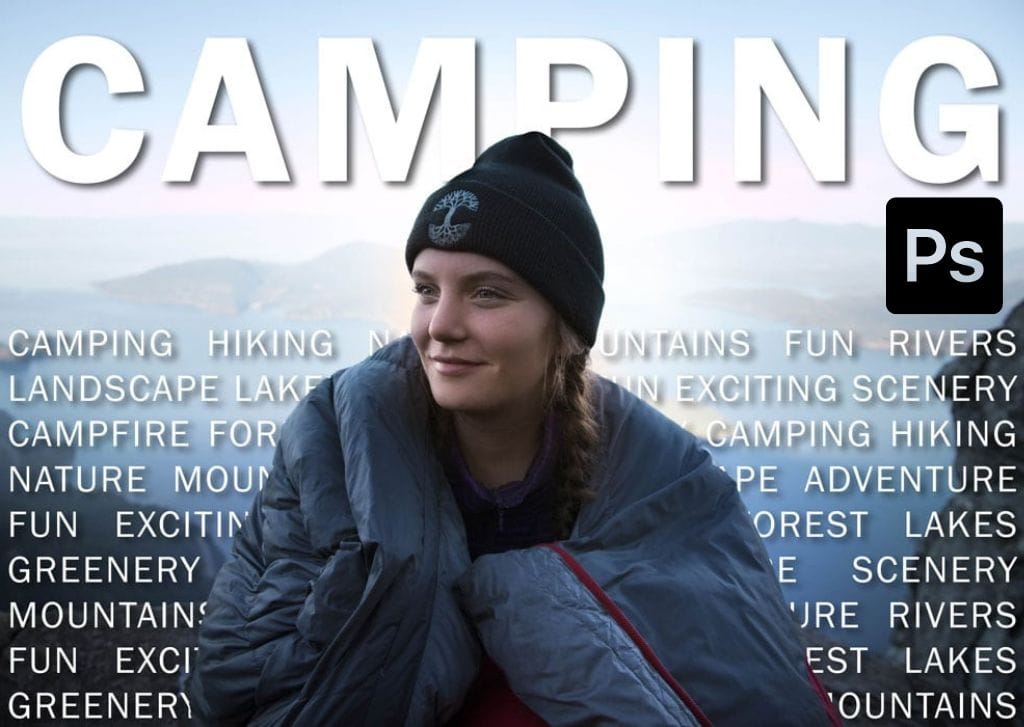
Learn the simple process to place text behind an image in Photoshop for magazine-cover-like effects perfectly suited for any design.
Discover three easy ways to stretch text in Photoshop for fun playful designs, or more professional results suitable for logos.
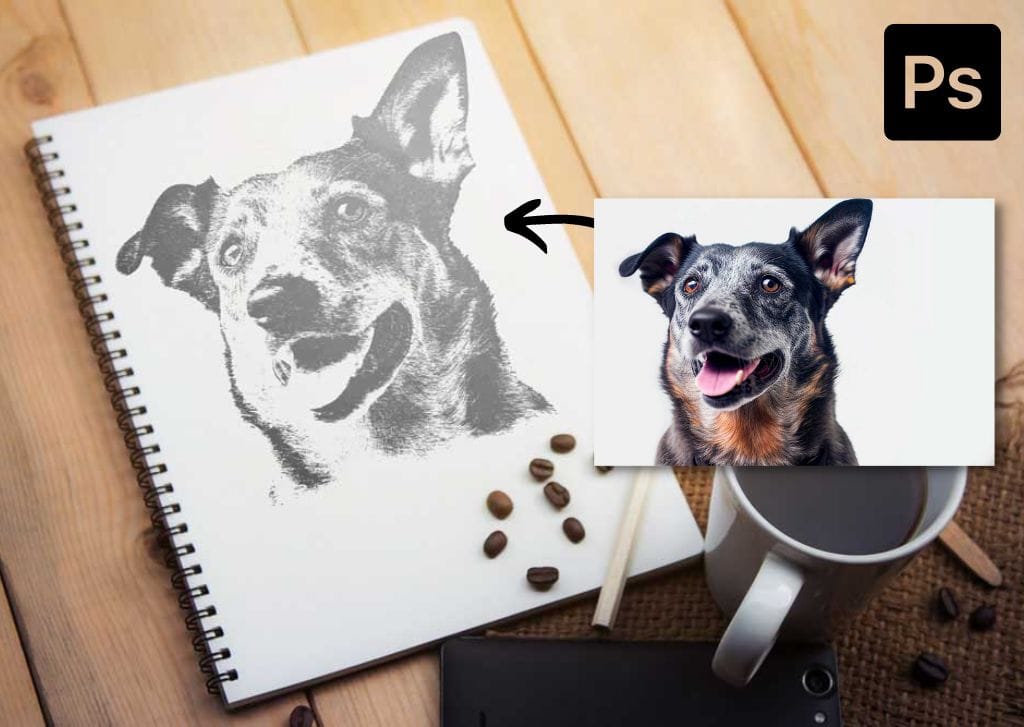
Learn the step by step process to turn any photo into a sketch in Photoshop for a fun effect that doesn’t require any art skills!
329 Howe Street #1413
Vancouver, BC V6C 3N2
Canada
Mon to Friday
9:00 am to 5:00 pm PST