How To Use Quick Masks In Photoshop
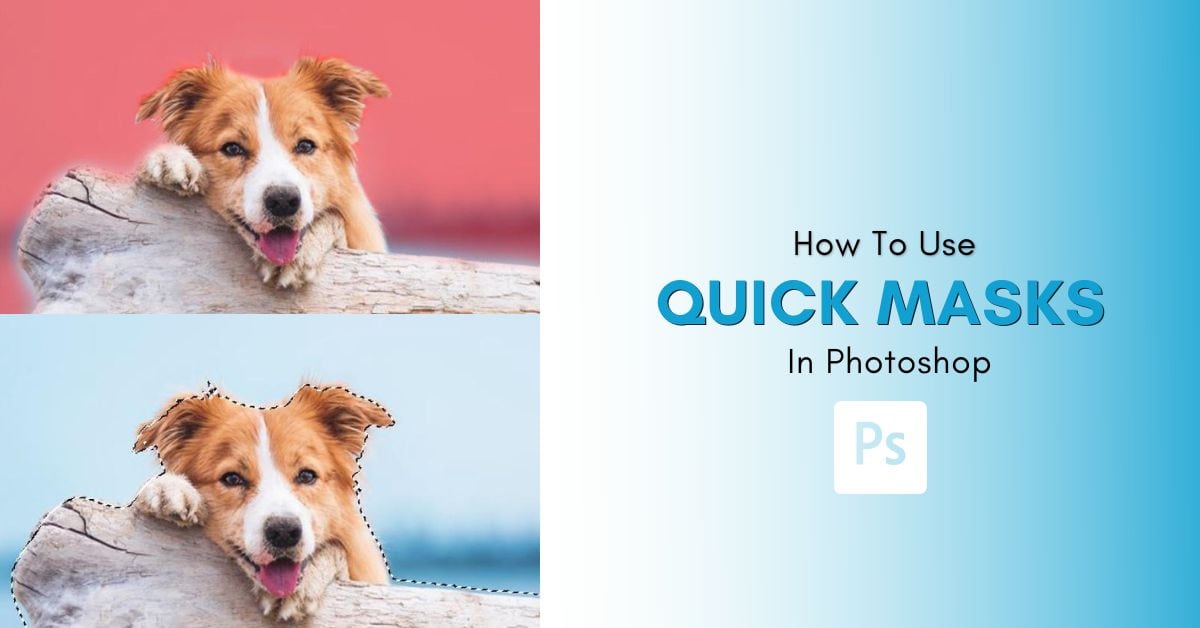
Learn how to use a Quick Mask in Photoshop to help refine selections, remove backgrounds, or create simple cut outs without complex tools.

Learn how to use a Quick Mask in Photoshop to help refine selections, remove backgrounds, or create simple cut outs without complex tools.
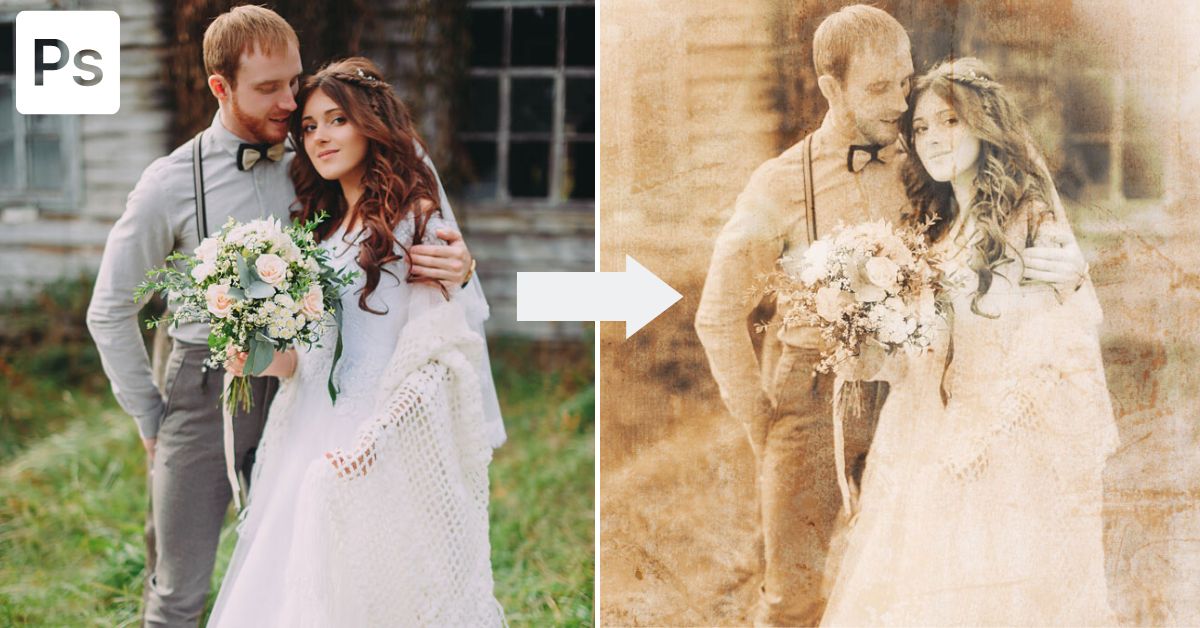
Learn the easy step by step process to make an old photo effect in Photoshop using Camera Raw and a grain overlay texture.
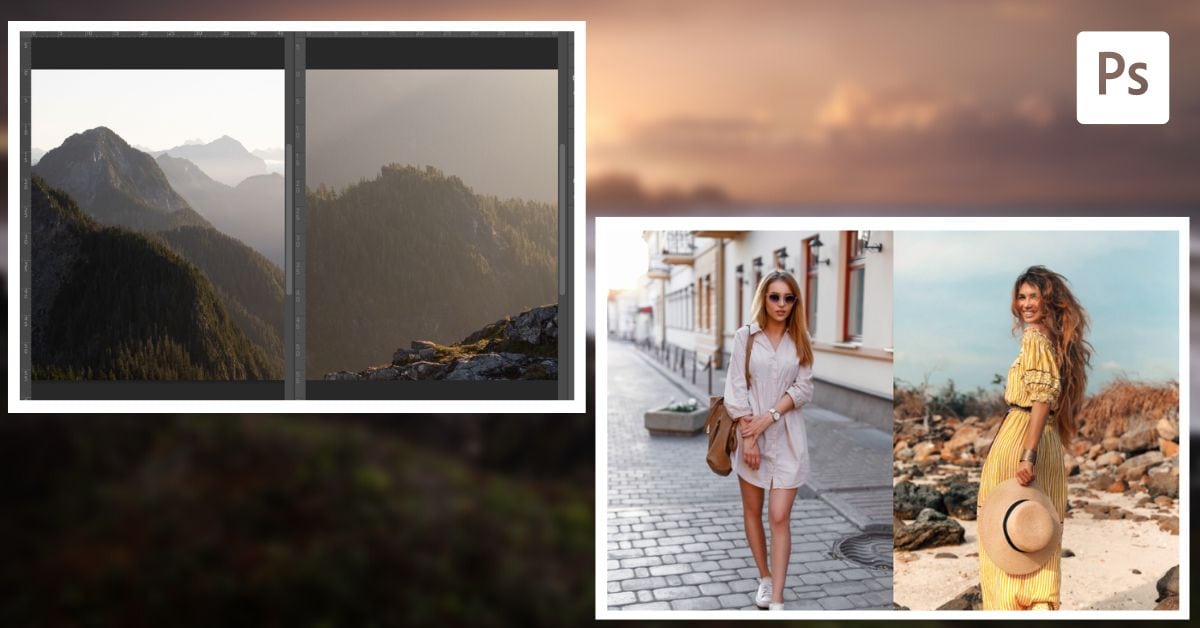
Learn how to put images side by side in Photoshop using a collage format or by placing active projects in different windows.
Learn five ways to fix the Move Tool in Photoshop whether your layer won’t select, you can’t scale it, or something in between.
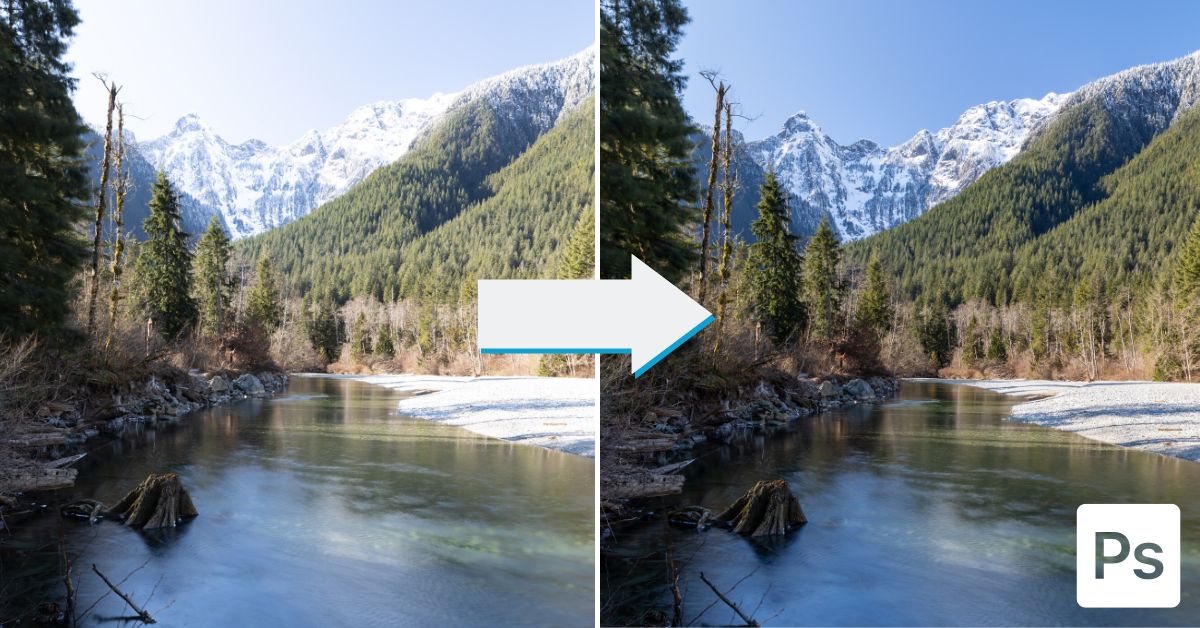
Learn the step by step process to create HDR images in Photoshop to help balance your exposures and reveal more details in your photos.
329 Howe Street #1413
Vancouver, BC V6C 3N2
Canada
Mon to Friday
9:00 am to 5:00 pm PST