How To Add Realistic Background Blur In Photoshop
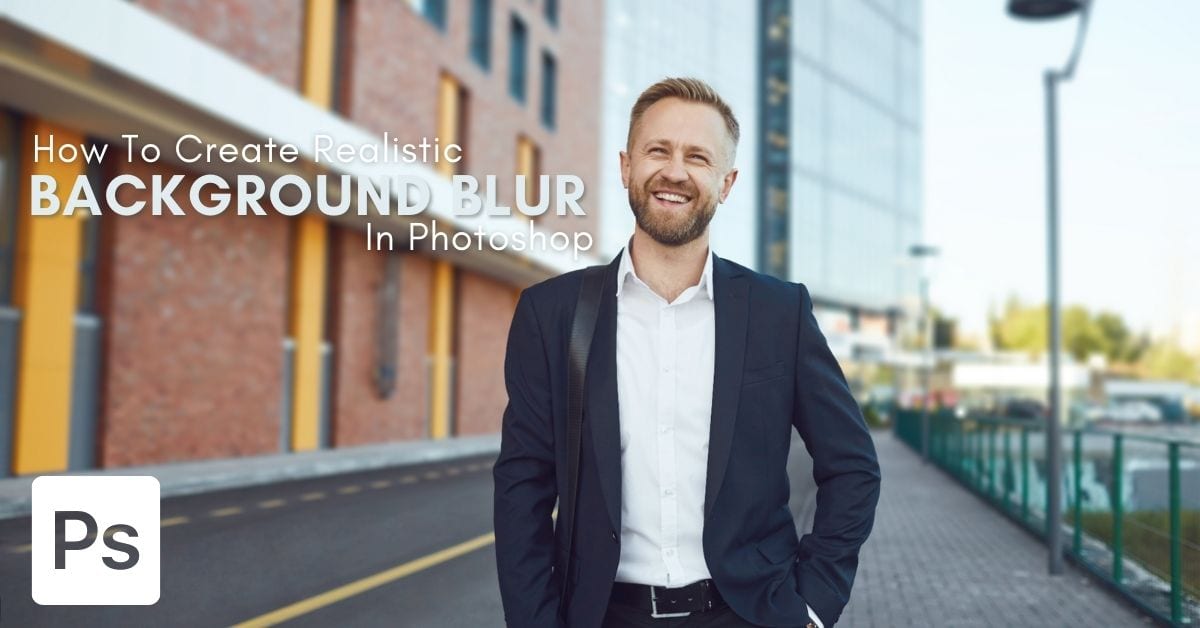
Discover 10 easy steps to add background blur in Photoshop in a way that actually looks realistic and not like you just slapped on a filter in post.

Discover 10 easy steps to add background blur in Photoshop in a way that actually looks realistic and not like you just slapped on a filter in post.
Learn how to use the blur tool in Photoshop to selectively blur an image, along with tips to use additional blur filters and gallery blurs.
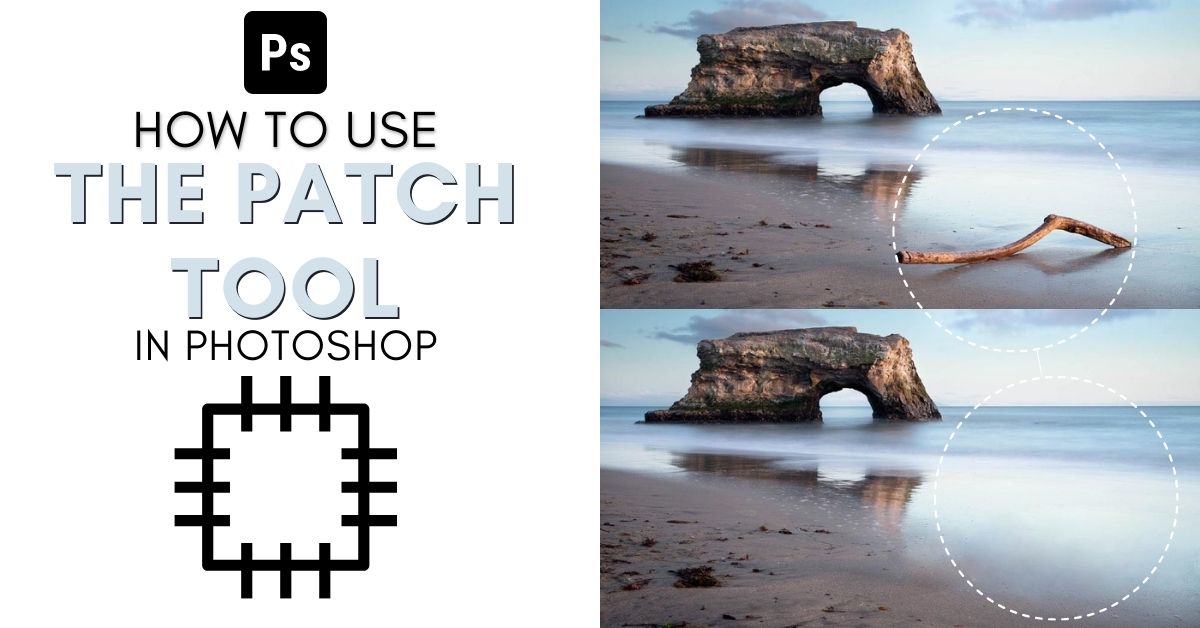
Learn how to use the Patch Tool in Photoshop to remove unwanted objects or to duplicate unique features in your images with ease.
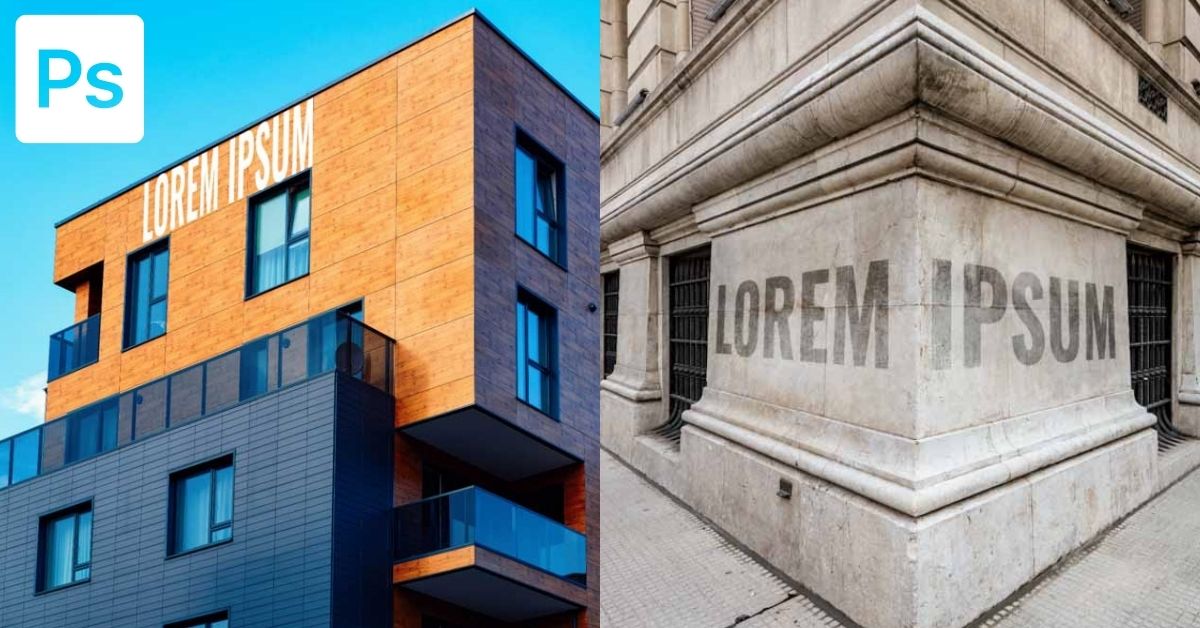
Creating perspective text in Photoshop makes your text appear like it’s placed against a wall or at an angle in your projects. For creative graphics design effects or to blend text into natural features in your photos, it’s helpful to know how to perspective warp text in Photoshop. In this tutorial, you’ll learn how to … Read more
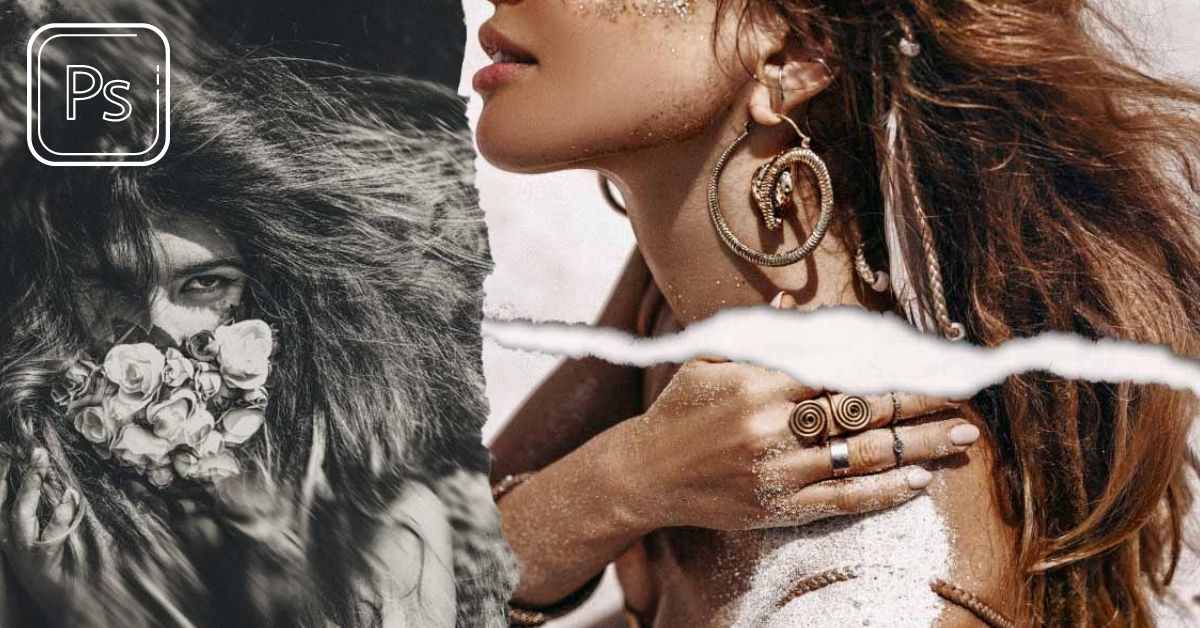
Learn how to make photos look torn to create the ripped paper effect in Photoshop for a fun create twist on any image!
329 Howe Street #1413
Vancouver, BC V6C 3N2
Canada
Mon to Friday
9:00 am to 5:00 pm PST