
Thanks For Letting Me Know!
Here Are Some Articles To Get Started With
How To Reset Any Tool In Photoshop
Discover everything you need to know to reset tools in Photoshop to help you fix any problems you have while using them.
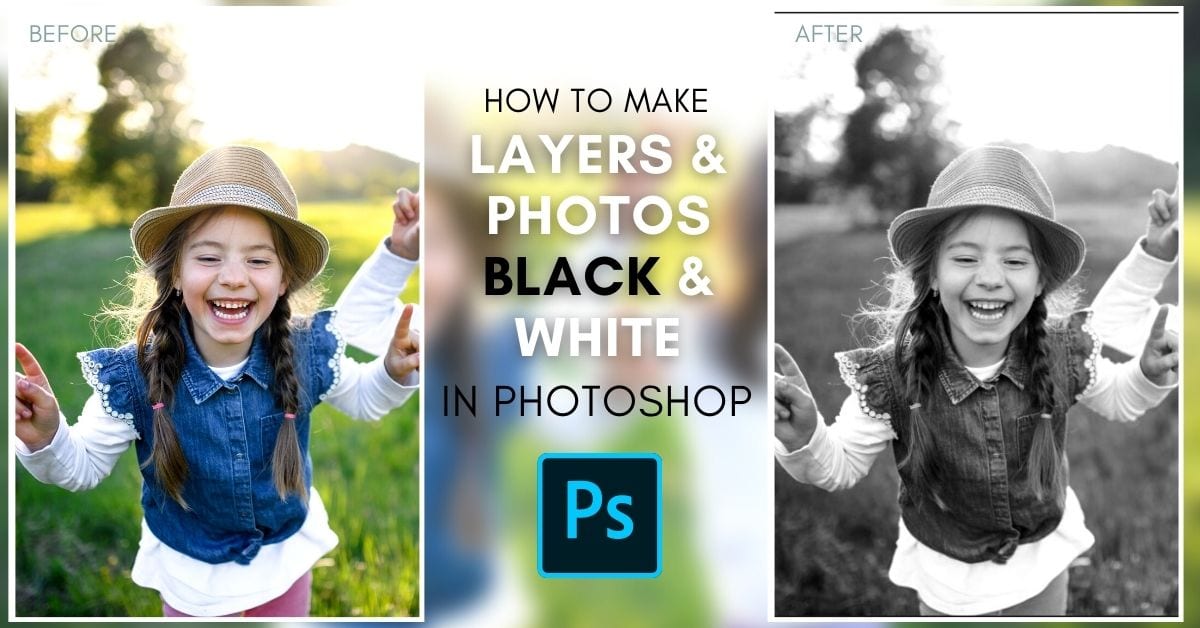
How To Make A Layer Or Photo Black & White In Photoshop
Discover easy techniques to make any layer or photo black and white in Photoshop along with tips to isolate your black and white adjustments.
How To Make A Checkmark In Photoshop (3 Ways)
Learn three easy ways to make a checkmark in Photoshop as both a text layer or a shape layer for quick editing in any project.
How To Zoom In & Out In Photoshop (5 Easy Ways)
Learn a handful of easy ways to zoom in and out in Photoshop along with useful keyboard shortcuts and document navigation tips!
How To Change The Opacity Of Anything In Photoshop
Learn how to change the opacity of anything in Photoshop from images, layers, text, shapes, layer masks and more!
How To Create A Text Box In Photoshop (Complete Guide)
From creating custom shaped text boxes to transparent text boxes, this tutorial will share the easiest ways to create a text box in Photoshop.
How To Easily Create & Use Square Brushes In Photoshop
Learn three different ways to create and use square brushes in Photoshop whether you want to use legacy brushes or create your own!
How To Change Snap To Grid Settings In Photoshop
Learn how to change the snap to grid settings in Photoshop to help you align objects to your grid automatically, or disable snapping.
How To Save SVG Files In Photoshop
Learn three easy ways to save SVG files in Photoshop along with some troubleshooting tips in case you have any issues!
How To Use Grids & Guides In Photoshop (Complete Guide)
Learn how to use grids and guides in Photoshop to better align objects, along with useful tips to customize your grid and guide appearances.
