
Thanks For Letting Me Know!
Here Are Some Articles To Get Started With
Are Lens Filters Worth It? – UV, Polarizers, and ND Filters Explained
If you’re unsure whether buying a new lens filter is worth it for your photography, this post breaks down the pros and cons of using filters.

How To Get The Orange And Teal Look In Lightroom Mobile
Learn how to add the orange and teal look to your photos with the help of Lightroom mobile, while also creating a preset to save more time!
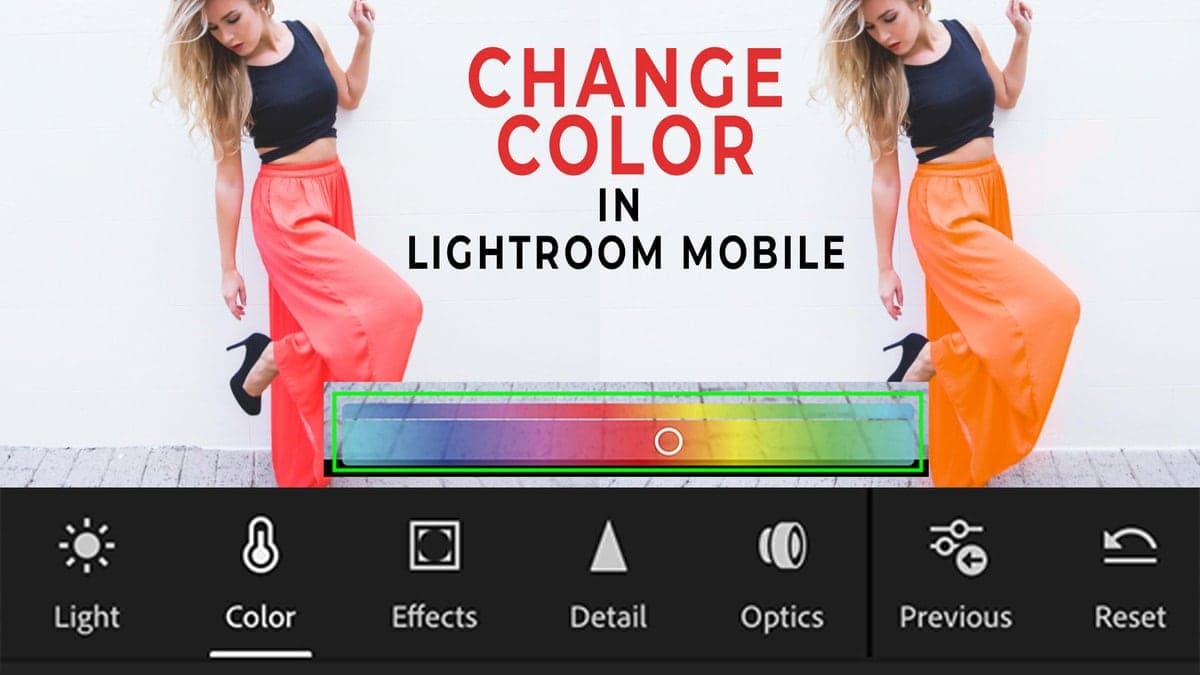
How To Change Color In Lightroom Mobile
Learn the easiest ways to quickly change color in Lightroom Mobile with the help of the Color Mix tool and the selective Adjustment Brush!

Is Canva Pro Worth It? – The Advantages To Upgrading
If you’re on the fence about upgrading to Canva Pro, this review will help you decide whether it’s worth upgrading for your design needs.
What Are The Effects Of Photoshop On Society?
With so many images you see being altered, what are the effects Photoshop has on society and on how we view ourselves in real life?
How To Organize Photos On Your Computer
Discover an easy way to organize photos on your computer using an effective folder structure that makes finding pictures simple.

How To Make Money By Photo Editing – 8 Actionable Tips
How To Make Money As A Photo Editor The appeal of setting your own hours, working from home, and having your own business sounds pretty darn appealing. If you already love editing pictures in your free time, you’re now left wondering how you can make money from your skills. If you’ve browsed around social media, … Read more
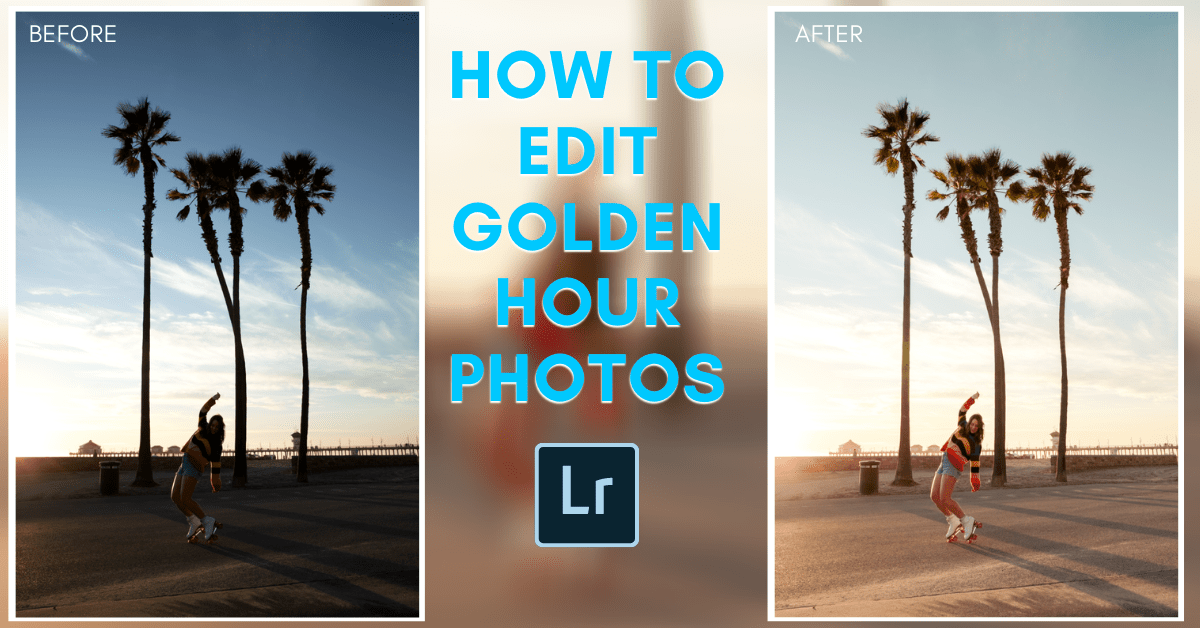
How To Edit Golden Hour Photos In Lightroom
Learn an easy 8 step workflow to edit golden hour photos in Lightroom and transform sunset pictures into a professional-looking masterpiece.
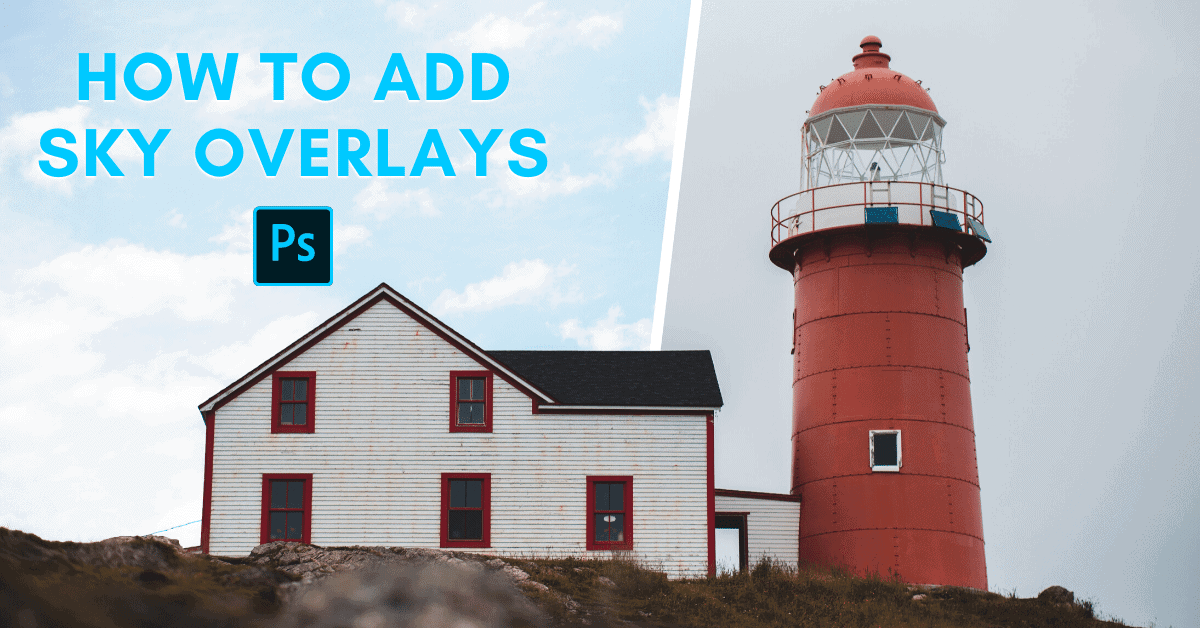
How To Use Sky Overlays In Photoshop
Discover how to use and apply sky overlays in Photoshop to quickly replace the sky in your photos, without using complicated selection tools.
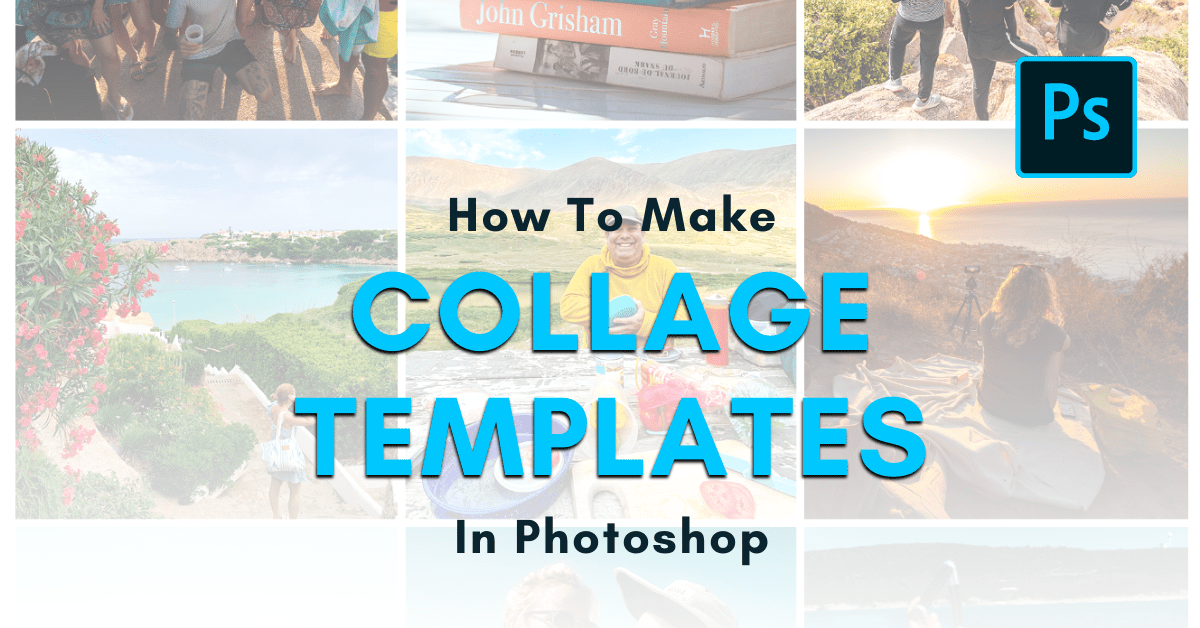
How To Make A Collage Template In Photoshop (With Pictures)
Learn how to create a collage template in Photoshop to help streamline the collage creation process with any number of images.
