
Thanks For Letting Me Know!
Here Are Some Articles To Get Started With
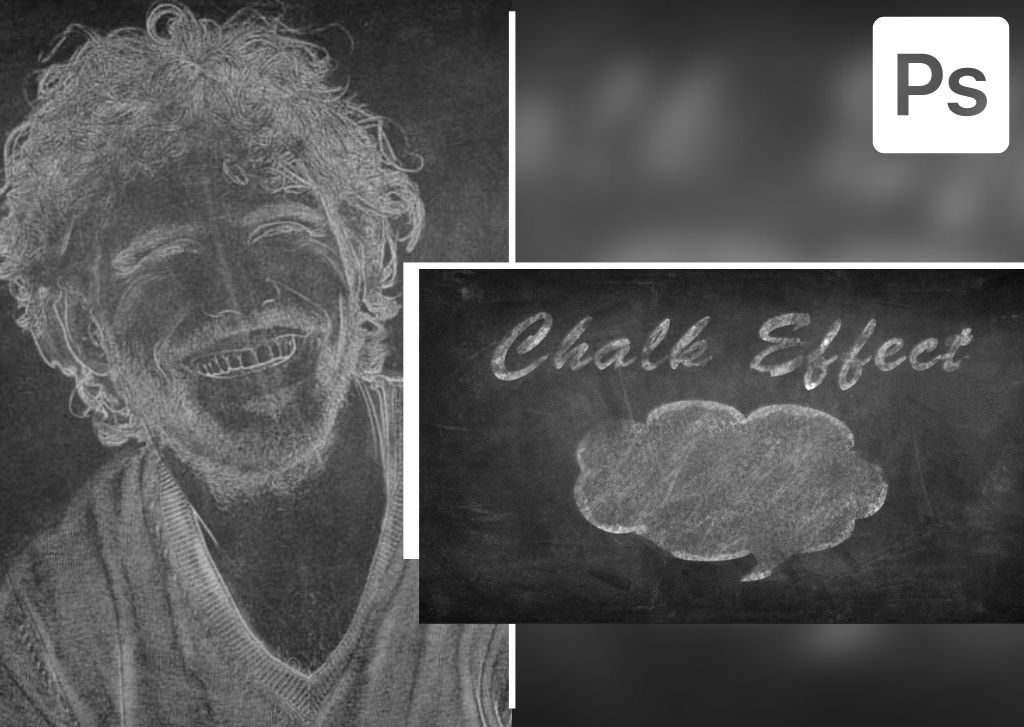
How To Create The Chalk Effect In Photoshop (Images & Shapes!)
Learn how to create the chalk effect in Photoshop using these steps to apply on images, text, or shapes in your projects.
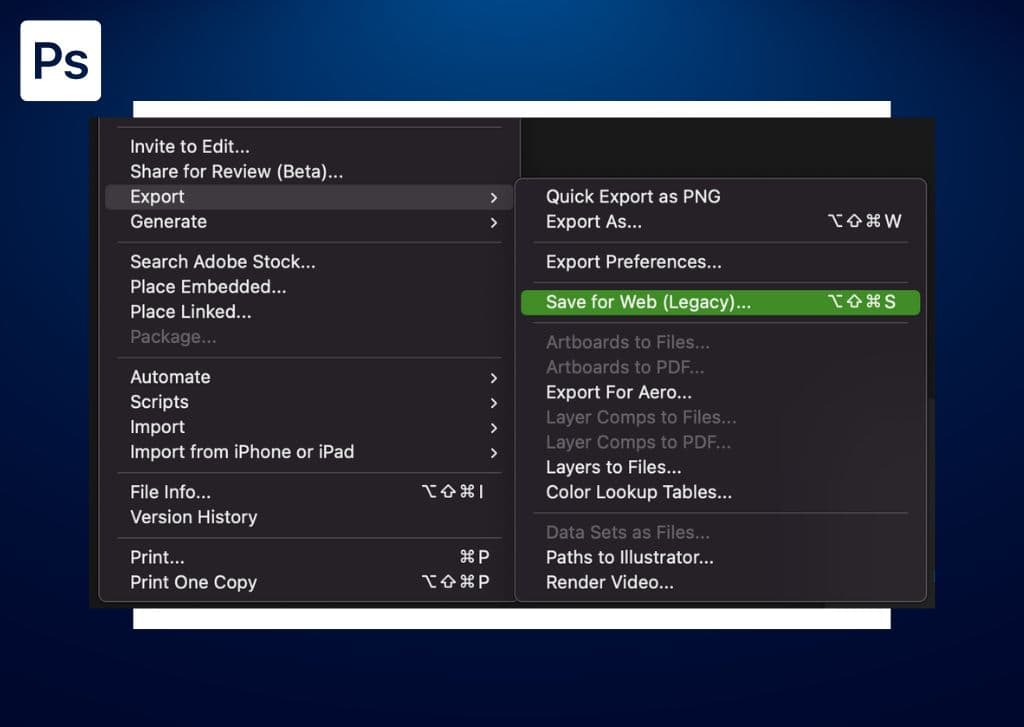
How To Use Save For Web In Photoshop
Let’s take a look at how to export images with Save For Web in Photoshop as well as gain a better understanding of the settings it offers.
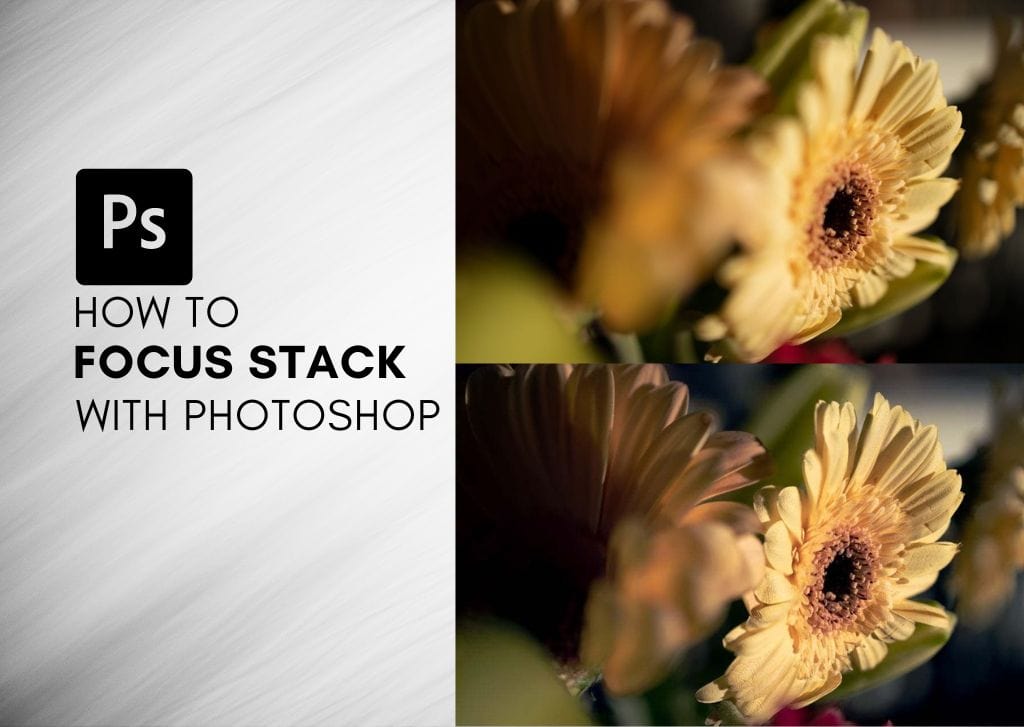
How To Focus Stack In Photoshop (Ultimate Guide)
Learn how to capture and create a tack sharp focus stack in Photoshop with the easy steps outlined in this guide.
3 Ways To Create Tilted Or Slanted Text In Photoshop
Learn how to stylize your type by created tilted or slanted text in Photoshop with these three easy techniques!
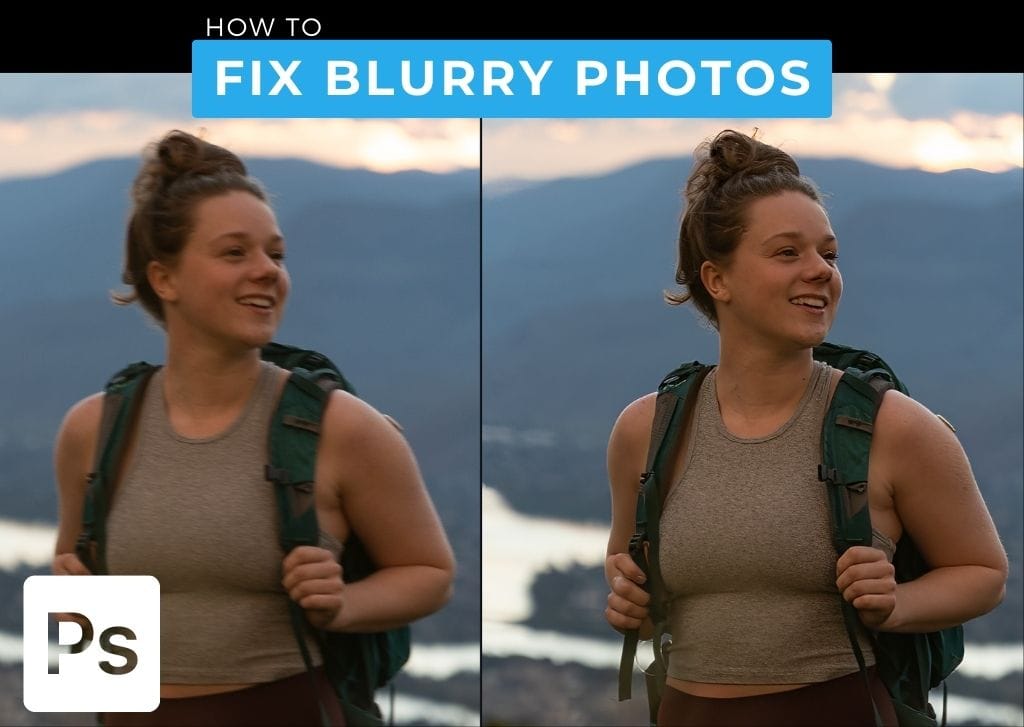
3 Ways To Unblur A Photo In Photoshop (Fix Blurry Images)
Learn three effective ways to unblur images in Photoshop to correct blurry photos whether they are slightly out of focus or have motion blur.
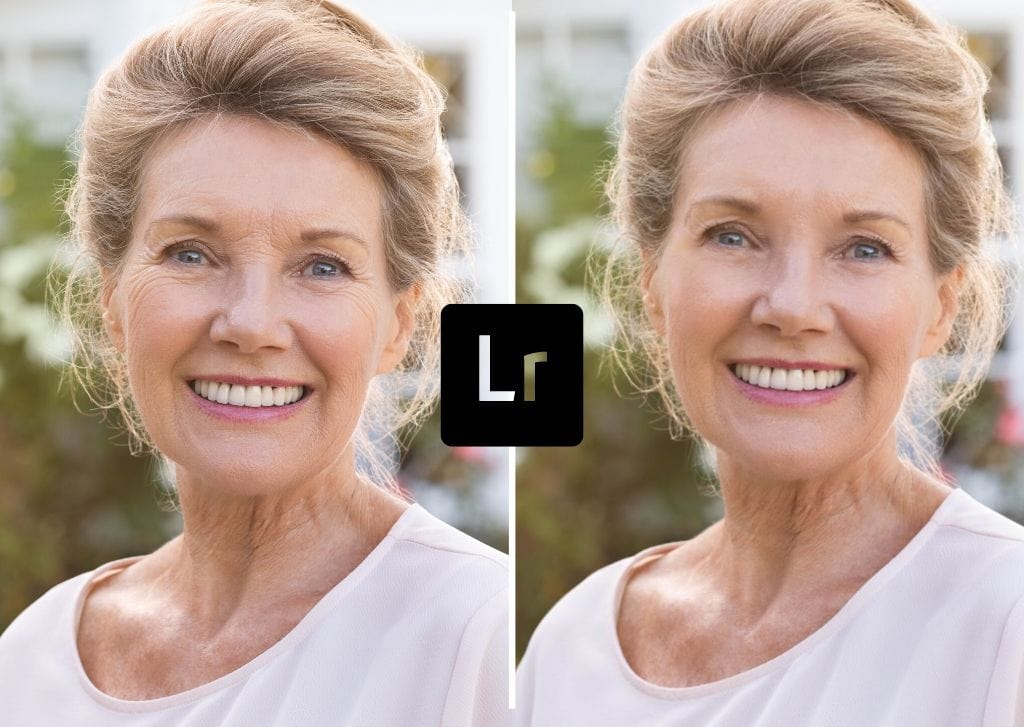
How To Remove Wrinkles In Lightroom (Fast & Easy!)
Learn how to easily remove wrinkles in Lightroom to give your subjects a more youthful look without going overboard.

What Does MM Mean On A Lens? (+ Which Lens To Choose)
Let’s take a look at what MM means on a camera lens, why it matters, and which ones are best for your photography.
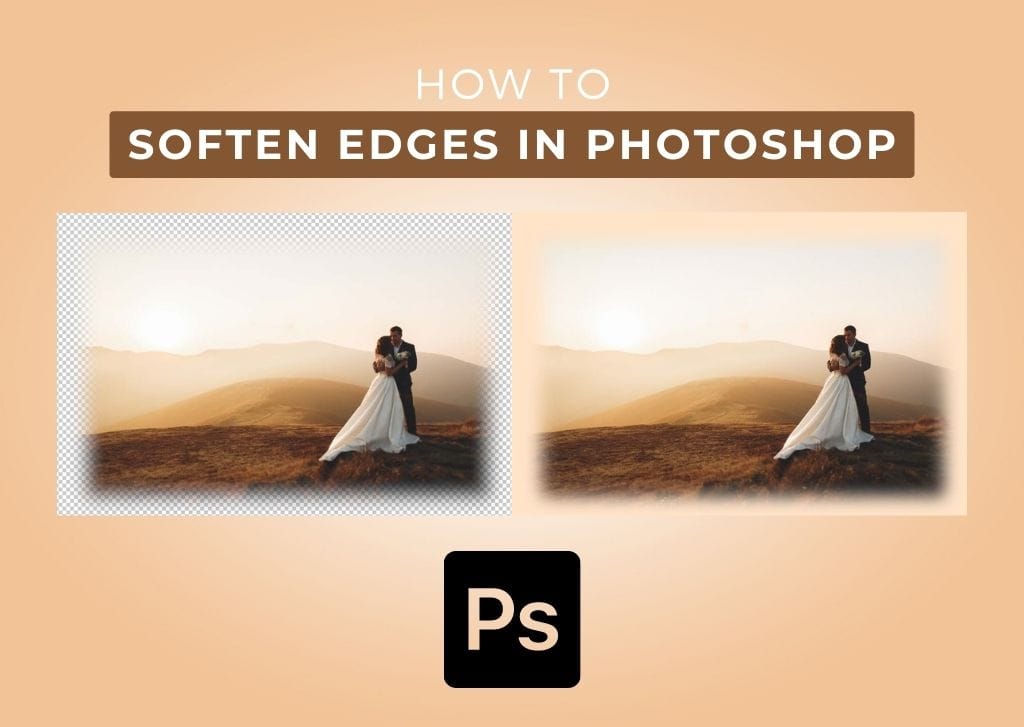
How To Soften Edges In Photoshop (Images, Text & More!)
Learn the easy ways to soften the edges of anything in Photoshop from images, shapes, text, and any other element you need!
How To Create A Custom Gradient In Photoshop (Step By Step)
Here’s how to easily create a custom gradient in Photoshop along with places to find pre-made gradient presets to help save time.
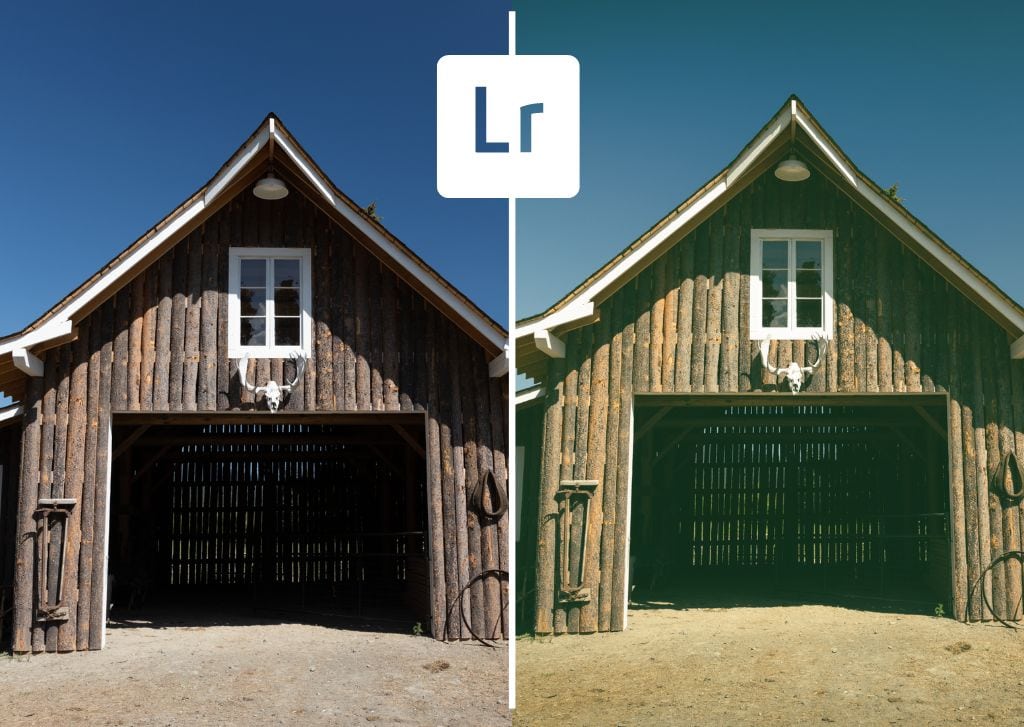
How To Create A Vintage Look In Lightroom (Step By Step)
Learn how to edit photos with a vintage look in Lightroom for a filmic and stylized look that’s otherwise hard to replicate with digital.
