
Thanks For Letting Me Know!
Here Are Some Articles To Get Started With
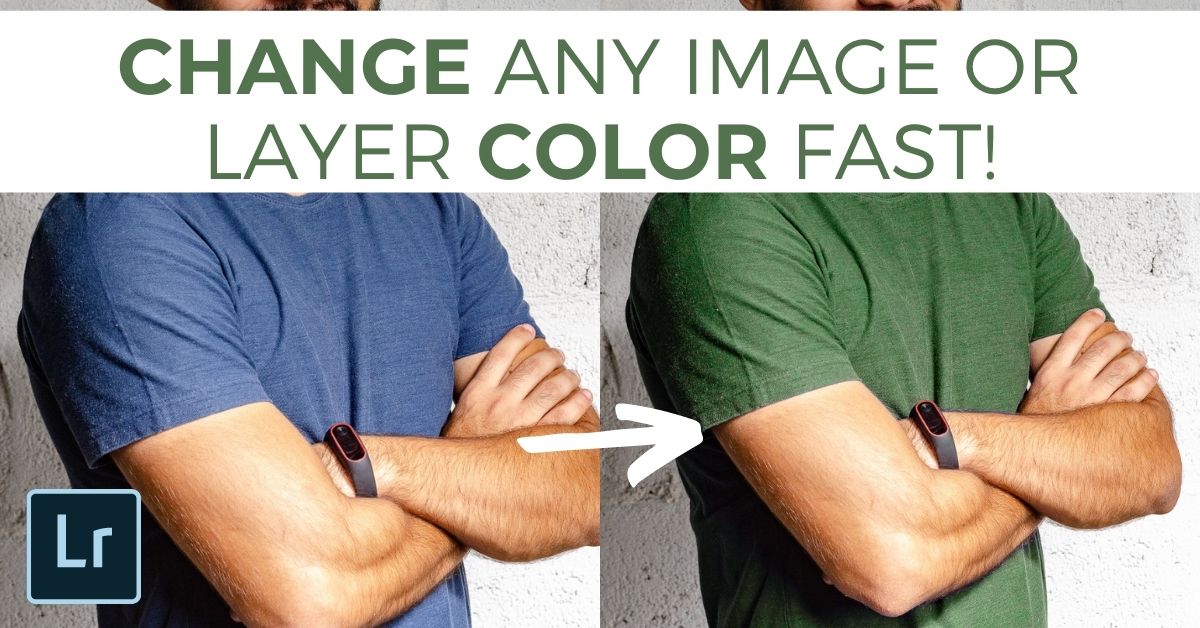
How To Change The Color Of A Layer In Photoshop
Learn how to easily change the color of a layer in Photoshop whether you’re working with image layers, text layers, shape layers, and more!
How To Edit A PNG File In Photoshop (Complete Guide!)
Learn how to easily import, edit and export a PNG file in Photoshop to get the best results while working with this particular file type.
How To Change Shape Color In Photoshop
Learn a few easy ways to change the color of a shape in Photoshop so you can fill shapes with solid colors, gradients, or transparency!

8 Ways To Fix The Clone Stamp Tool In Photoshop
If the clone stamp tool stops working in Photoshop, try these 8 easy ways to fix your settings and get it working normally again.
How To Change Font In Photoshop (Fastest Ways!)
Discover how to quickly change the font of your text in Photoshop with a variety of beginner friendly methods.

How To Adjust Text And Line Spacing In Photoshop
Learn how adjust text and line spacing in Photoshop to easily format your text in any project!
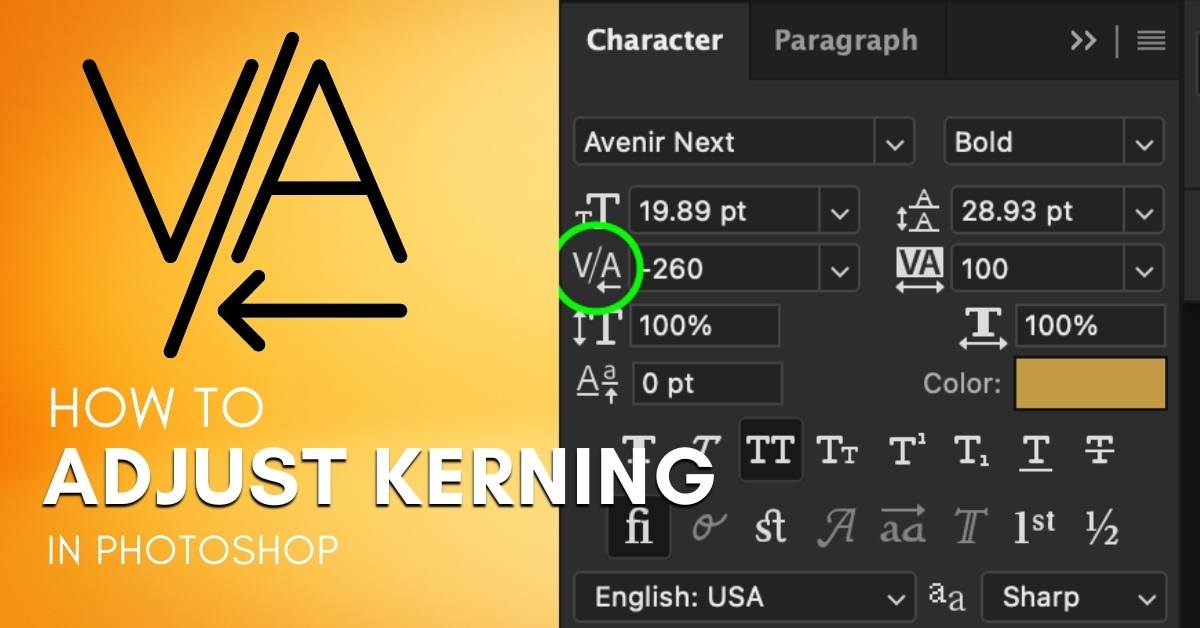
What Is Kerning In Photoshop + How To Adjust It
When working with text in Photoshop, Kerning allows you to change the space between individual letters in your text. It serves as a great way to stylize your text or better position things if you have multiple text sizes. Inside Photoshop, there are a few easy ways you can adjust kerning using both keyboard shortcuts … Read more
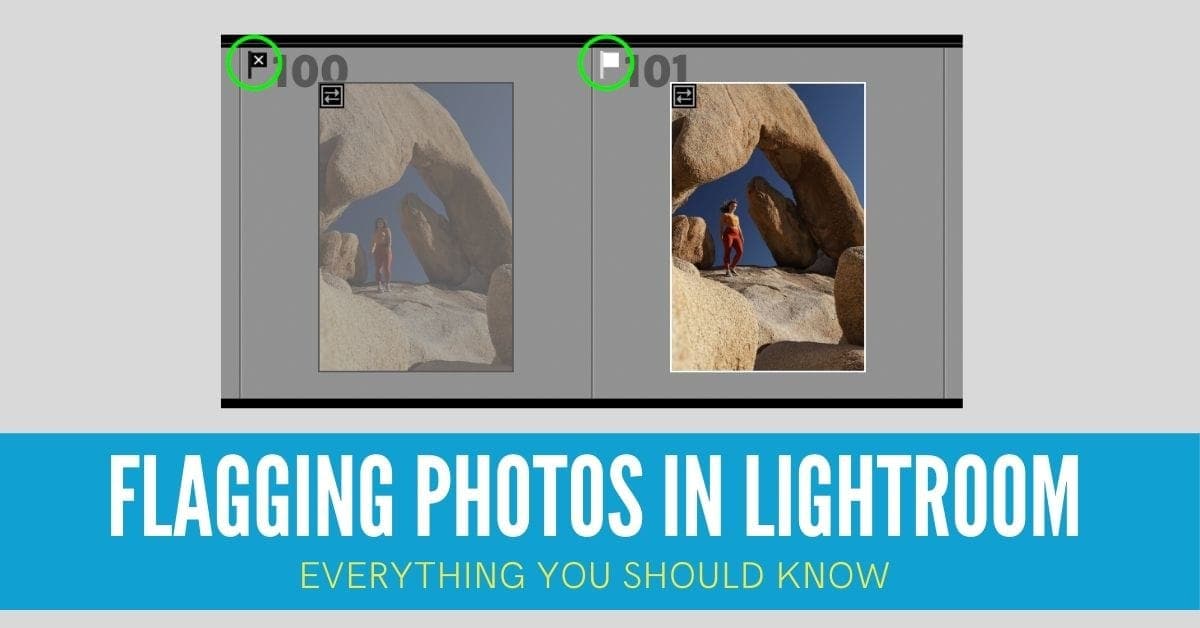
Flagging Photos In Lightroom – Everything You Should Know
Learn the ins and outs of flagging photos in Lightroom from creating flags, using them to organize your library, and delete or move files!
7 Easy Ways To Fix The Adjustment Brush In Lightroom
Discover 7 reasons why your adjustment brush isn’t working in Lightroom and exactly how to fix these problems in seconds!
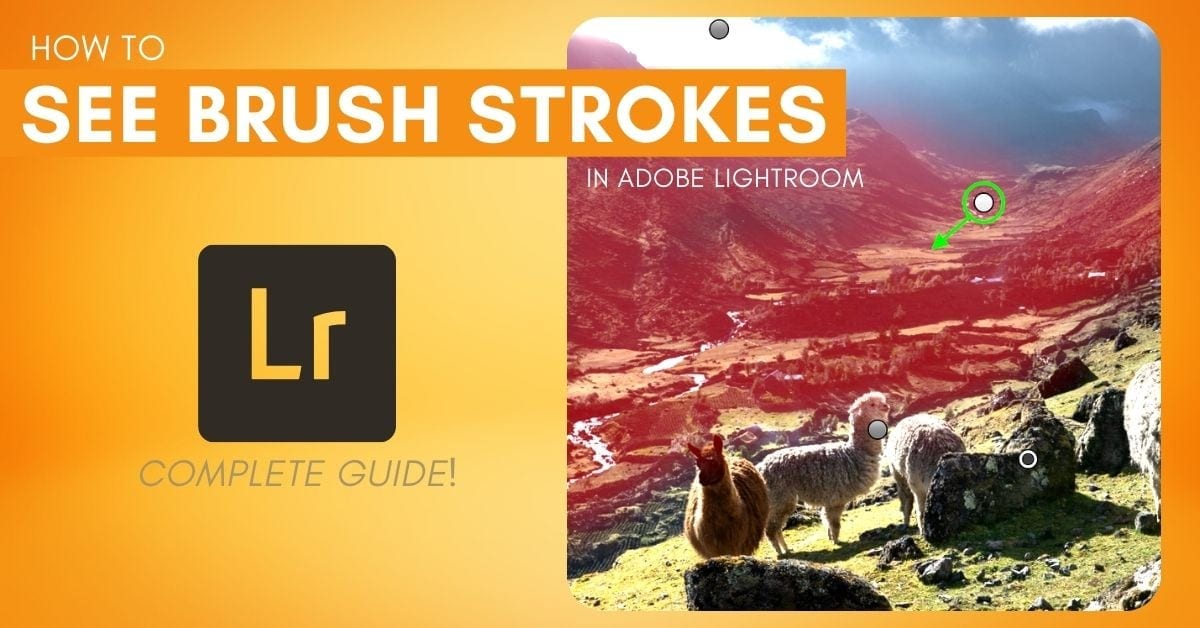
How To See & Edit Brush Strokes In Lightroom
Learn 3 easy ways to see your brush strokes in Lightroom as well as discover some helpful tips to make brush adjustments easier than ever!
