
Thanks For Letting Me Know!
Here Are Some Articles To Get Started With
Understanding The Photoshop Interface
Learn how to feel more comfortable understanding the Photoshop interface in this ultimate guide breaking down the full program layout.
How To Copy A Selection In Photoshop
Learn how to copy and paste a selection in Photoshop along with tips to cut and paste a selection for a slightly different result.
How To Convert To Black & White In Lightroom Classic & CC
Learn how to convert images to black and white in Lightroom Classic and Lightroom CC along with batch editing tips to speed up your edits.
How To Make A Half Circle In Photoshop
Learn how to easily create a half circle in Photoshop with two different methods and then save the new path as a custom shape for later use.

How To Make A Grid In Photoshop (3 Easy Ways)
Learn how to make a grid in Photoshop with a temporary method to align elements, or as a saved pattern preset to use in your designs.
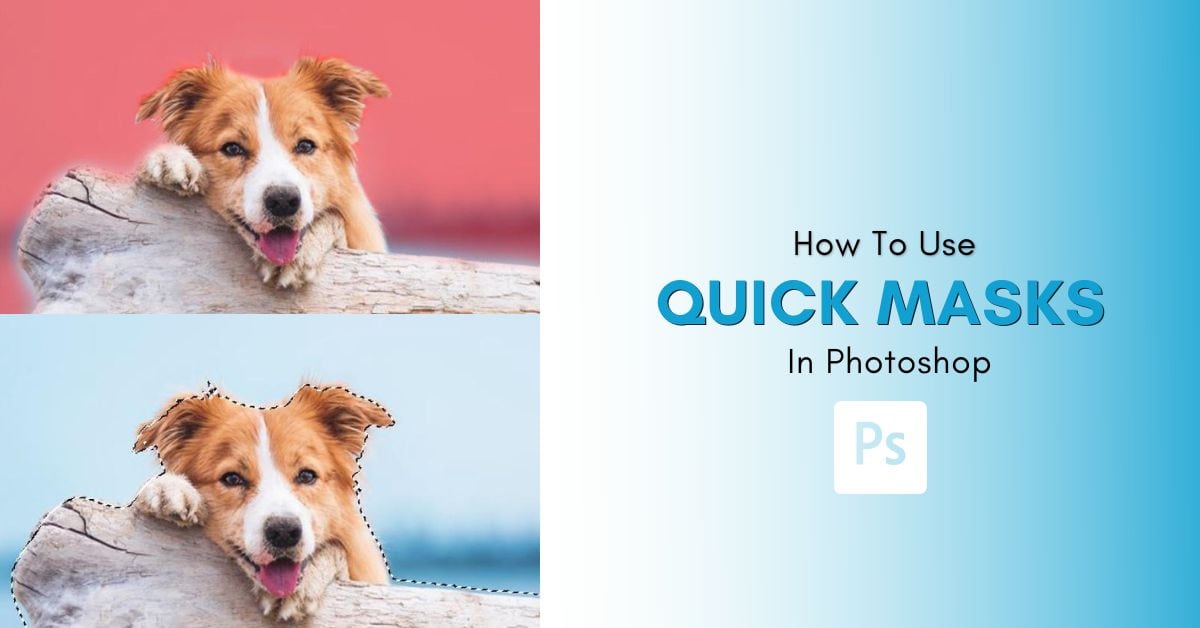
How To Use Quick Masks In Photoshop
Learn how to use a Quick Mask in Photoshop to help refine selections, remove backgrounds, or create simple cut outs without complex tools.
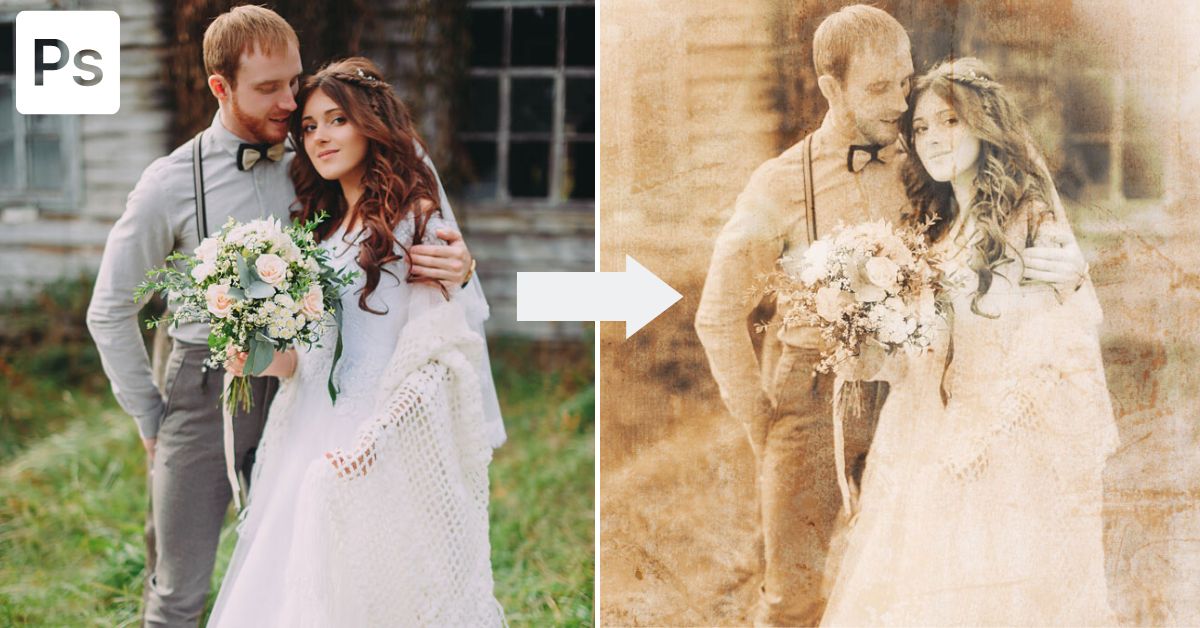
How To Make An Old Photo Effect In Photoshop
Learn the easy step by step process to make an old photo effect in Photoshop using Camera Raw and a grain overlay texture.
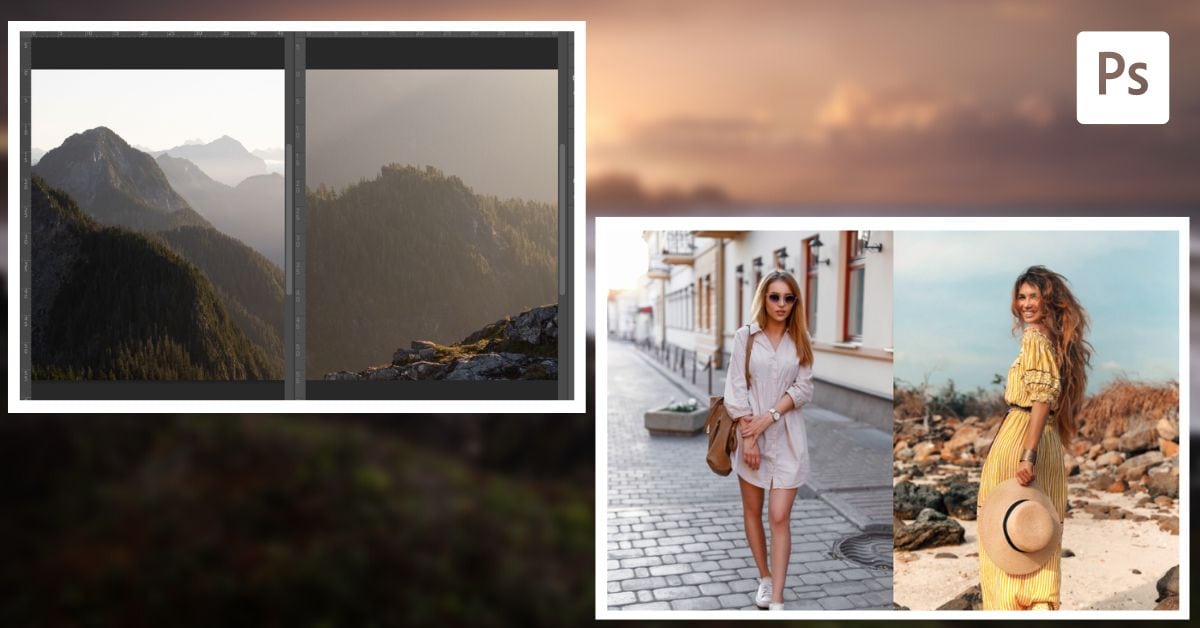
How To Put Images Side By Side In Photoshop
Learn how to put images side by side in Photoshop using a collage format or by placing active projects in different windows.
How To Fix The Move Tool In Photoshop
Learn five ways to fix the Move Tool in Photoshop whether your layer won’t select, you can’t scale it, or something in between.
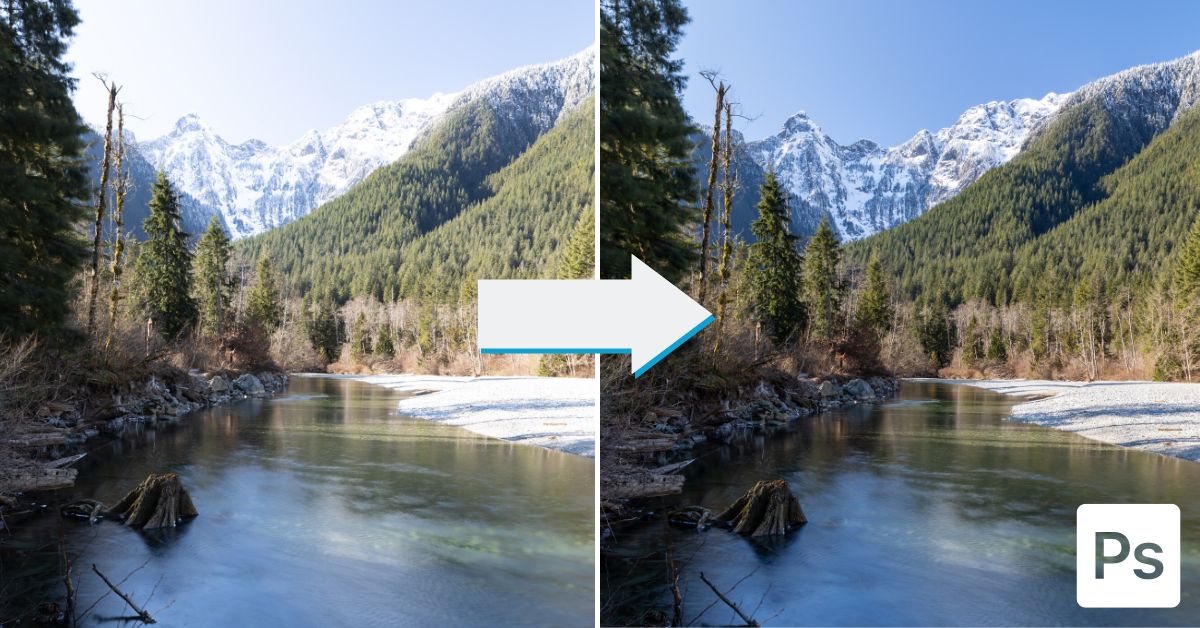
How To Create HDR Images In Photoshop
Learn the step by step process to create HDR images in Photoshop to help balance your exposures and reveal more details in your photos.
