
Thanks For Letting Me Know!
Here Are Some Articles To Get Started With
How To Turn Off Smart Objects In Photoshop
Learn two easy methods you can turn off smart objects in photoshop to reclaim your layers or finally edit your layer directly once again.
What Is A Smart Object In Photoshop And How To Use Them
In this tutorial, you’ll learn what a smart object is and why they’re useful to you. They offer far more versatility than first meets the eye, and here you’ll discover all the best ways to use them.
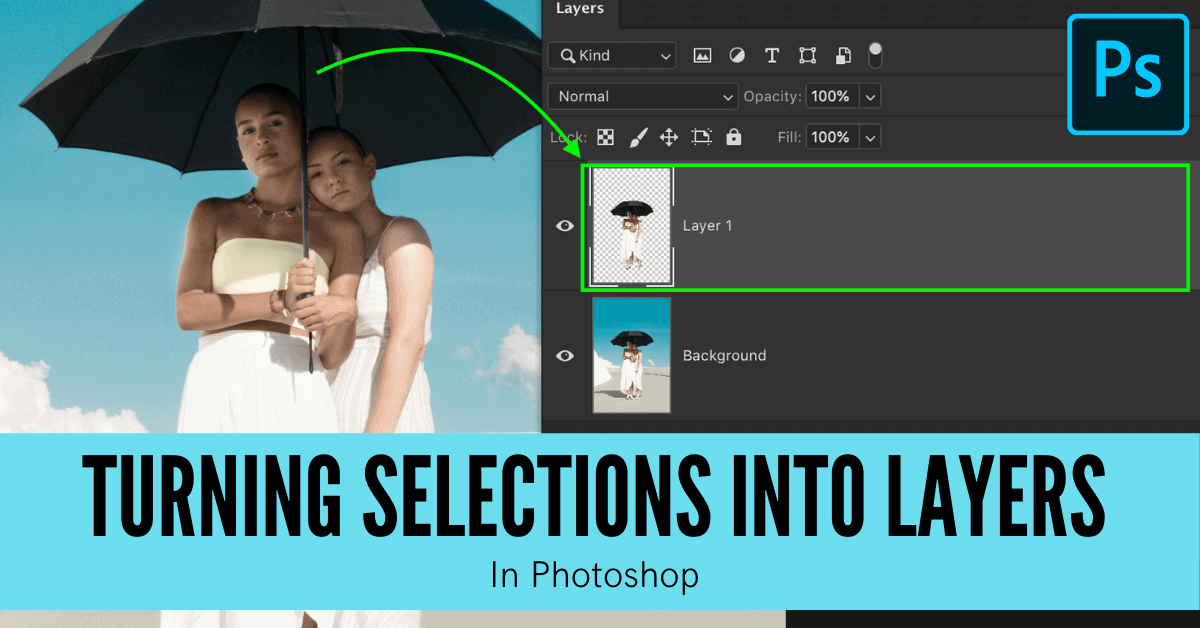
How To Make A New Layer From A Selection In Photoshop
Learn three easy ways to make a new layer from a selection in Photoshop with the help of a few easy shortcuts and selection options!
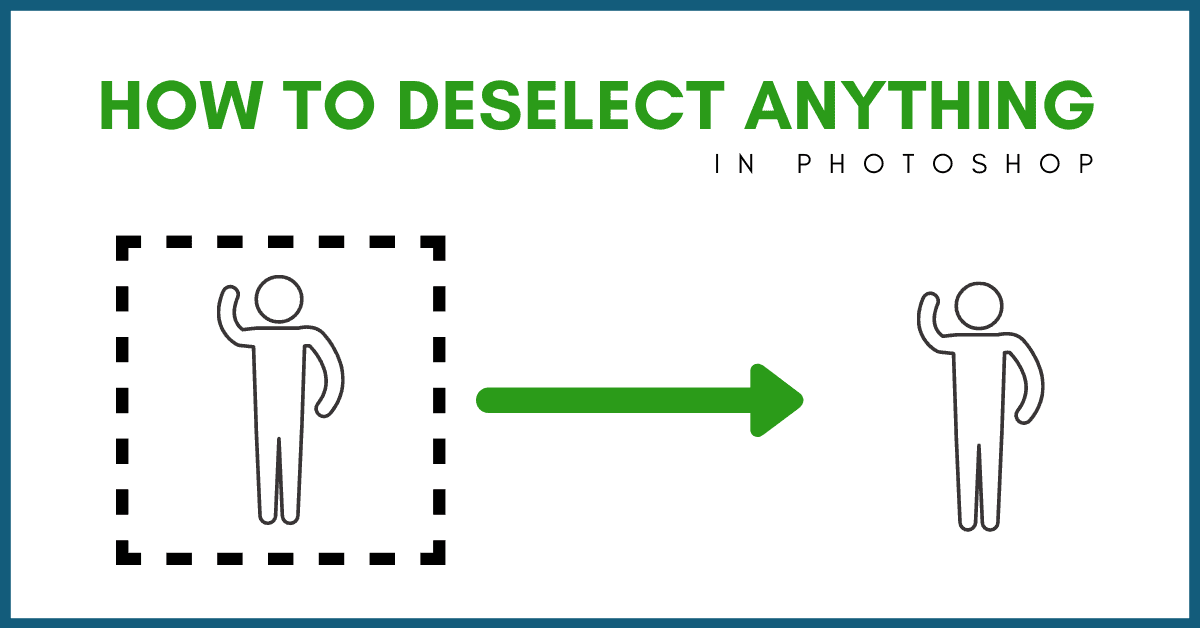
How To Deselect In Photoshop (4 Quick & Easy Ways)
Learn the best ways to deselect in Photoshop using a variety of effective shortcuts to speed up the process.

How To Add A Lens Flare In Photoshop (Step By Step)
Learn the best way to create a realistic lens flare in Photoshop in a non-destructive way that makes it easy to customize your flare.
How To Invert A Layer Mask In Photoshop
Rather than remaking the entire layer mask, you can use a few shortcuts and techniques to invert the mask you’re already using.
Switching To Full Screen Mode In Photoshop – Interface Tricks & Shortcuts
Here you’ll learn the different ways you can switch to full screen modes in Photoshop to create a better viewing option to edit with.
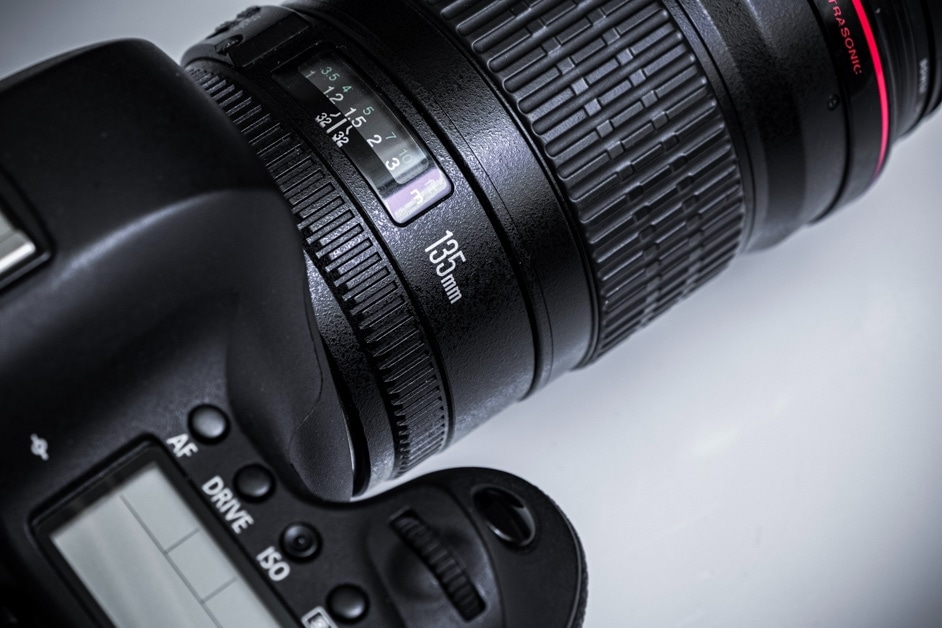
My Camera Won’t Focus: Here’s What To Do
Learn the main reasons why your camera won’t focus along with actionable tips to help avoid focus problems in the future!
PSD Vs PSB – The Difference Between These Photoshop Files
Here you’ll learn the exact differences between PSD vs PSB in Photoshop.
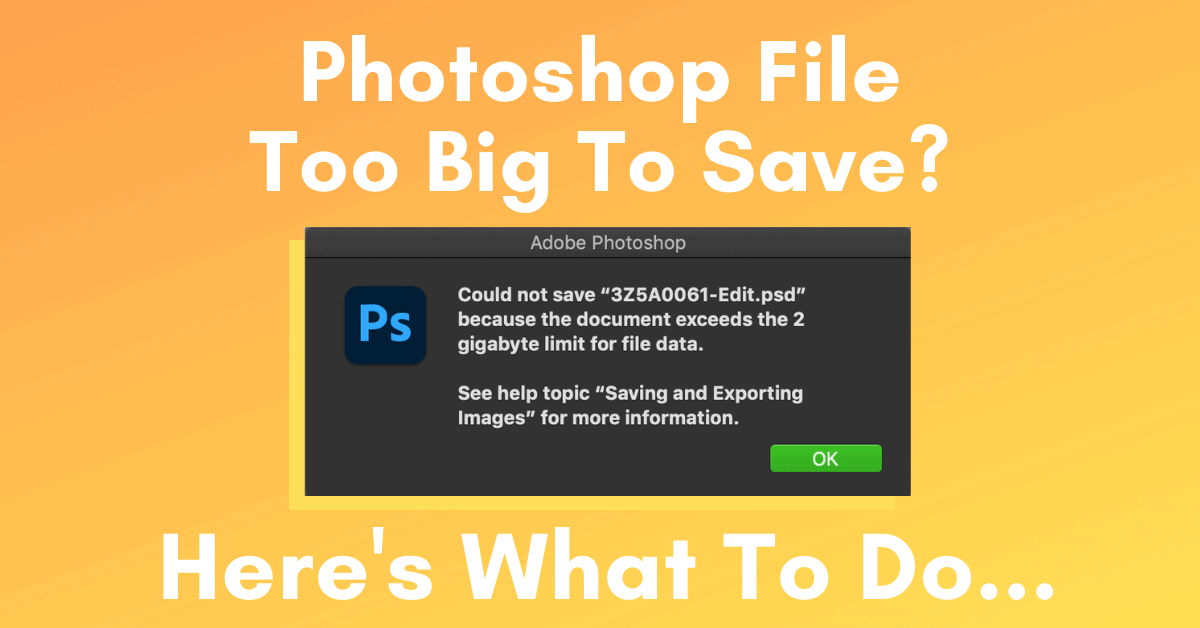
What To Do When A Photoshop File Is Too Big To Save
Here you’ll learn what to do when a Photoshop file is too big to save. With a simple file settings option, you can change your save limit from 2GB to 4GB and higher!
