
Thanks For Letting Me Know!
Here Are Some Articles To Get Started With
How To Add Sparkle Effects In Photoshop (2 Easy Ways)
Learn two simple ways to create a sparkle effect in Photoshop using either Legacy Brushes or a custom sparkle brush you can make in Photoshop.
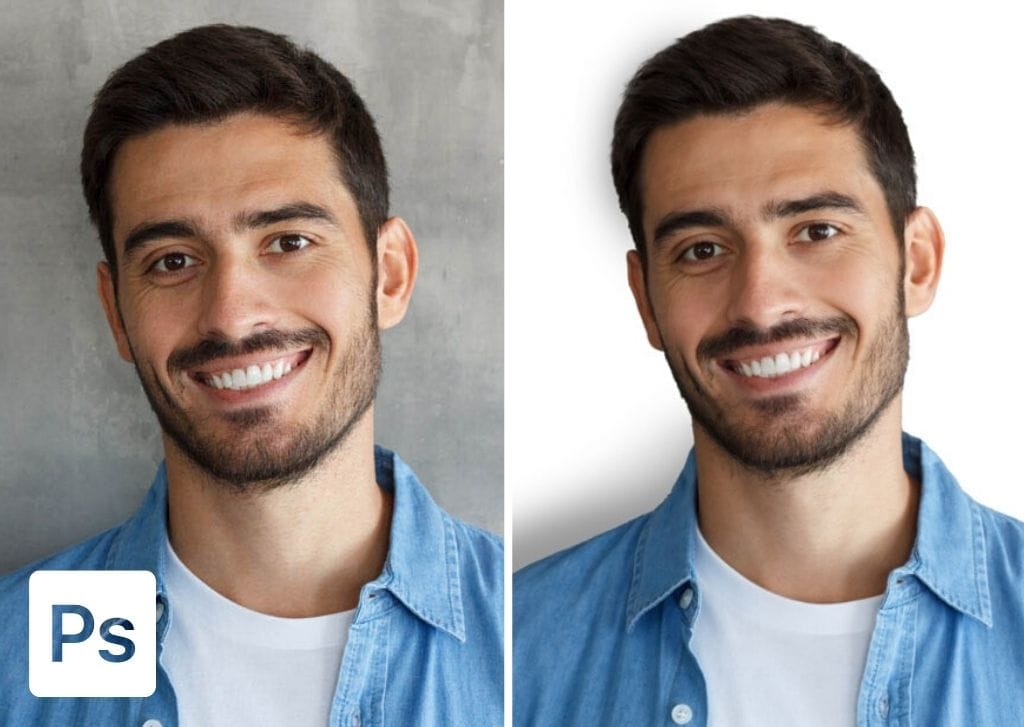
How To Add A White Background In Photoshop (Realistically!)
Here is the step by step process to add a white background in Photoshop with two different methods for both a simple and realistic option.
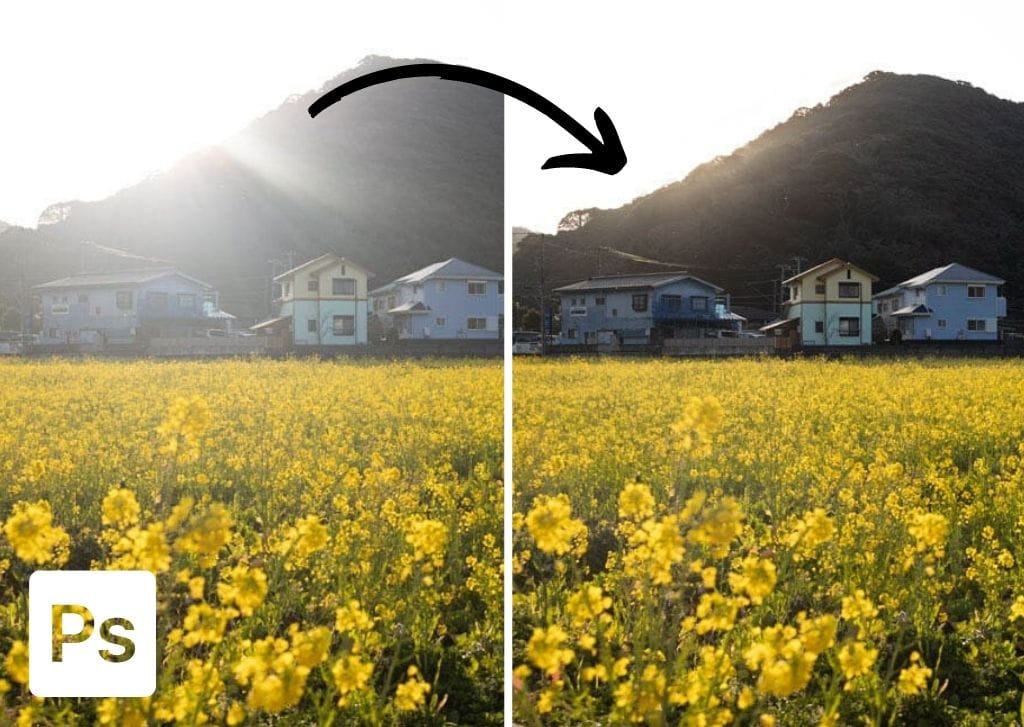
How To Remove Lens Flare In Photoshop (4 Best Ways)
Learn three effective ways to remove lens flare in Photoshop whether you are dealing with subtle or major light flares in a photo.
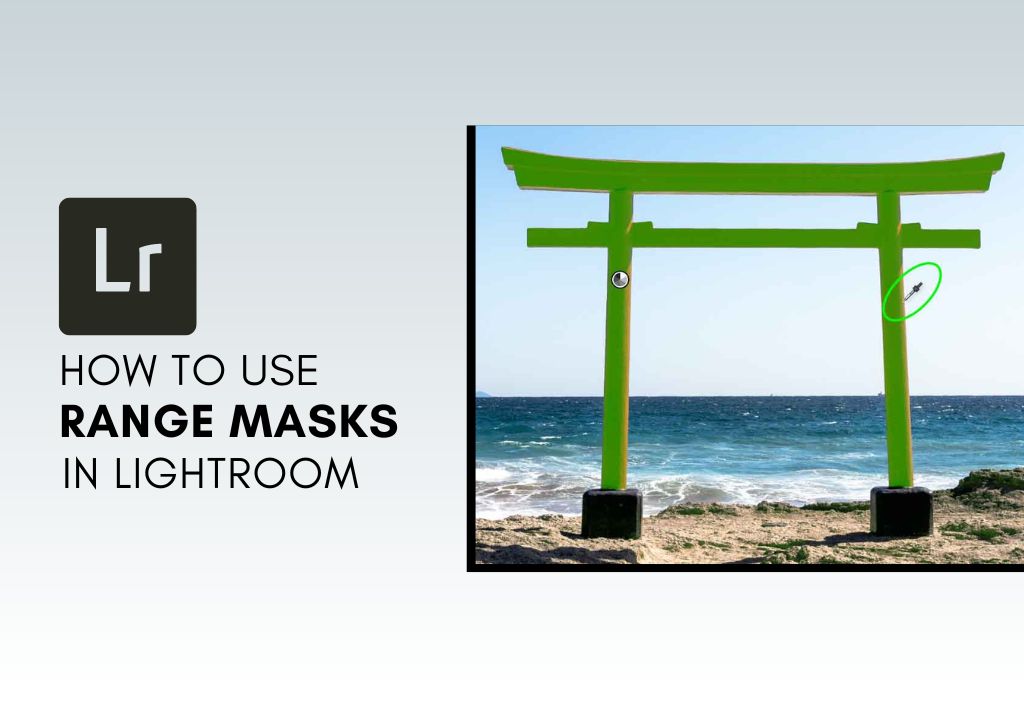
How To Use Range Masks In Lightroom
Learn how to use range masks in Lightroom to selectively target the color or exposure values of your images for extremely refined adjustments.
What Are Quick Collections & How To Use Them In Lightroom
Let’s take a look at what Quick Collections in Lightroom are, what they do for your editing, and how you can use them to save time.
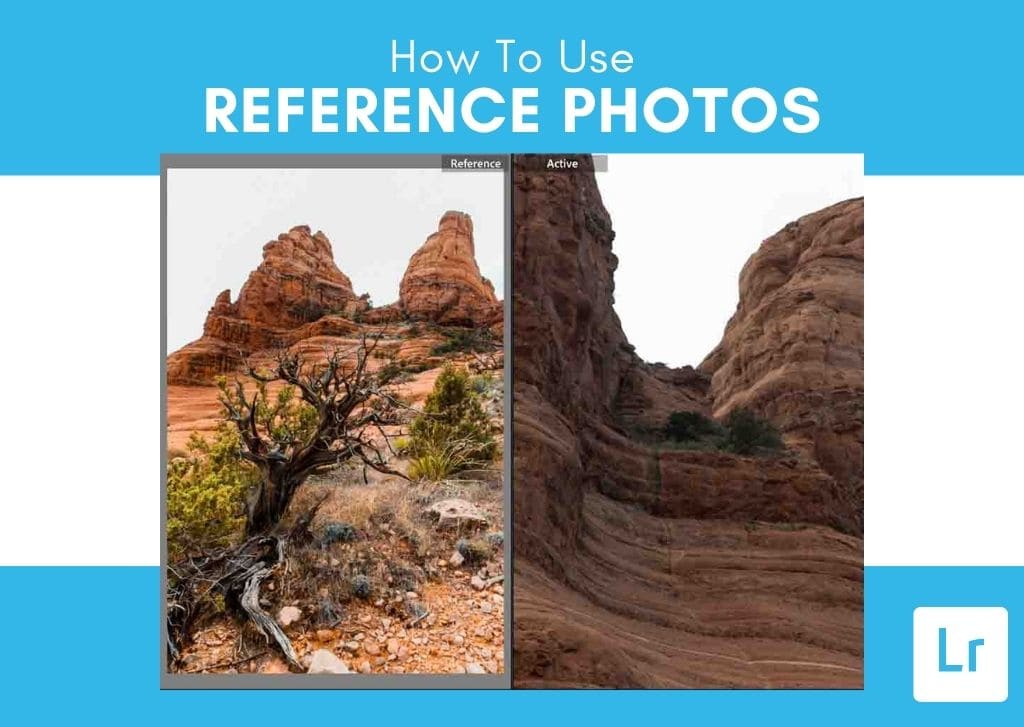
How To Use Reference Photos To Edit Images In Lightroom
Learn how to use reference photos and reference view in Lightroom to help speed up the editing process and keep your edits consistent.
How To Blend Colors In Photoshop (3 Easy Ways)
Learn three different ways to blend colors in Photoshop whether you are working on drawing projects, or need to blend colors into an image.
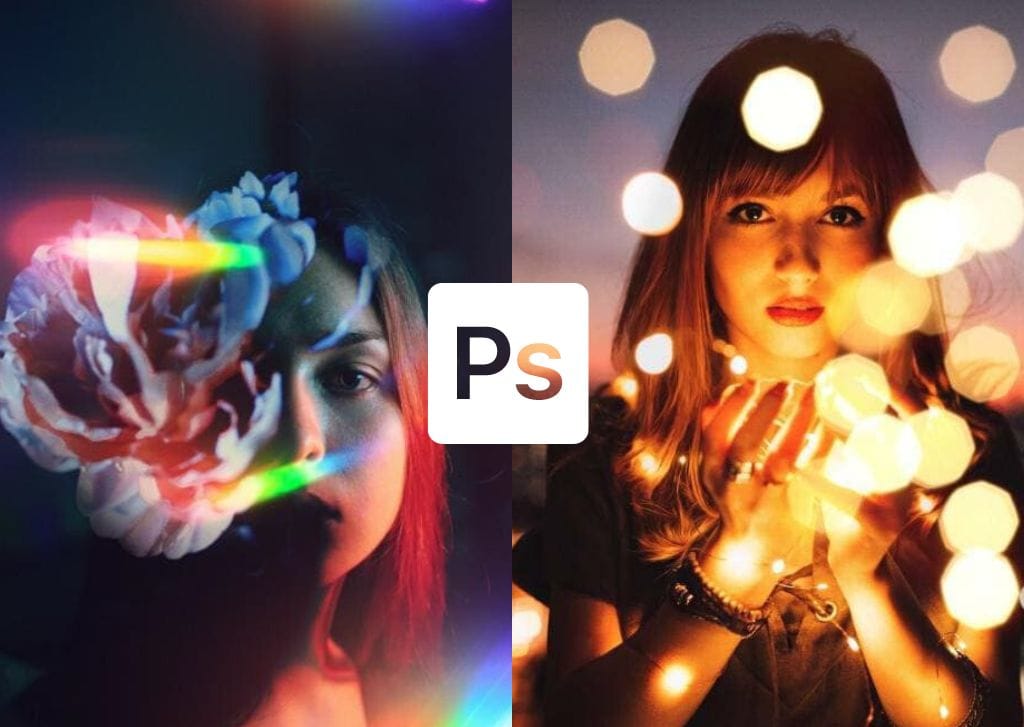
How To Easily Overlay Images In Photoshop (Step By Step)
Here’s how to overlay images in Photoshop with two different techniques to ensure the effects look pixel perfect!
How To Blur A Layer In Photoshop (Step By Step)
Here are three different ways to blur a layer in Photoshop to create a soft and dreamy look around any part of your layers.
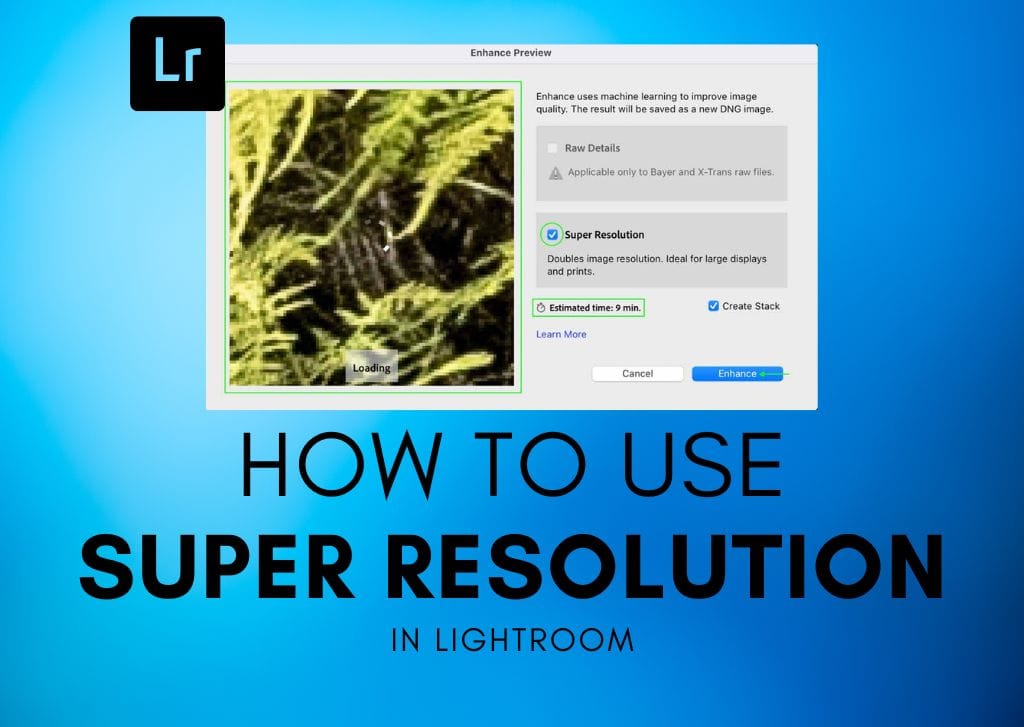
How To Use Super Resolution In Lightroom (Explained)
Let’s take a look at what Super Resolution is in Lightroom, how to use it, and what to consider before you apply it to your photos.
