
Thanks For Letting Me Know!
Here Are Some Articles To Get Started With
How To Make An Arrow In Photoshop (3 Easy Ways)
Discover 3 surprisingly easy ways to create an arrow in Photoshop, including how to create a custom arrow shape for later use!
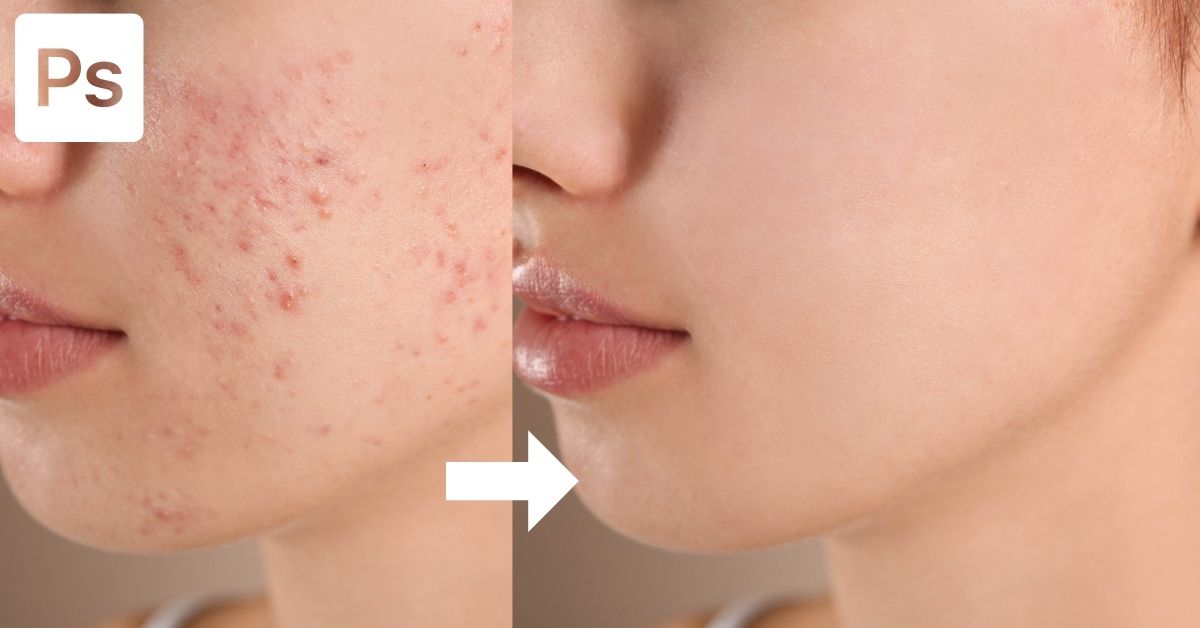
How To Remove Blemishes In Photoshop (3 Easy Ways)
Learn how to remove acne and blemishes in Photoshop to give your portraits a smooth, magazine quality look with ease!
How To Fill A Selection In Photoshop (5 Best Ways)
Learn how to fill anything in Photoshop from selections, shapes, and text with solid color, gradients, and even images!
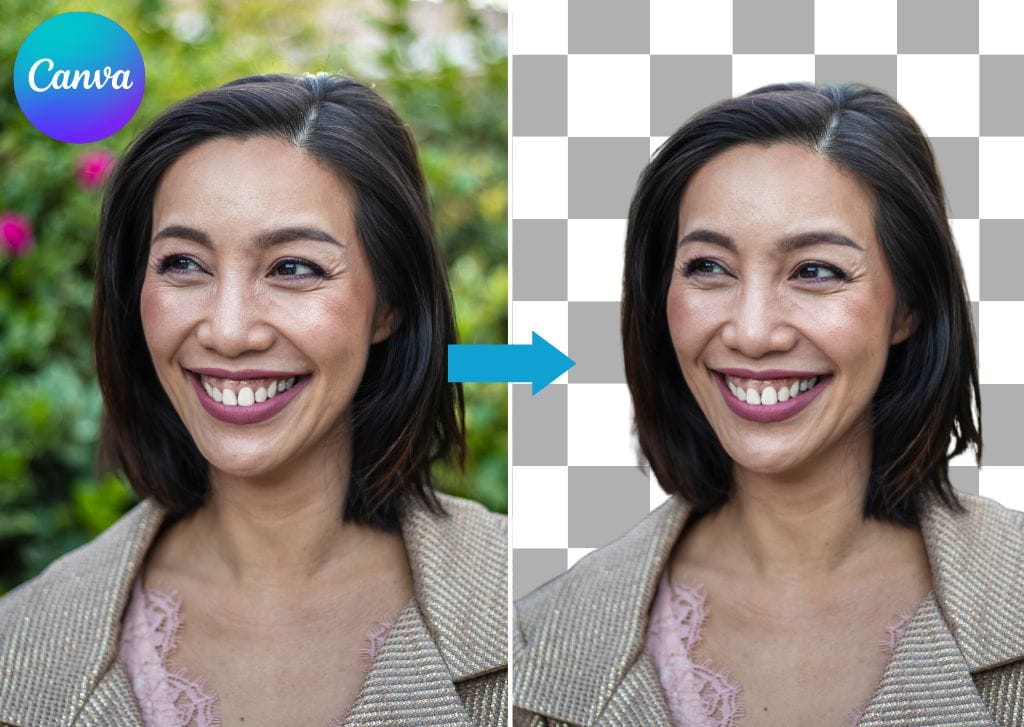
How To Make A Background Transparent In Canva
Learn how to create and export images with transparent backgrounds in Canva to open up more design options and creative styles.
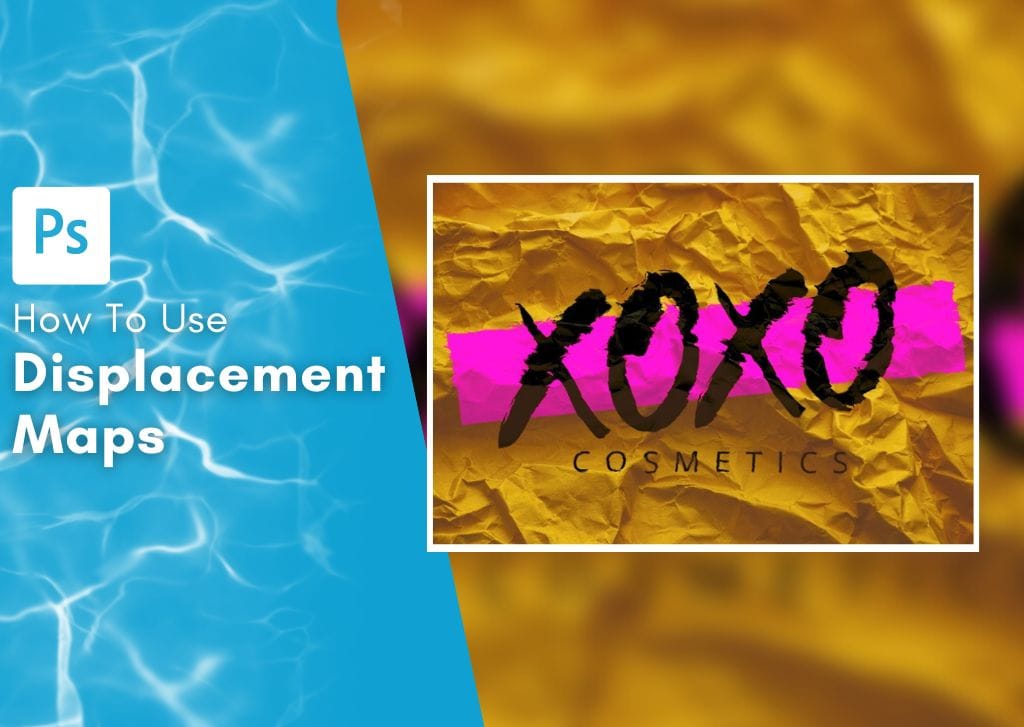
How To Use A Displacement Map In Photoshop (Ultimate Guide)
Learn what displacement maps are used for in Photoshop, along with how to use displacement maps to blend the texture of two images together.
How To Use Frames In Canva (Ultimate Guide)
Here’s how to use frames in Canva to creatively add image elements to your designs in just a couple of clicks.
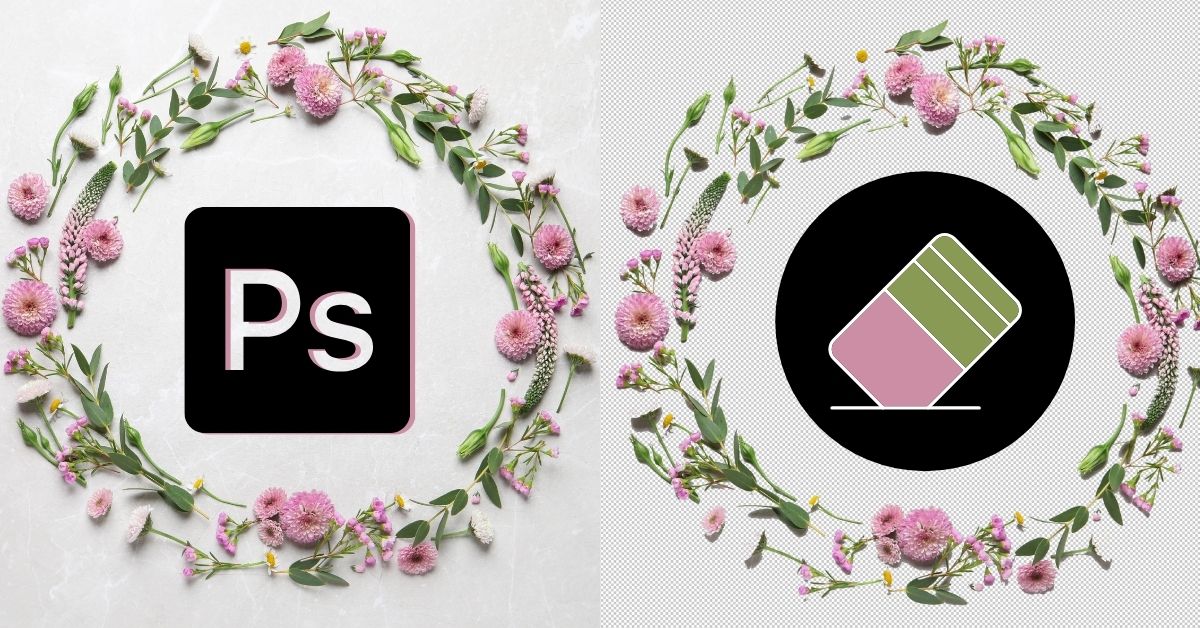
How To Use The Eraser Tool In Photoshop (Complete Guide)
Learn how to use the Eraser Tool, Background Eraser Tool, and Magic Eraser Tool in Photoshop to remove unwanted areas of any layer.
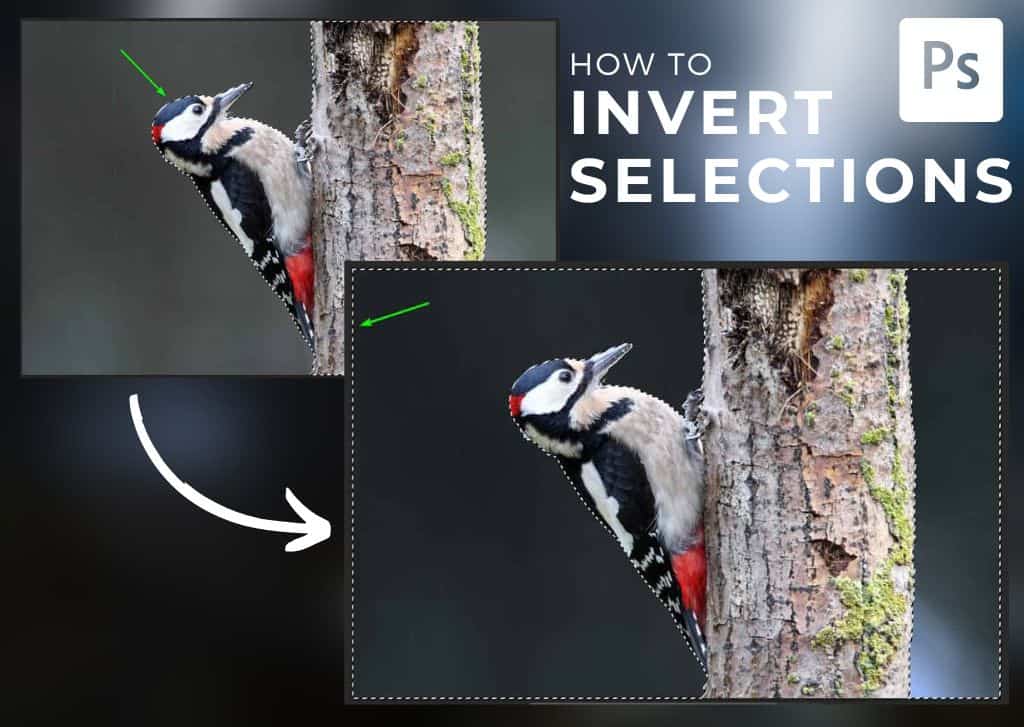
How To Invert A Selection In Photoshop (Step By Step)
Learn the importance of learning to invert a selection in Photoshop with the help of simple keyboard shortcuts and several other methods.
How To Use The Gradient Tool In Photoshop (Complete Guide)
Learn the ins and outs of how to use the gradient tool in Photoshop with useful tips to help make the most of this impressive tool!
How To Use The Free Transform Tool In Photoshop (Ultimate Guide)
Learn everything you need to know to use the Transform Tool in Photoshop to have the most control over your layers positioning and size.
