
Thanks For Letting Me Know!
Here Are Some Articles To Get Started With
How To Format Text In Photoshop
Learn the ins and outs of how to format text in Photoshop to easily position your text in the ideal place for any project.
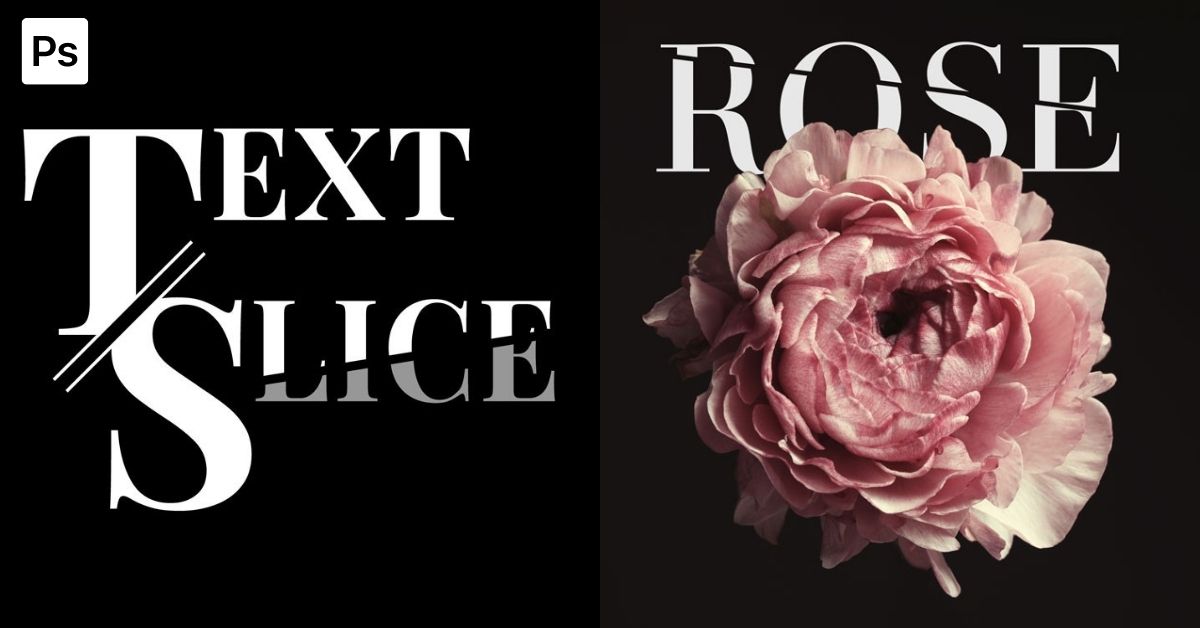
How To Slice Text In Photoshop
Learn how to create slice text in Photoshop with a simple step by step method using rasterized type and a basic selection.
How To Create A New Catalog In Lightroom
Learn how to create a new catalog in Lightroom along with some useful tips to get the best catalog settings for you.
How To Organize Presets In Lightroom
Learn the fastest and easiest ways to organize presets in Lightroom so your preset panel doesn’t feel overwhelming anymore.
How To Resize Text In Photoshop
Learn the fastest and easiest ways to resize text in Photoshop to help your text fit perfectly within your projects.
Can You Use PSD Files In Canva?
If you aren’t sure if you can use PSD files in Canva, this tutorial shares the answers along with how to get your Canva design into Photoshop.
How To Convert Text Into A Vector In Photoshop
Learn two ways to convert text into a vector in Photoshop to allow more editing options beyond what a standard type layer offers.
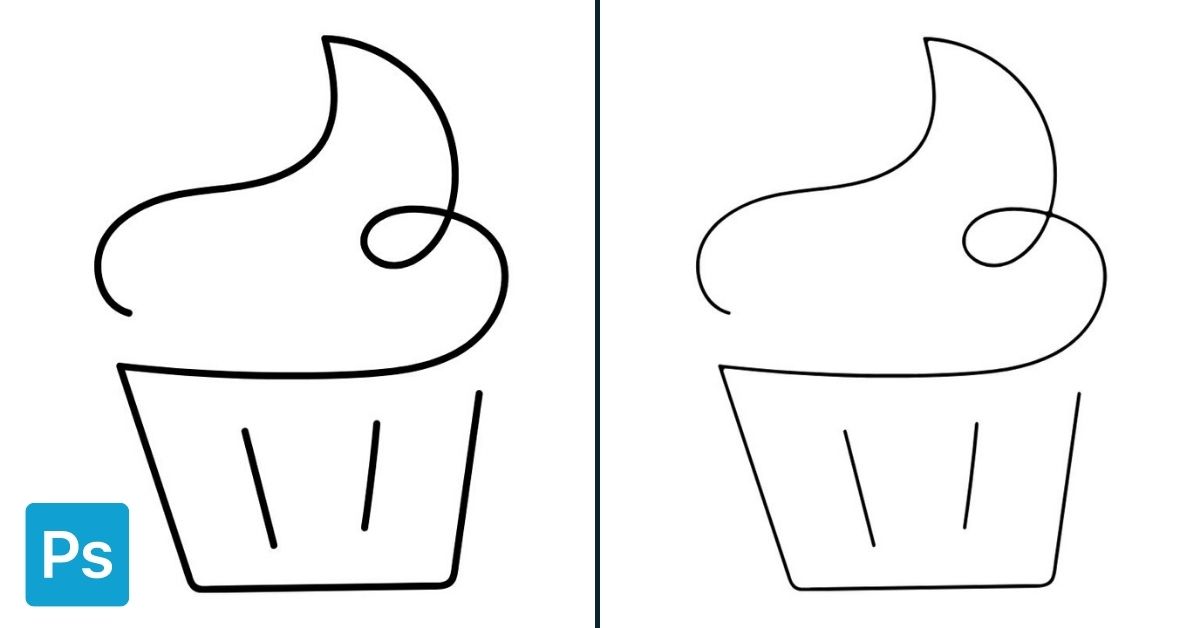
How To Edit Line Thickness In Photoshop
Learn how to edit line thickness in Photoshop whether you want to make your line art thicker or thinner, or simply edit the line tool.
How To Add Fonts In Photoshop
Learn how to quickly add fonts in Photoshop to customize your text in ways beyond what’s available by default in the program.
How To Delete Or Recover A Design In Canva (Step-By-Step)
Learn how to delete a design in Canva along with ways to recover a deleted design in case you made a mistake.
