
Thanks For Letting Me Know!
Here Are Some Articles To Get Started With
How To Make A Custom Shape In Photoshop
Learn two simple ways to make a custom shape in Photoshop using a basic path or turning a photo into a custom shape in a few clicks.
How To Resize A Layer In Photoshop (Step By Step)
Learn the easiest ways to resize a layer in Photoshop without losing quality so you can place objects in your projects with ease.
How To Make An Image Transparent In Photoshop
Learn the best ways to make an image transparent in Photoshop, along with transparent layers and transparent selection contents.
How To Crop Images In Photoshop
Learn the best methods to crop or straighten an image in Photoshop to help improve your composition or align objects in your frame.
How To Mirror Images In Photoshop
Learn the fastest and easiest way to mirror an image in Photoshop without having to deal with complex cropping adjustments or selections.
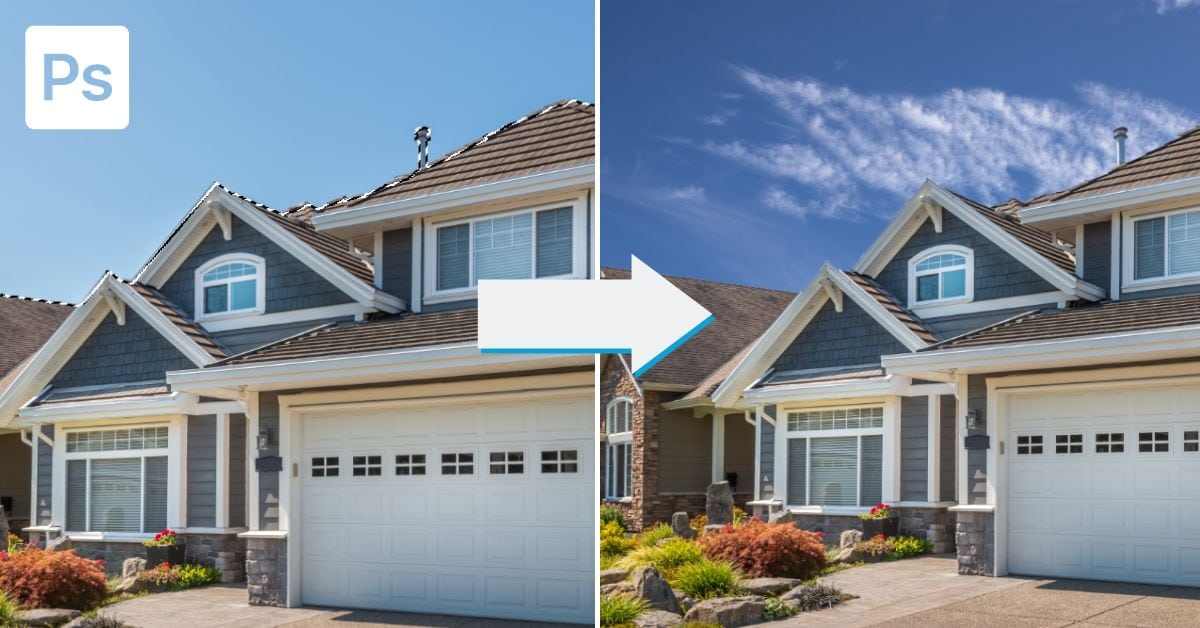
How To Add Clouds In Photoshop
Discover three easy ways to add clouds in Photoshop to add a little something to a plain blue sky or even on a dreary day.
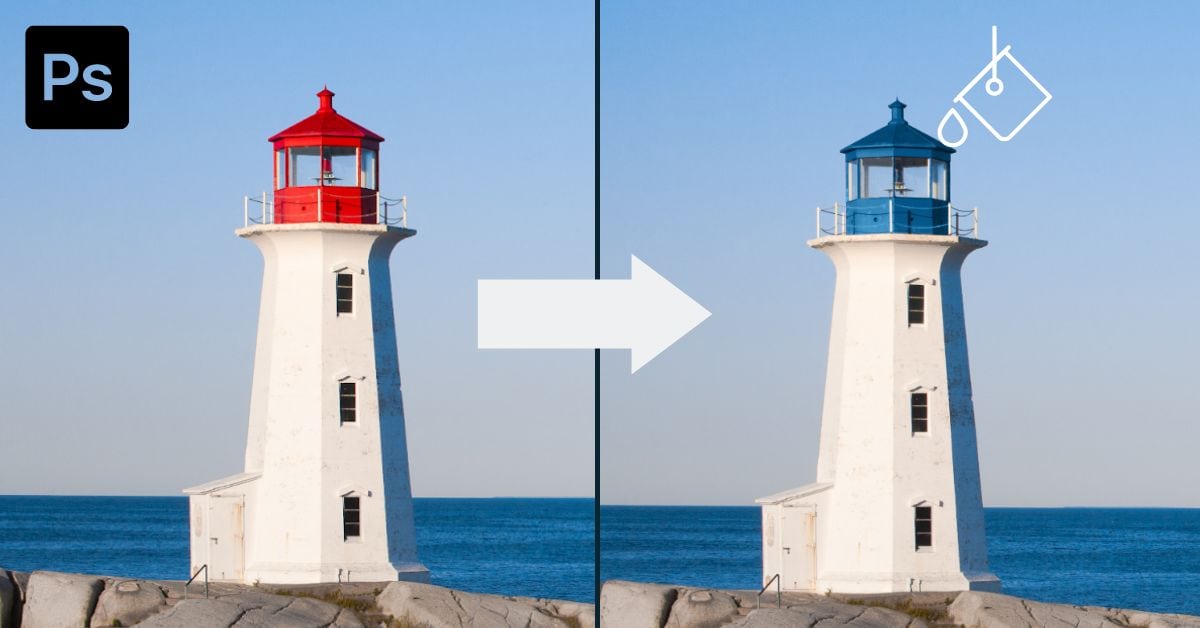
How To Use The Paint Bucket Tool In Photoshop
Learn how to use the Paint Bucket Tool in Photoshop to fill objects with color or patterns without any complicated selections.
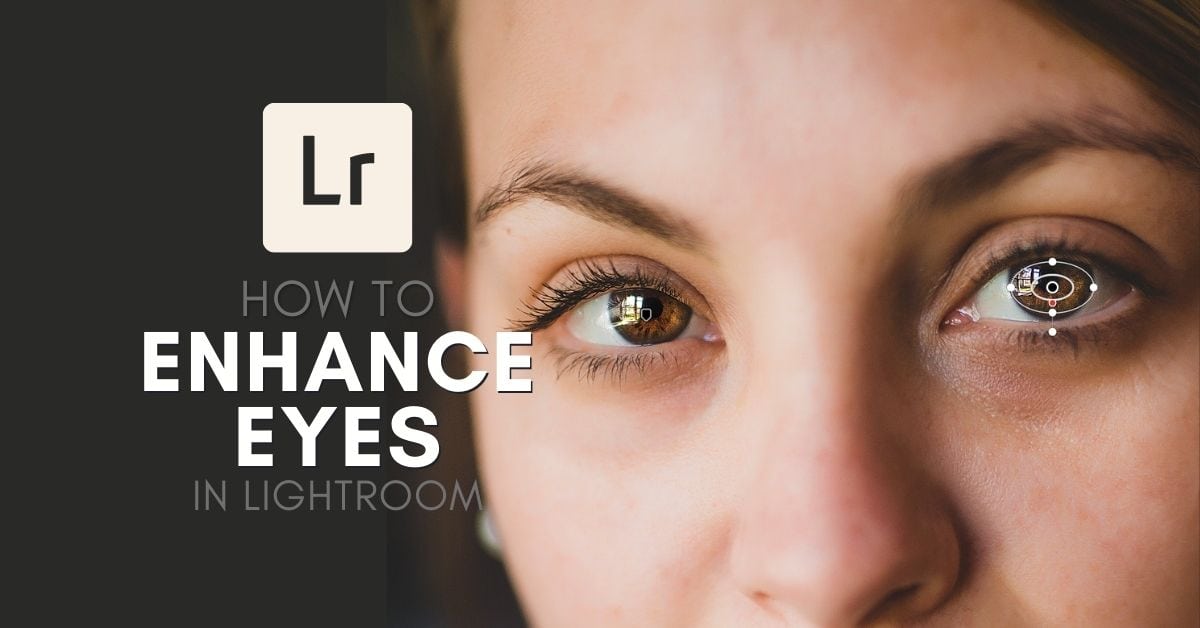
How To Brighten & Enhance Eyes In Lightroom
Learn the step-by-step methods behind brightening and enhancing eyes in Lightroom to make your portrait images come to life.
How To Use The Eyedropper Tool In Photoshop
Learn everything you need to know about the eyedropper tool in Photoshop along with some unique uses that selectively change color.
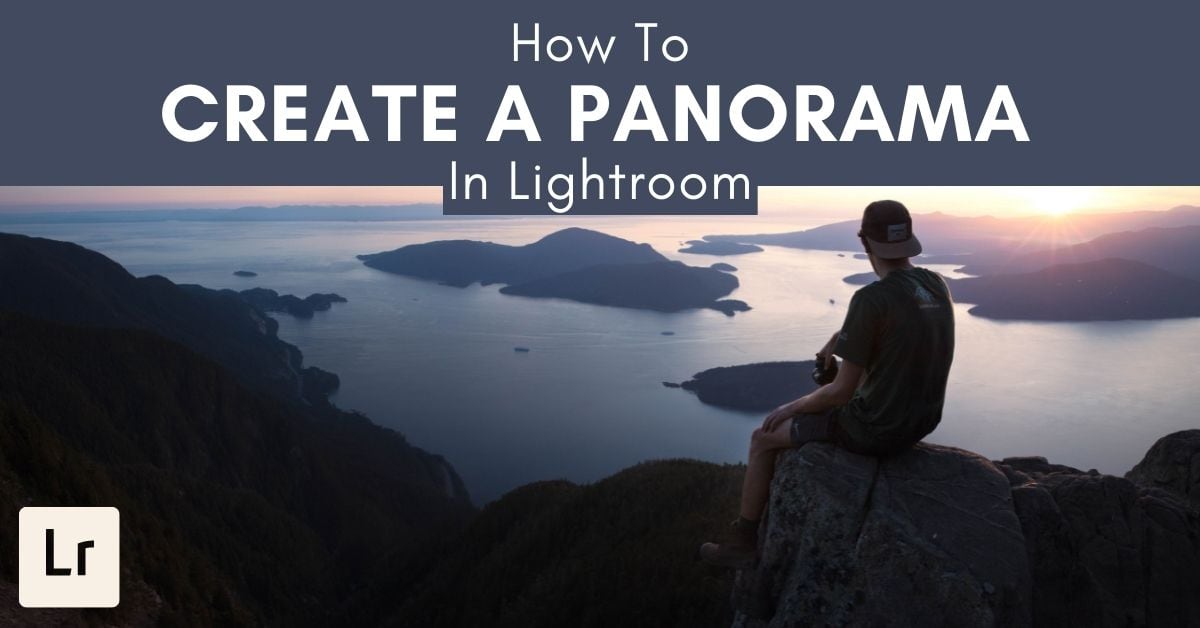
How To Create A Panorama In Lightroom
Learn the simple step by step process to create a panorama in Lightroom so you don’t need to deal with manually merging your photos.
