
Thanks For Letting Me Know!
Here Are Some Articles To Get Started With

How To Blur The Edges Of A Photo In Photoshop
Learn 3 easy ways to blur the edges of a photo in Photoshop with beginner friendly methods that you can create in just a few minutes.

How To Unlock The Background Layer In Photoshop (Quickly)
Here you’ll learn how to unlock the background layer in Photoshop with just one click, with other alternatives to unlocking layers as well!

How To Duplicate Layers In Photoshop (With Shortcuts!)
Learn the best ways to duplicate layers in Photoshop using a few easy shortcuts and other workarounds that can be done in seconds.

How To Unmerge Layers In Photoshop
Whether you merged or flattened your layers, the result is going to be the same. Multiple layers now have become one, and there’s no way to edit them individually. Fortunately, there are a few simple ways you can unmerge layers in Photoshop using some easy commands to get all your layers back.
Linking Vs Grouping Layers – What’s The Difference?
The two most effective ways to keep your Layer panel organized is by using linked layers or groups. On the surface, each of these options appears to do nearly the same thing. When you look a little deeper, there are very notable differences between each.

How To Link Layers In Photoshop
One of the most basic ways of keeping two different layers connected is by linking them. Here’s how to do it!
How To Group Layers In Photoshop
It doesn’t take much to create a messy and disorganized layers panel. That’s why learning how to group layers in Photoshop is so crucial. Groups are a simple way to sort your layer panel and keep related layers together.
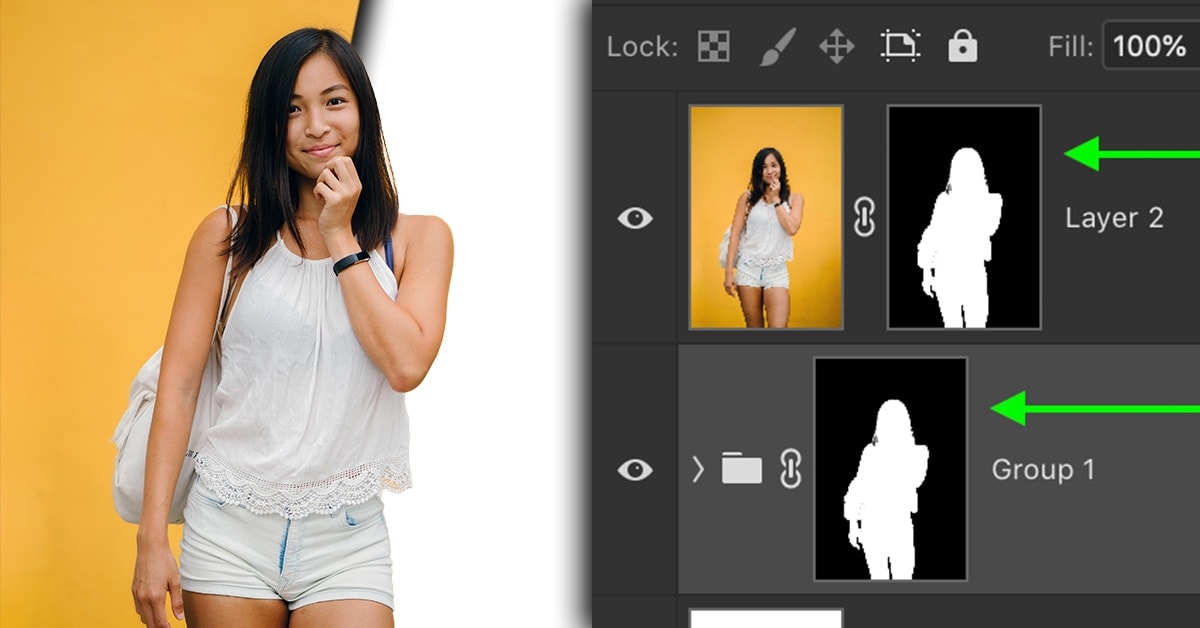
How To Duplicate Or Move Layer Masks In Photoshop
Learn the simple techniques to duplicate or move a layer mask in Photoshop in just a couple of seconds to save more time while editing.
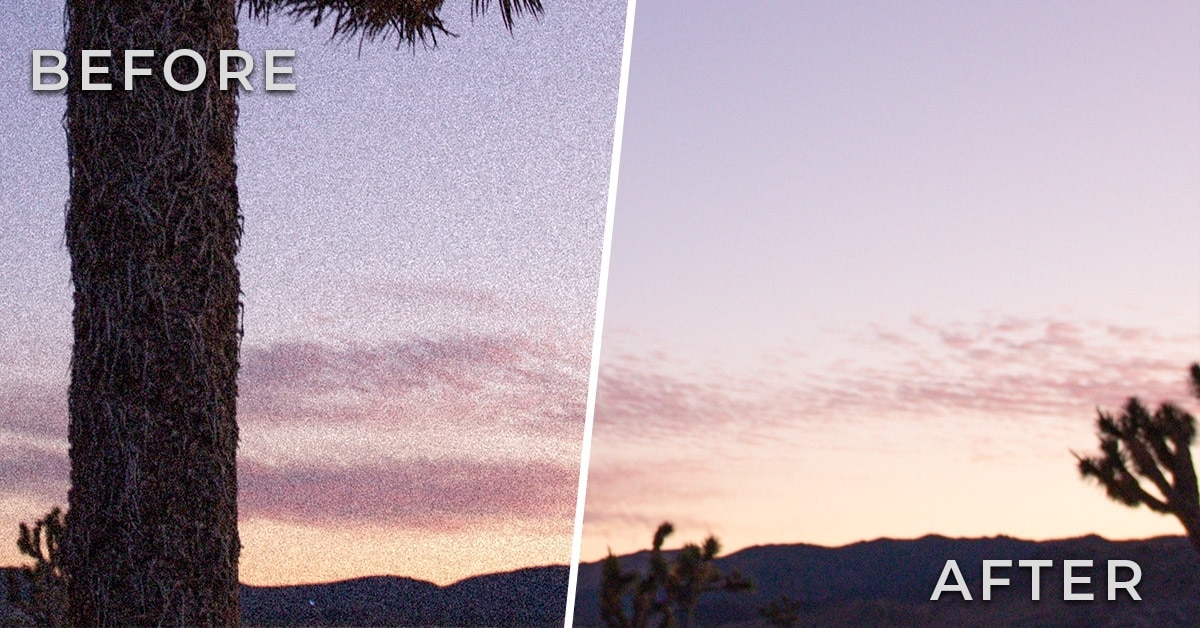
How To Fix Grainy Photos With These 5 Easy Tricks
Grain can be caused by a variety of different factors, all of which you have total control over. By remembering these simple strategies to fix grain in your photos, you’ll know how to get rid of it in any situation.
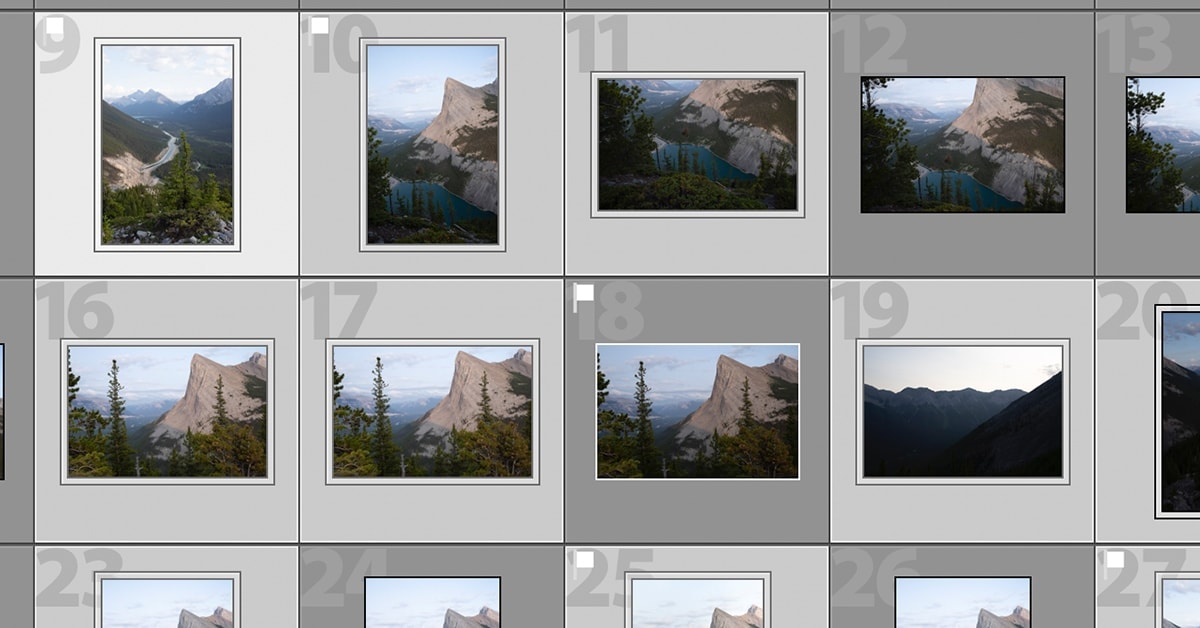
How To Select Multiple Photos In Lightroom (3 Easy Ways)
In order to speed up your workflow, it’s crucial to be able to select multiple photos at once in Lightroom. That way, you can import all the correct images, batch edit photos, and streamline the export process. Here’s how to do it.
