
How To Use The Photoshop Workspace
The “workspace” in Photoshop is every panel and window you see when you open the program. Although it can be undeniably intimidating at first glance, this guide to understanding the Photoshop interface will make things feel a lot more approachable.
Once you have an idea for the general layout of your workspace in Photoshop, there are ways you can customize it and make it your own. You can even go as far as changing your theme color in Photoshop to suit your style.
However, when you start customizing things, it’s not uncommon to accidentally lose a few panels. Luckily, you can always locate missing panels in Photoshop with a couple of clicks.
Controlling Your Image Quality In The Photoshop Workspace
Beyond the cosmetics of the Photoshop workspace, there are additional things to keep in mind to ensure every project is pixel-perfect. The first is understanding the difference between canvas size and image size. This often gets people hung up and can lead to issues with certain project requirements!
The second is understanding the differences between 8-bit, 16-bit, and 32-bit documents in Photoshop. Different bit depths will have a drastic effect on your projects, and it’s not always a good idea to choose the highest option.
The final important area to remember if you want high-quality projects is resolution. In Photoshop, this is most commonly measured in DPI. I share how to use and change DPI in this guide.
Tutorials To Help Master The Photoshop Workspace:
100+ Must-Know Keyboard Shortcuts For Photoshop (Mac & PC)
8 Bit VS 16 Bit VS 32 Bit In Photoshop – What’s The Difference?
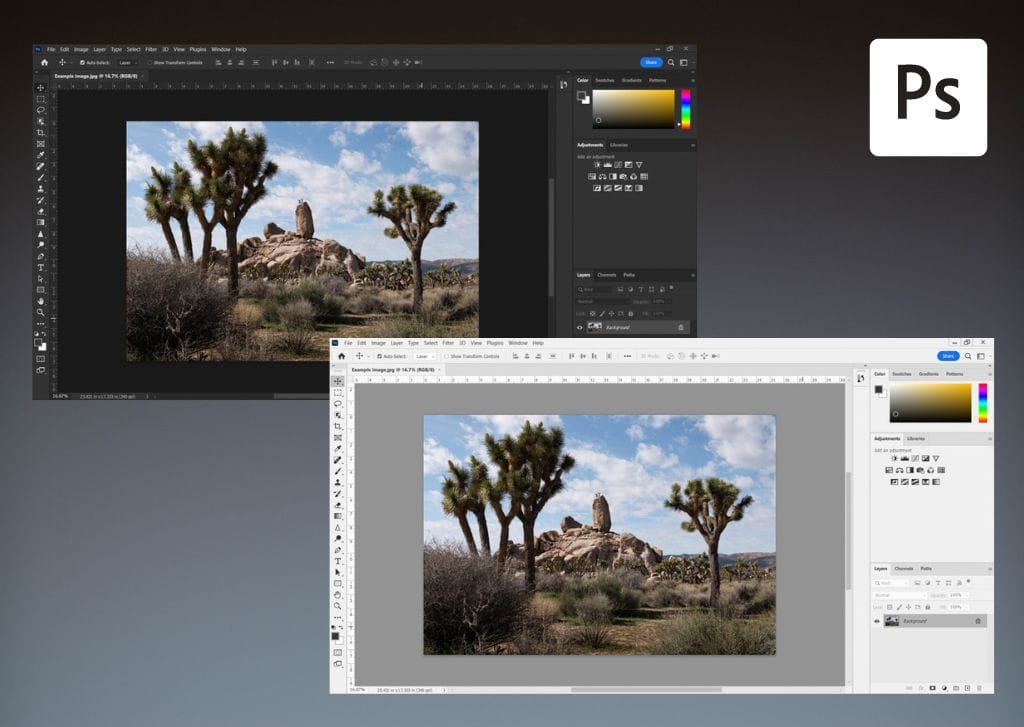
How To Change Your Photoshop Theme (Light & Dark Mode)
How To Use & Customize Your Workspace In Photoshop
How To Add Notes To A Project In Photoshop
Canvas Size Vs Image Size In Photoshop – Differences Explained
How To Locate A Missing Toolbar Or Panel In Photoshop
Understanding The Photoshop Interface
How To Change DPI In Photoshop
How To Get Out Of Grayscale In Photoshop (FAST!)
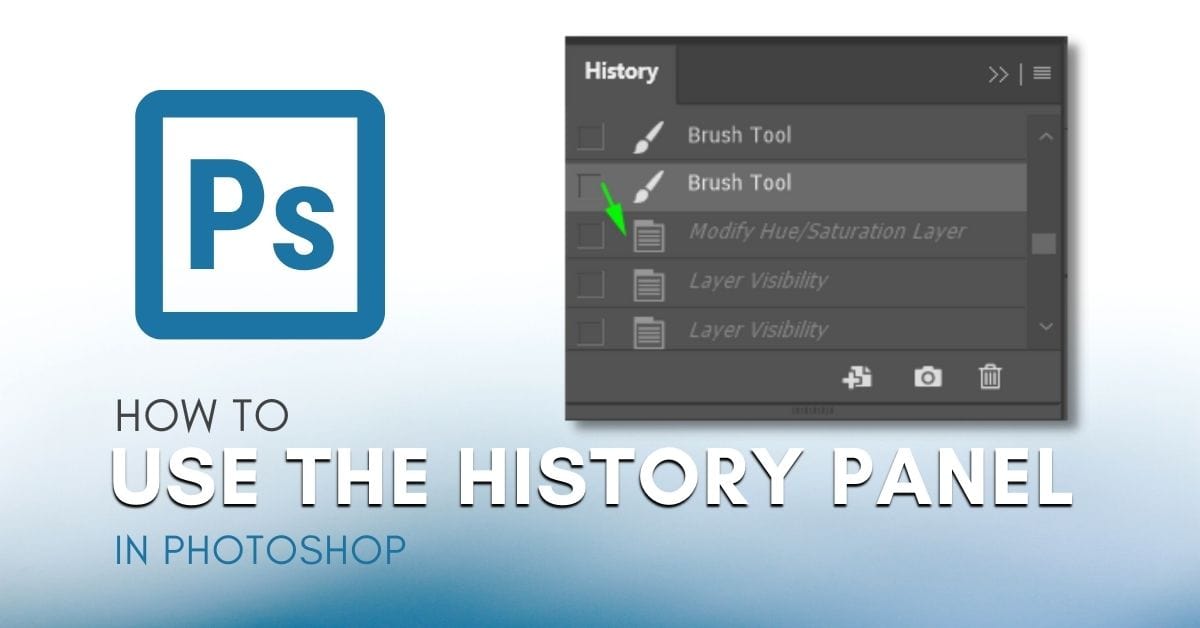
How To Use The History Panel In Photoshop
How To Undo And Redo In Photoshop
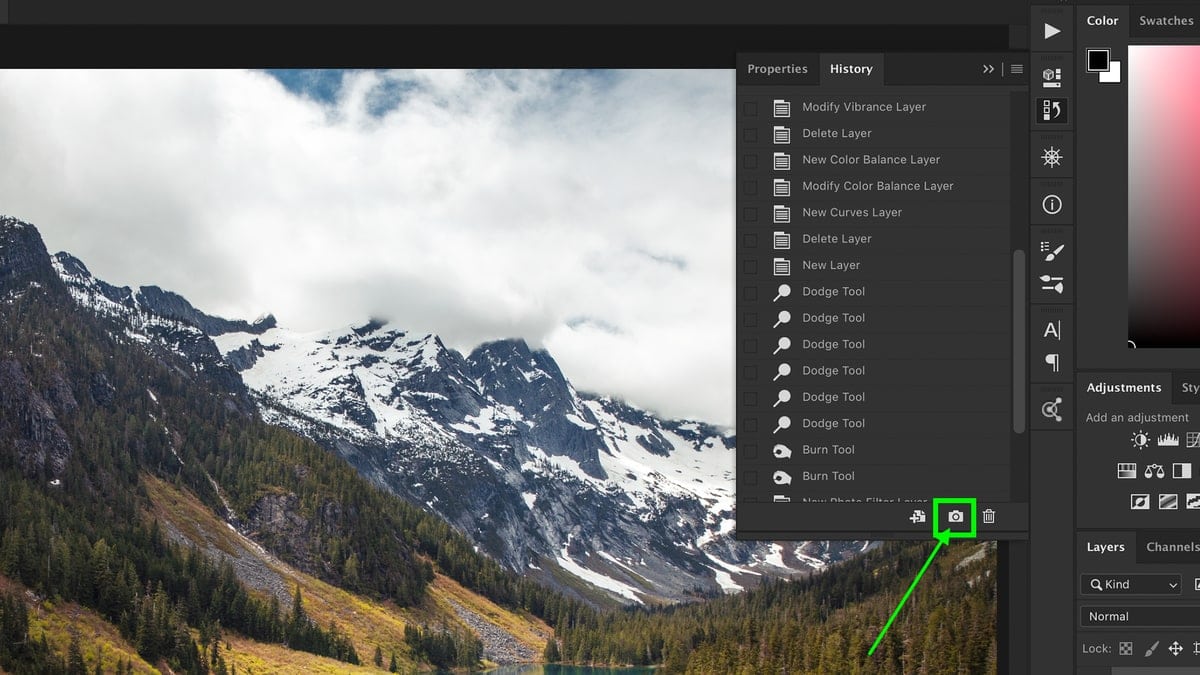
How To Use Snapshots In Photoshop
100+ Must-Know Keyboard Shortcuts For Photoshop (Mac & PC)
8 Bit VS 16 Bit VS 32 Bit In Photoshop – What’s The Difference?
How To Change Your Photoshop Theme (Light & Dark Mode)
How To Use & Customize Your Workspace In Photoshop
How To Add Notes To A Project In Photoshop
Canvas Size Vs Image Size In Photoshop – Differences Explained
How To Locate A Missing Toolbar Or Panel In Photoshop
Understanding The Photoshop Interface
How To Change DPI In Photoshop
How To Get Out Of Grayscale In Photoshop (FAST!)
How To Use The History Panel In Photoshop
How To Undo And Redo In Photoshop
