
Thanks For Letting Me Know!
Here Are Some Articles To Get Started With
How To Use The Ruler Tool In Photoshop (Ultimate Guide)
Learn all the ways you can use the Ruler Tool in Photoshop to align layers, measure objects within a project, and much more.
How To Use The Tone Curve In Lightroom (Ultimate Guide)
Learn the ins and out of how to use the Tone Curve in Lightroom to enhance your photos and improve their overall exposure and contrast.
How To Use The Histogram In Lightroom (Classic & CC)
Learn how to use the histogram in Lightroom to correct your exposure along with tips to use it effectively in your editing.
How To Use Adjustment Layers In Photoshop
Learn how to use every adjustment layer in Photoshop to better understand how these tools can be used to edit your projects.
Photoshop VS Photography Plan – Which Is Best?
Let’s take a look at the differences between the Photoshop and the Photography Plan from Adobe to see which one is the best value for you.
How To Lock Layers In Photoshop
Learn these quick tips to lock layers in Photoshop to prevent you from accidentally editing them when dealing with many layers at once.
How To Rotate A Page In Canva (Step By Step)
Learn the step by step process to rotate a page in Canva from landscape to portrait or vice versa, along with a workaround for free users.
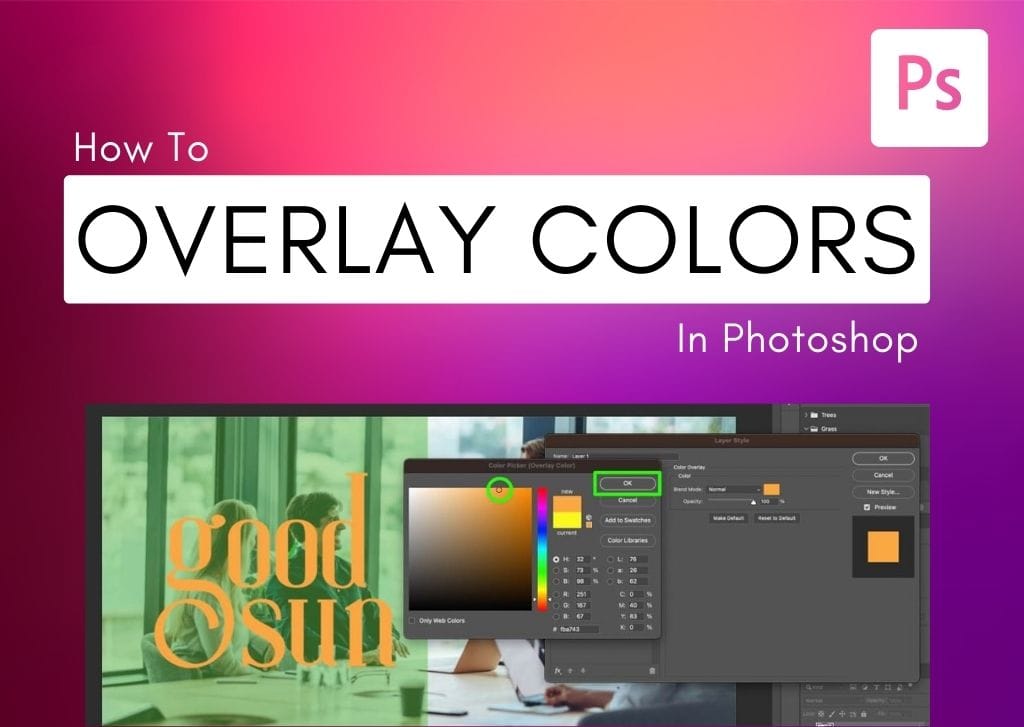
How To Overlay Color On Images & Graphics In Photoshop
Learn the simple ways to overlay color on images or graphics in Photoshop to change the color of elements or add blended shapes into photos.
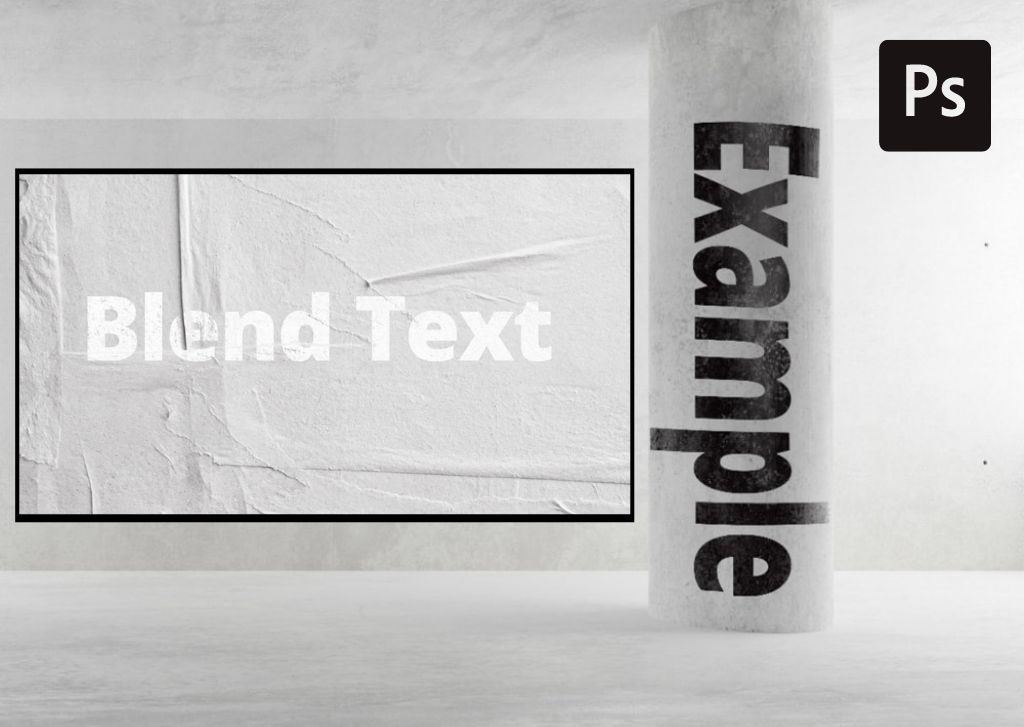
How To Blend Text Into Photos In Photoshop (2 Easy Ways)
Learn two different ways to blend text into images in Photoshop to make the textures and angles of the text look realistic.
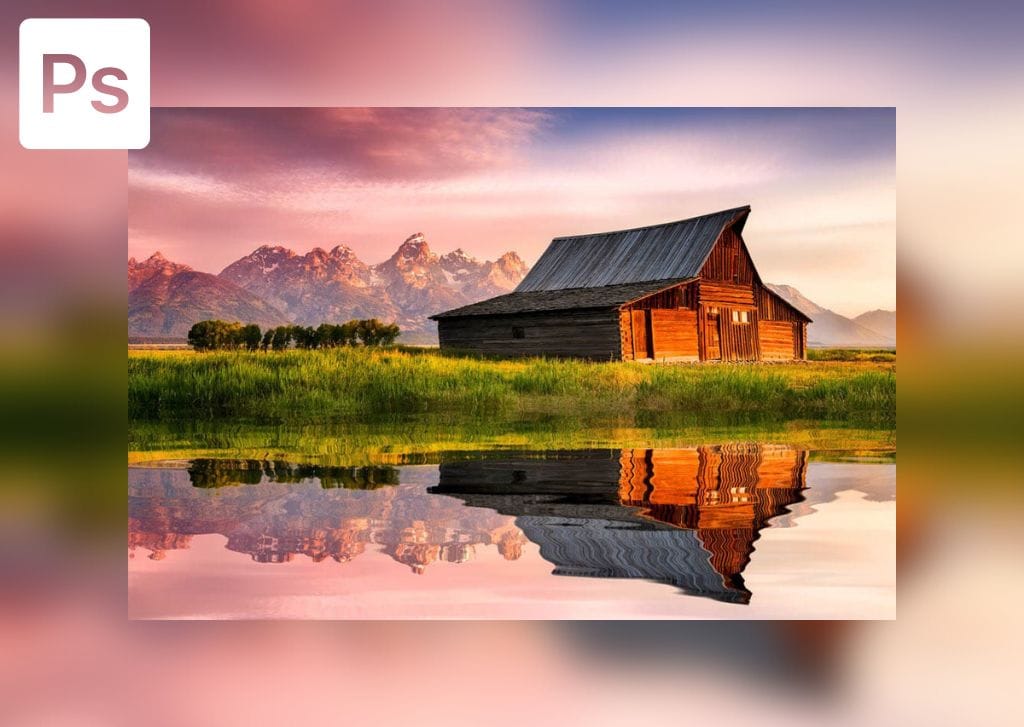
How To Add A Realistic Reflection In Photoshop (Step By Step)
Learn the step by step process to create a realistic reflection in Photoshop using a simple process that creates realistic water ripples.
