
Thanks For Letting Me Know!
Here Are Some Articles To Get Started With
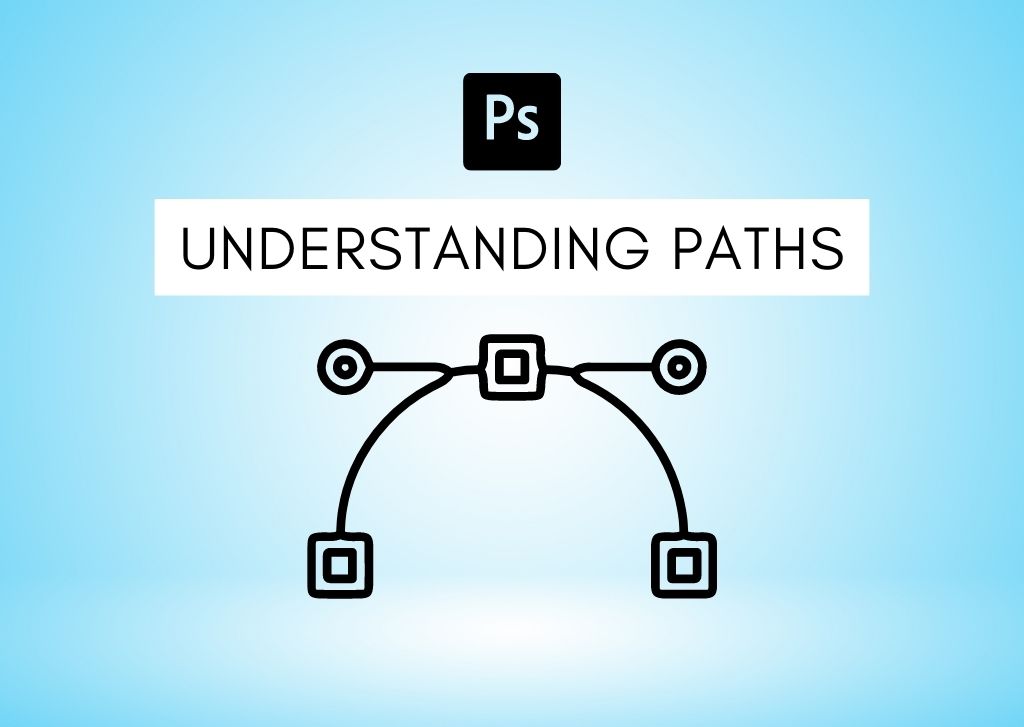
What Is A Path In Photoshop + How To Use Them
Let’s take a look at exactly what a path is in Photoshop, what they are used for, and how you can use them to improve your workflow.
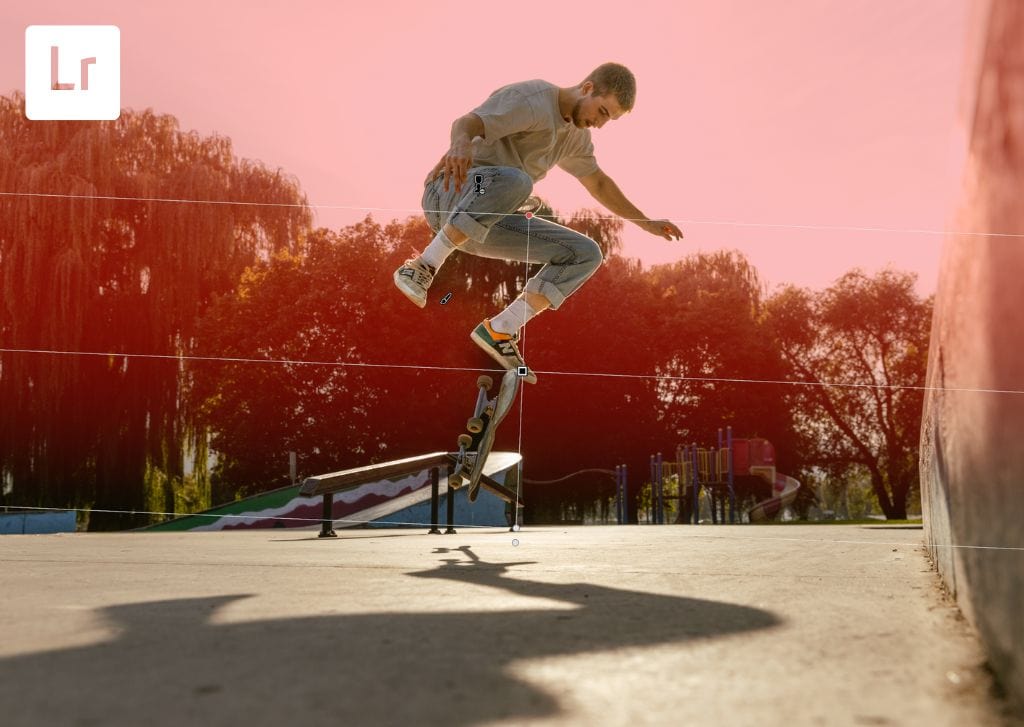
How To Use The Graduated Filter In Lightroom (Complete Guide)
Learn how to use the graduated filter in Lightroom to create customized selective adjustments, add mood, or correct the exposure of a photo.
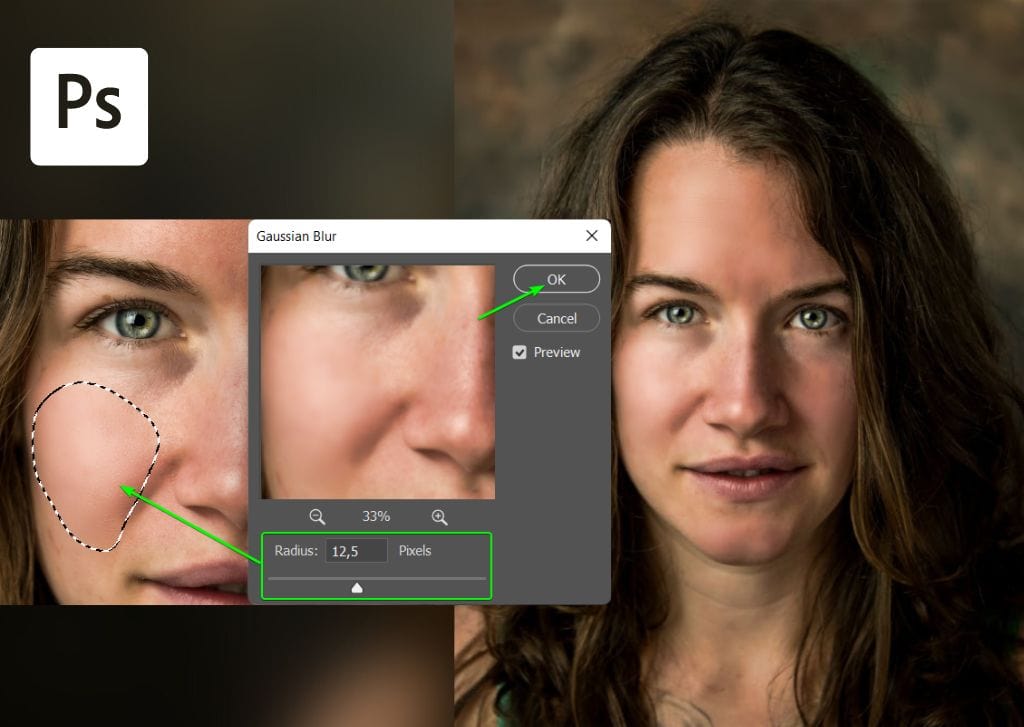
How To Use Frequency Separation In Photoshop (Step By Step)
Learn the step by step process to use frequency separation in Photoshop to give your subjects flawless skin and improve your retouching.
How To Resize Images For Print In Photoshop (2 Easy Ways)
Learn two easy ways to resize images for print in Photoshop without sacrificing image quality and getting poor results in your prints.
How To Change DPI In Lightroom (Classic & CC)
Learn to quickly change the DPI of a photo in Lightroom when you export, along with some tips to consider before you change the resolution.
How To Flatten An Image In Photoshop (Complete Guide)
Learn how to quickly flatten an image in Photoshop along with the pros and cons to flattening images compared to merging them.
How To Change Resolution In Canva (300 DPI Export)
Learn how you can control and change the resolution of a design in Canva, along with tips to make it possible in any file format.
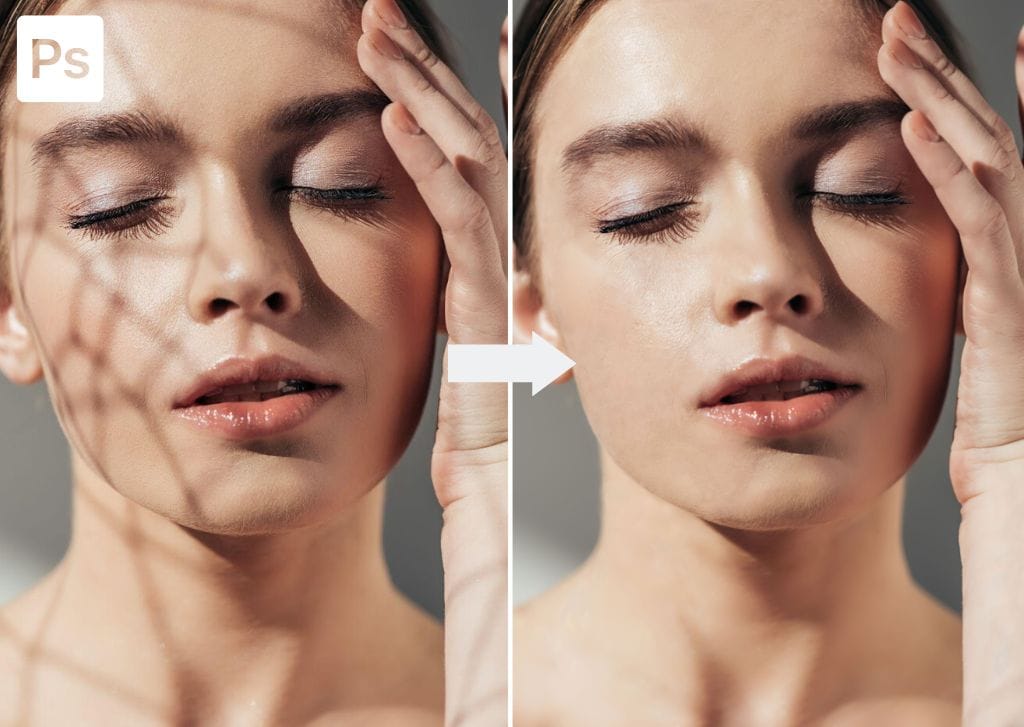
How To Remove Shadows In Photoshop (2 Easy Ways)
Learn two easy ways to remove shadows from an image in Photoshop from both a subjects face, along with a background.
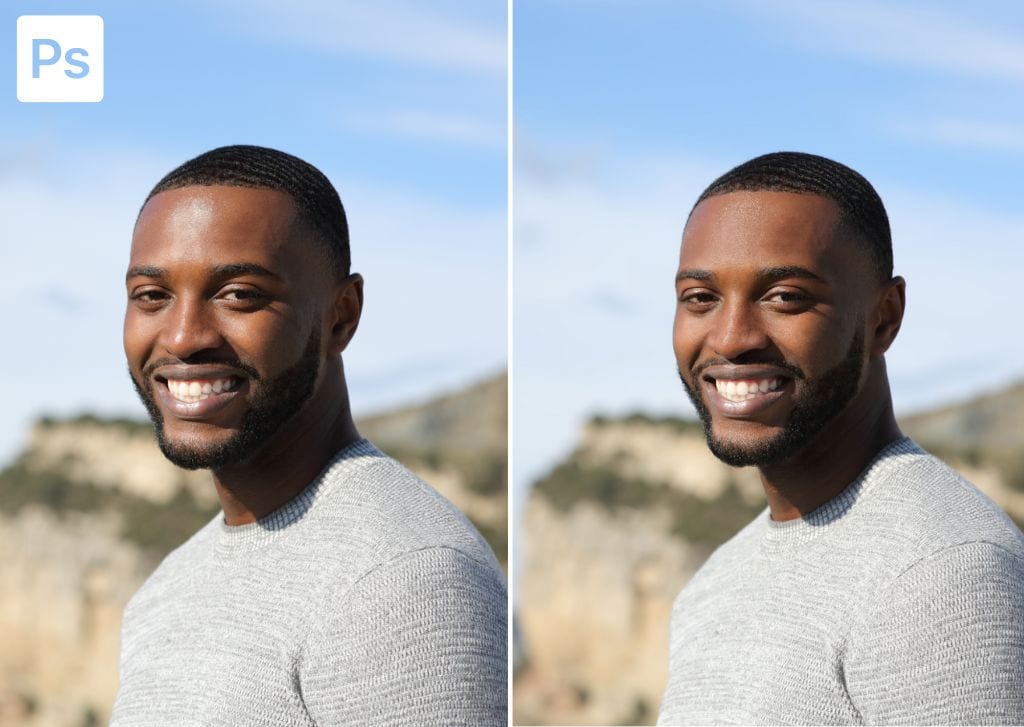
How To Remove Face Shine In Photoshop (Fix Oily Skin)
Learn a simple step by step process to remove face shine in Photoshop to touch up oily skin on any subjects face!
How To Undo In Lightroom (Desktop & Mobile)
Learn the different fast and easy ways to undo in Lightroom desktop and mobile so you can experiment with your edits without worry!
