
Thanks For Letting Me Know!
Here Are Some Articles To Get Started With
How To Convert JPG To WebP In Photoshop
Learn the simple step by step process to convert JPG files into WebP files in Photoshop with just a few clicks.
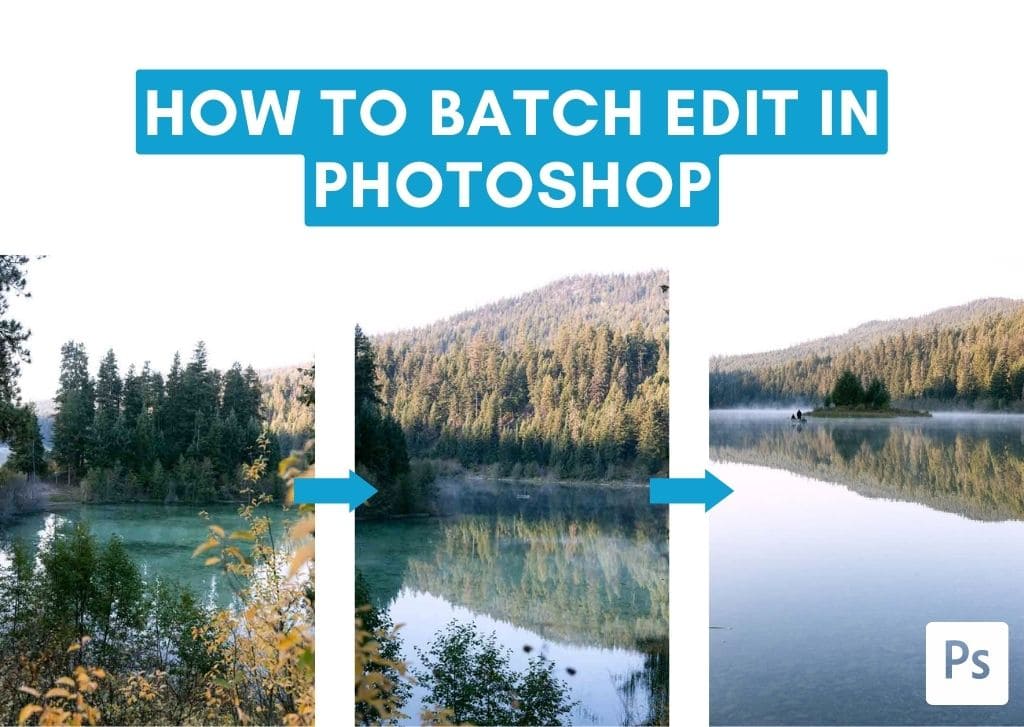
How To Batch Edit & Export Images In Photoshop
Learn how to batch edit photos in Photoshop using Camera Raw and Photoshop Actions along with an easy technique to batch export your files.
How To Create A Copyright Symbol In Photoshop (2 Easy Ways)
Here’s how to create a copyright symbol in Photoshop using a keyboard shortcut or font glyphs to make the process quick and easy.
How To Save & Export In Canva (Step By Step)
Learn every way to save and export an image in Canva while gaining a better understanding of what file types are best suited for your export.
How To Use Soft Proofing In Lightroom
Learn how to get more accurate colors with your prints by soft proofing your images in Lightroom with this beginner-friendly process.
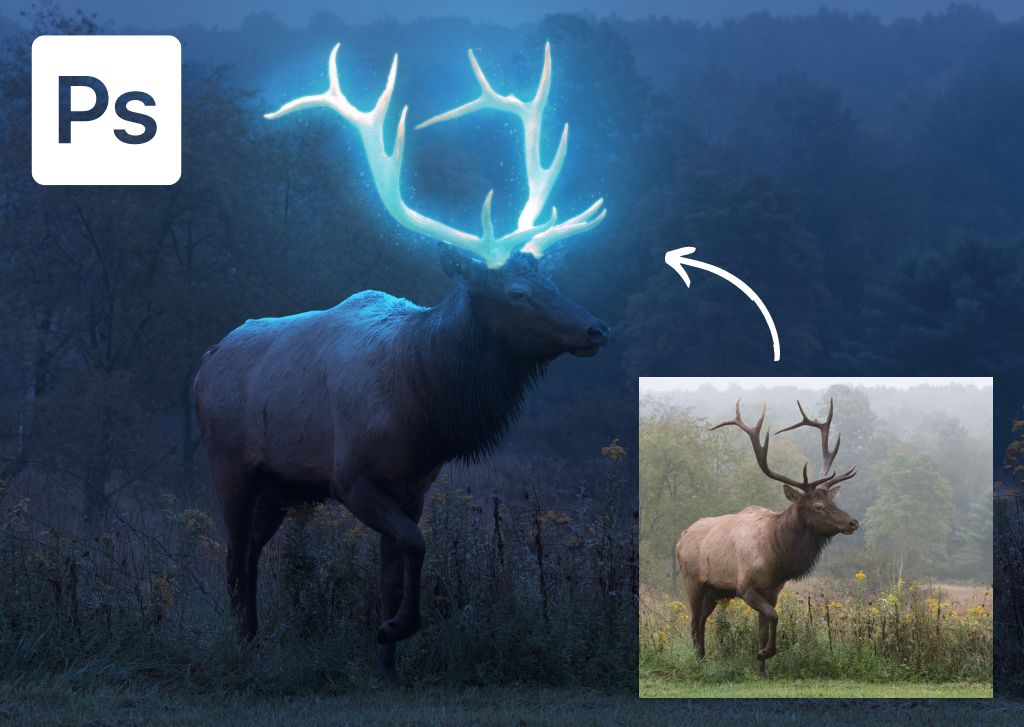
How To Create The Glow Effect In Photoshop (Step By Step)
Learn how to add a stunning glow effect in Photoshop using this step by step process along with custom brush adjustments.
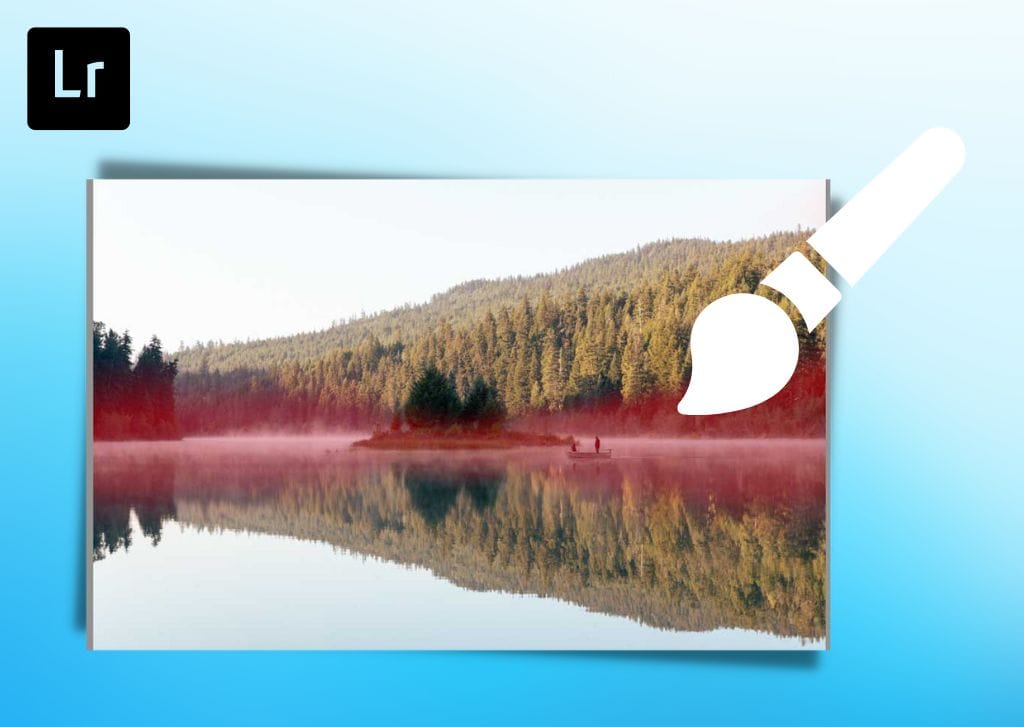
How To Use The Adjustment Brush In Lightroom
Let’s take a look at how to use the adjustment brush in Lightroom to add or subtract selective adjustments from your edits with ease.
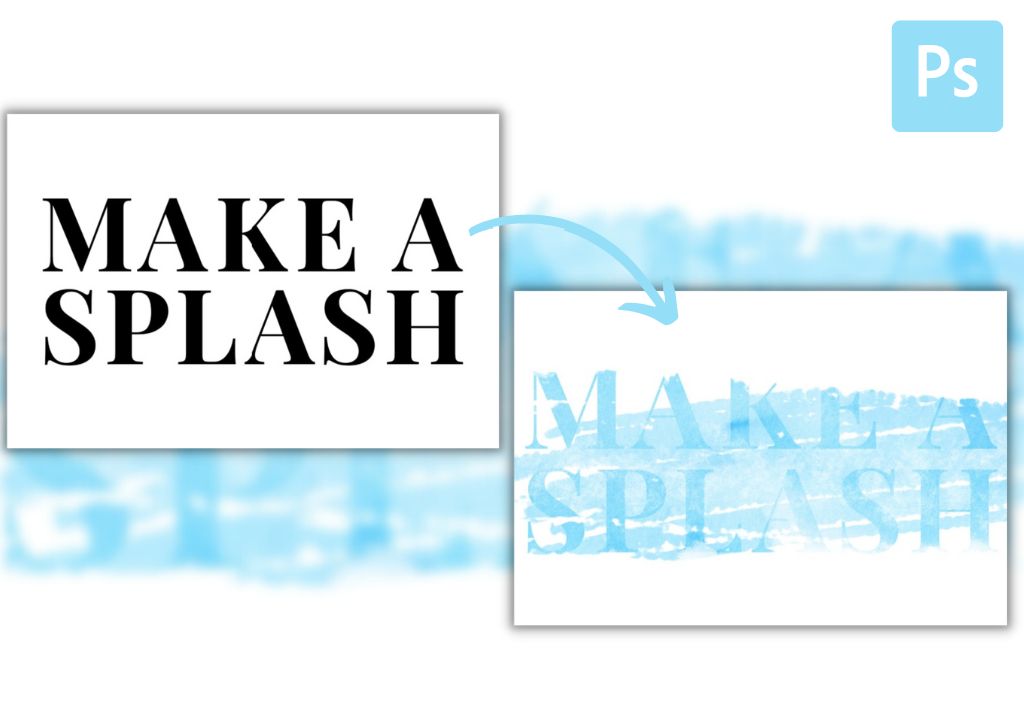
How To Add Texture To Text In Photoshop (Step By Step)
Here’s how to apply a texture to your text layers in Photoshop, along with additional tips to add brush enhancements to improve the effect.
How To Add Multiple Images To A Photoshop Project (Step By Step)
Here’s how to quickly add multiple images as layers to a Photoshop project, along with a helpful preference setting to speed up the process.
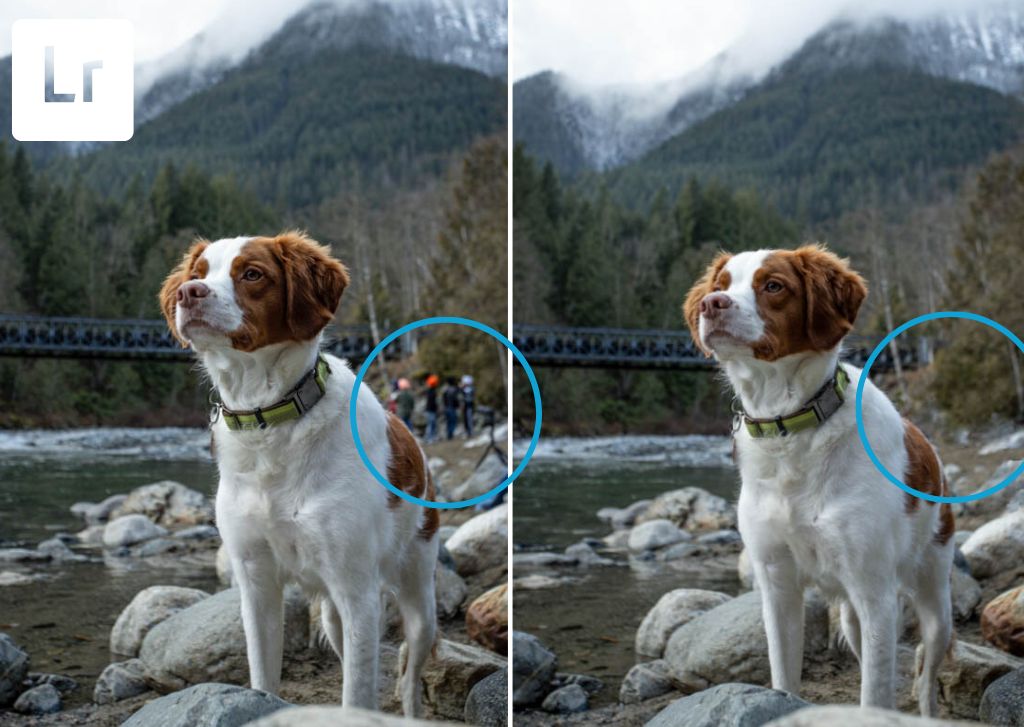
How To Use The Healing Brush In Lightroom
Learn how to use the Healing Brush in Lightroom to remove unwanted distractions from your images with ease, even if you’re a beginner!
