
Thanks For Letting Me Know!
Here Are Some Articles To Get Started With
Photoshop VS Photopea – Which Is Best?
Let’s compare the differences between Photoshop vs Photopea to see which is best for photo editing, graphic design, and drawing.
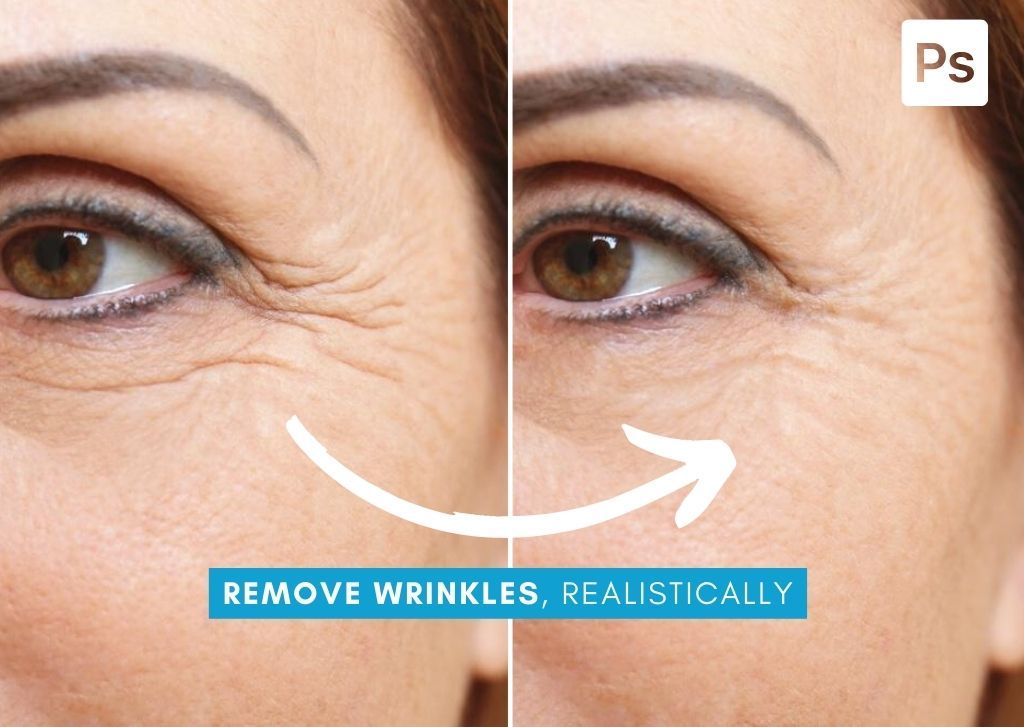
How To Remove Wrinkles In Photoshop (Step By Step)
Learn how to remove wrinkles from a persons face in Photoshop in a way that doesn’t make them look alien or over edited!
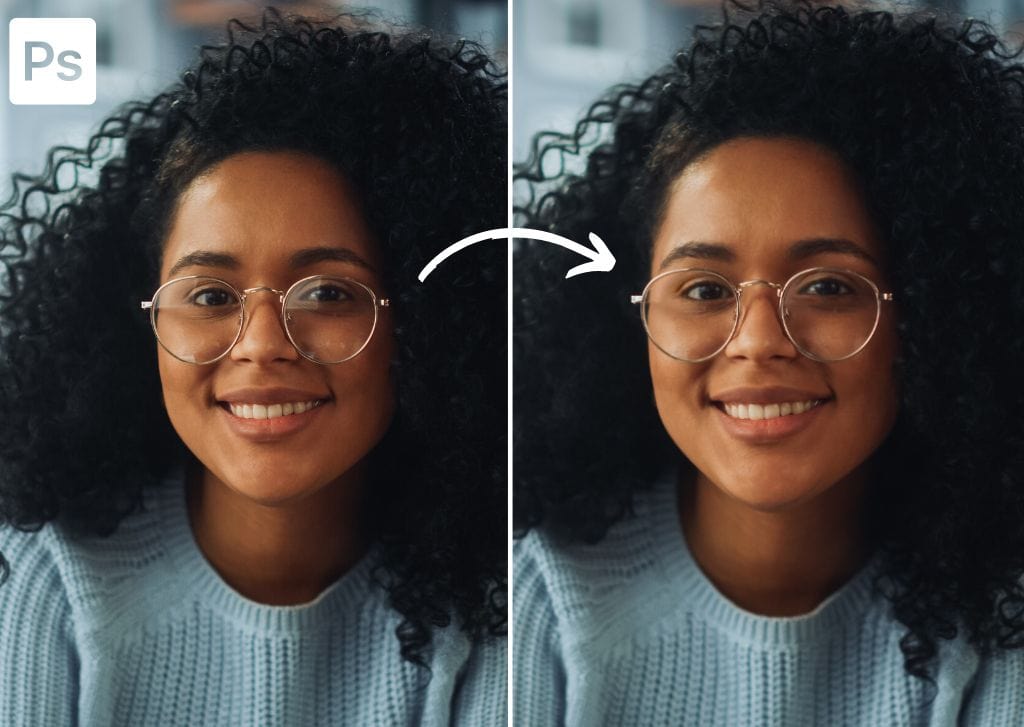
How To Remove Glare From Glasses In Photoshop (Step By Step)
Learn the relatively easy step-by-step process to remove glare from glasses in Photoshop to help make your subject’s eyes visible once again!
How To Make A Vector Image In Photoshop (Step By Step)
Learn how to convert a rasterized graphic saved as a PNG file into an infinitely scalable vector image in Photoshop with these steps.
How To Add Bleed And Crop Marks In Photoshop
Learn a handful of easy ways to add bleed and crop marks to your images in Photoshop to prepare a photo for printing without needing to crop!
How To Use The Slice Tool In Photoshop (Complete Guide)
Learn everything you need to know to use the Slice Tool in Photoshop to easily split your image into separate, matching, pieces for export.
How To Use The Hand Tool In Photoshop (Complete Guide)
Learn how to use the hand tool in Photoshop to quickly navigate around your documents with ease for a close look at details.
How To Create A Rainbow Gradient In Photoshop (Step By Step)
Learn the simple step by step process to create a rainbow gradient in Photoshop as well as how to apply it to text and shape layers too!
How To Set Up Scratch Disks In Photoshop
Learn how to quickly set up, change, and clear your scratch disks in Photoshop to ensure everything always runs smoothly.
How To Auto Save In Photoshop
Learn how to enable auto save in Photoshop to ensure your projects are always safe even if your program crashes unexpectedly.
