
Thanks For Letting Me Know!
Here Are Some Articles To Get Started With
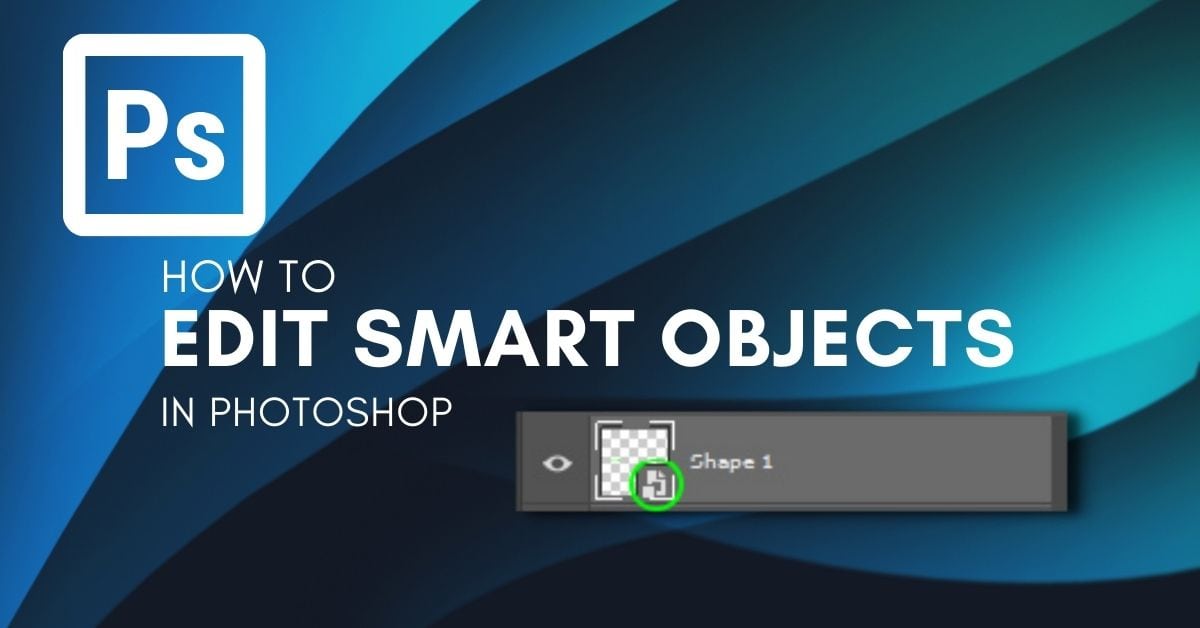
How To Edit Smart Objects In Photoshop
Learn the different ways you can edit smart objects in Photoshop so you can directly edit the contents, or edit the smart object as a whole.
How To Use Lightroom Presets In Photoshop
Learn the easy methods to using Lightroom Presets in Photoshop as well as how to convert your Lightroom Presets into Photoshop Actions!

How To Bend Or Curve An Image In Photoshop
If you need to bend or curve an image in Photoshop, this tutorial will walk you through all of the different ways of doing so!
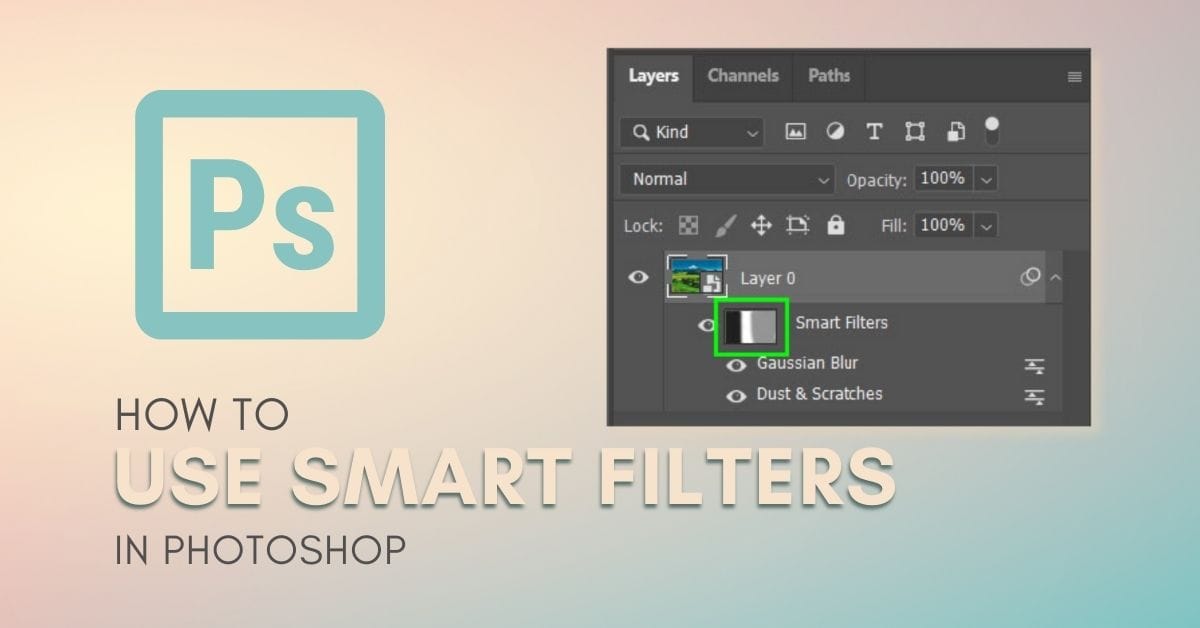
How To Use Smart Filters In Photoshop
Learn how to use smart filters in Photoshop while gaining a better understanding of why they’re so valuable to your workflow.
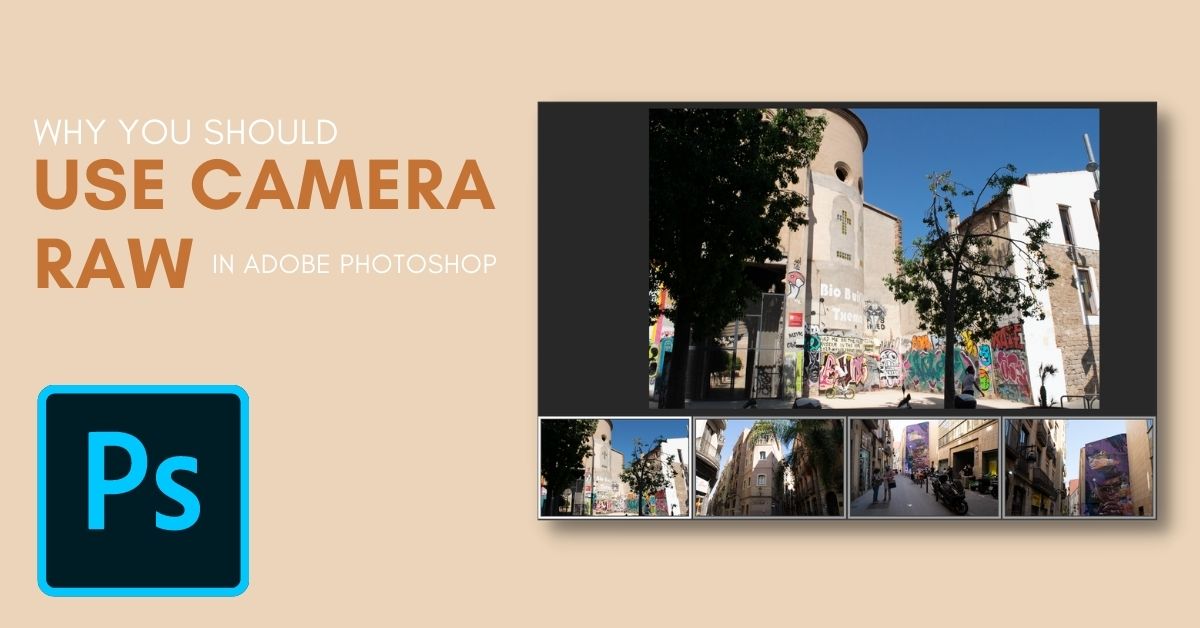
8 Reasons Why You Should Use Camera Raw In Photoshop
Learn 8 important reasons why you should use Camera Raw in your workflow and see how it stacks up against the main Photoshop workspace.
12 Easy Ways To Make Your Photoshop File Sizes Smaller
Discover 12 of the best ways to reduce the size of a file in Photoshop to help reduce strain on your computer and save your projects faster.
How To Layer Multiple Presets Together In Lightroom
Learn how to layer multiple presets together in Lightroom so you can use presets that don’t overwrite each other.
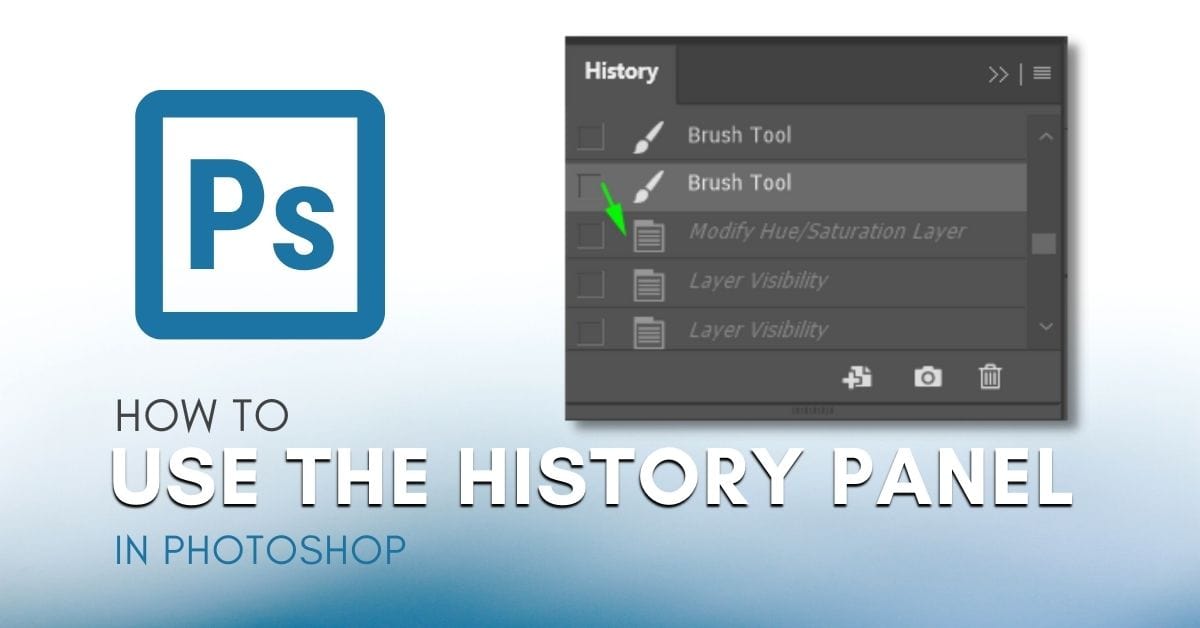
How To Use The History Panel In Photoshop
Learn how to use the history panel in Photoshop along with some helpful tips to make the most of your history states while editing!
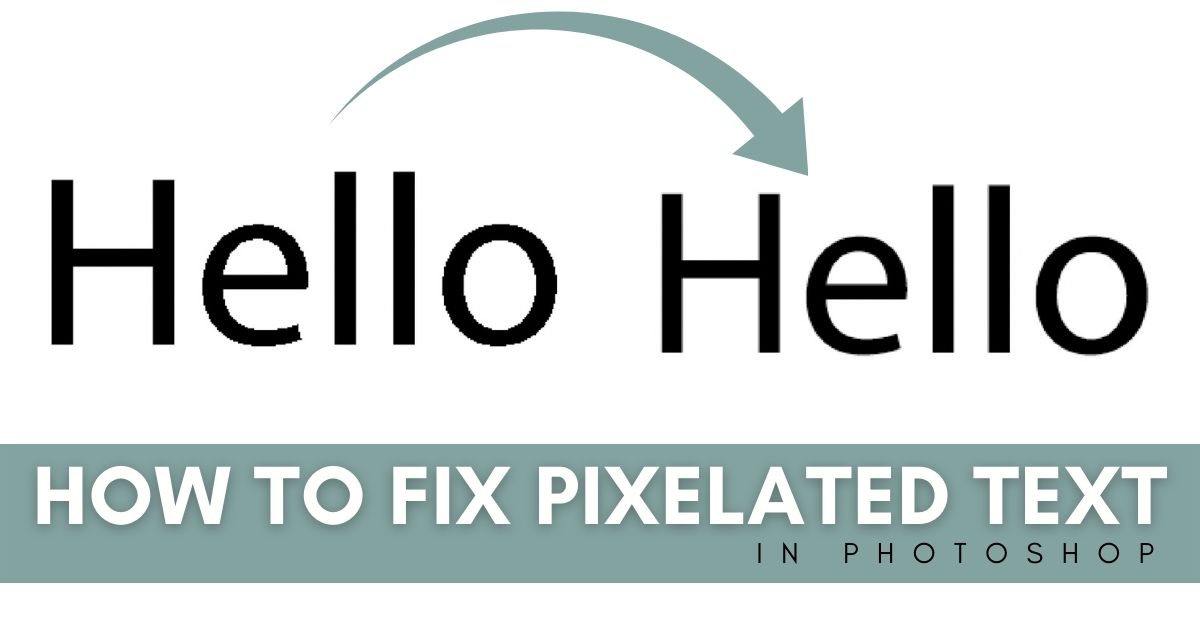
5 Easy Ways To Fix Pixelated Text In Photoshop
These 5 ways to fix pixelated text in Photoshop will allow you to have smooth crisp edges with any piece of text you create in the program!
How To Locate A Missing Panel In Photoshop (Fast!)
Learn every possible solution to locate a missing panel in Photoshop to get your workspace back to normal again!
